Best Overall
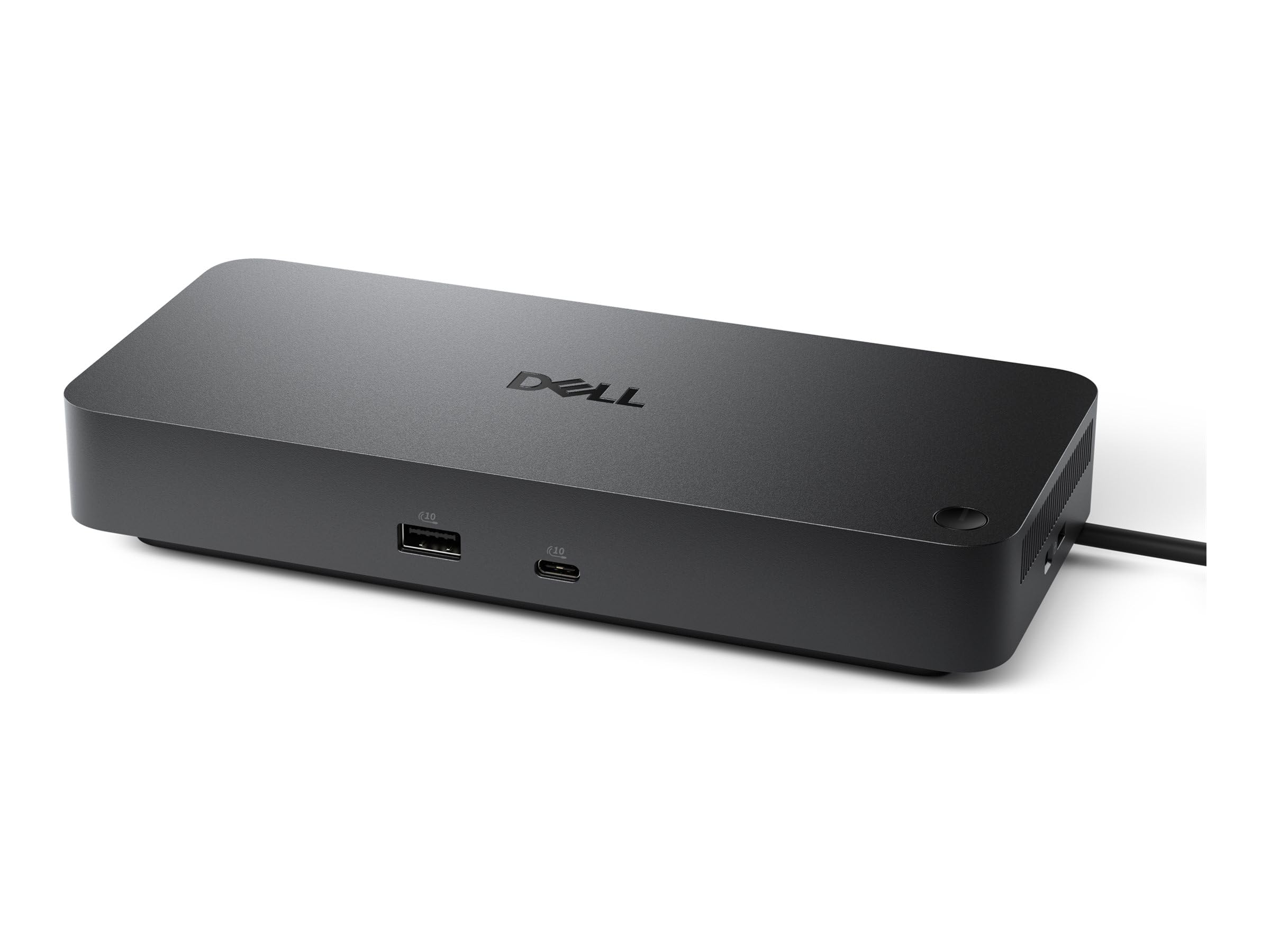
Dell Pro Thunderbolt 4 Smart Dock SD25TB4
Key details
- Ethernet
- 2.5GbE
- Total Ports
- 12
- Laptop Charging
- 130W Dell, 96W others
- External Displays
- Up to 4x 4K
Four 4K monitors and a 2.5GbE jack are the two figures that decided this for us, and together they explain why the SD25TB4 is the dock we hand to almost everyone. Two DisplayPort 1.4 outputs, HDMI 2.1, a USB-C video path, and two Thunderbolt 4 ports give a recent Windows laptop a four-screen desk from a single cable. Six USB ports and 2.5GbE networking mean the peripherals and the NAS live on the dock rather than on the laptop. A Mac tops out at two external displays here, which is macOS's limit rather than Dell's.
Charging separates it from the cheaper picks: a Dell laptop takes the full 130W, and everything else negotiates 96W. That is comfortable for a 13- or 14-inch machine and enough for most of a working day on a 16-inch, though a big laptop exporting video will still dip into its battery, so keep the original charger within reach for those days. The adapter rated for 180W is the size that implies, and the dock itself is a flat slab that sits behind a monitor without asking for desk space.
Setup is the least dramatic part, in the best way: plug in and the displays, keyboard, mouse, and Ethernet come up together. The remote-management layer, with Wi-Fi management through Dell Console and Intel AMT, PXE boot, WPA3, MAC filtering, and DMA protection, exists for IT departments imaging fleets by the pallet. On a home desk you will never open it, and it does not get in the way. What you are paying for is the display count and the network speed, and nothing else here covers both halves as neatly.
Pros
- Drives up to four 4K displays on Windows
- 2.5GbE networking built in
- 130W charging on Dell laptops
- Twelve ports including two Thunderbolt 4
Cons
- Four-display mode needs a recent Windows laptop
This is the dock we recommend first to anyone with a recent Windows laptop: four screens, 2.5GbE, and full-speed charging, all from one cable.