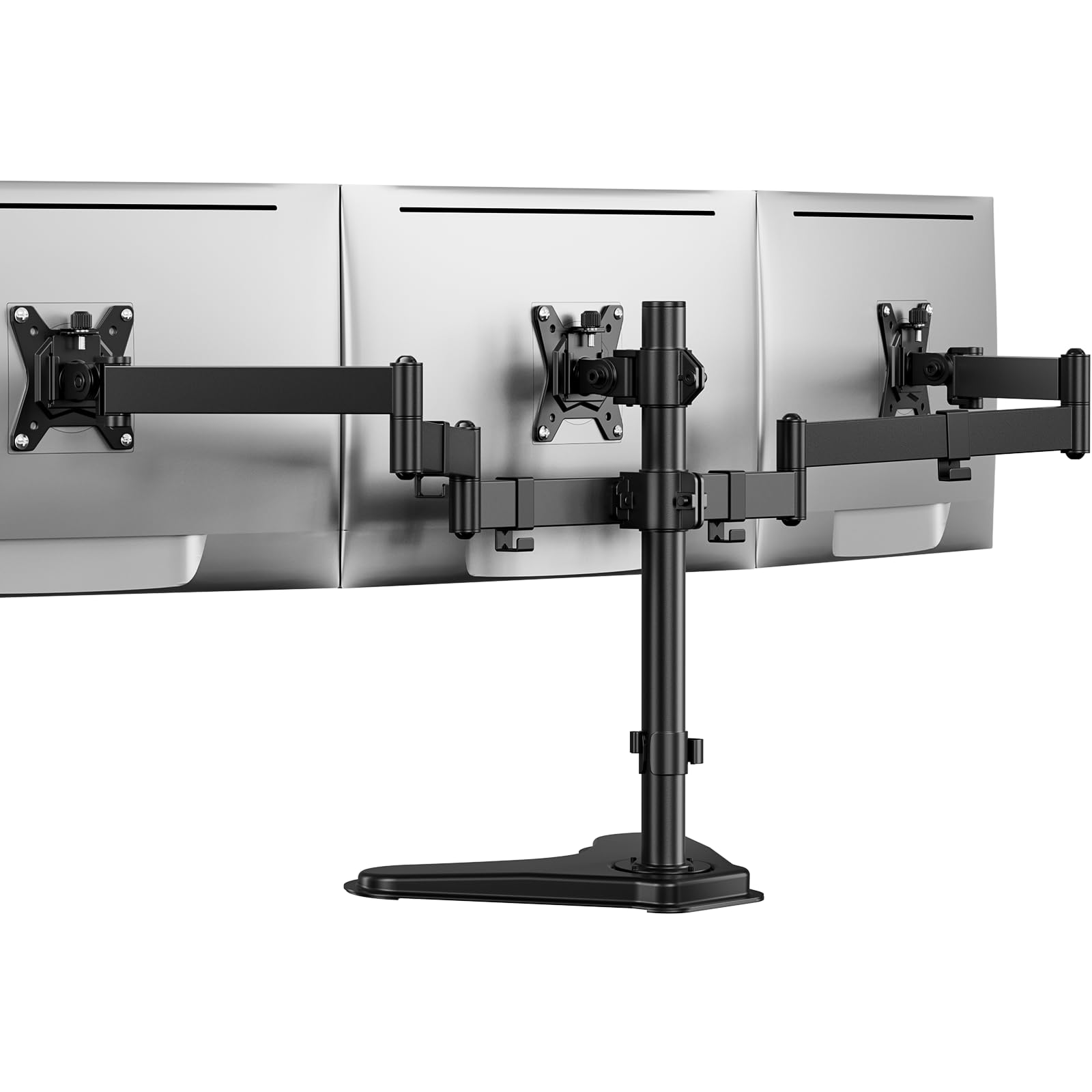
Best Overall

MOUNTUP MU8004 Triple Monitor Mount
Key details
- Mounting
- C-clamp or grommet
- Arm Tension
- Adjustable per arm
- Weight Per Arm
- 4.4–19.8 lbs
- Screen Size Range
- 13–32 in
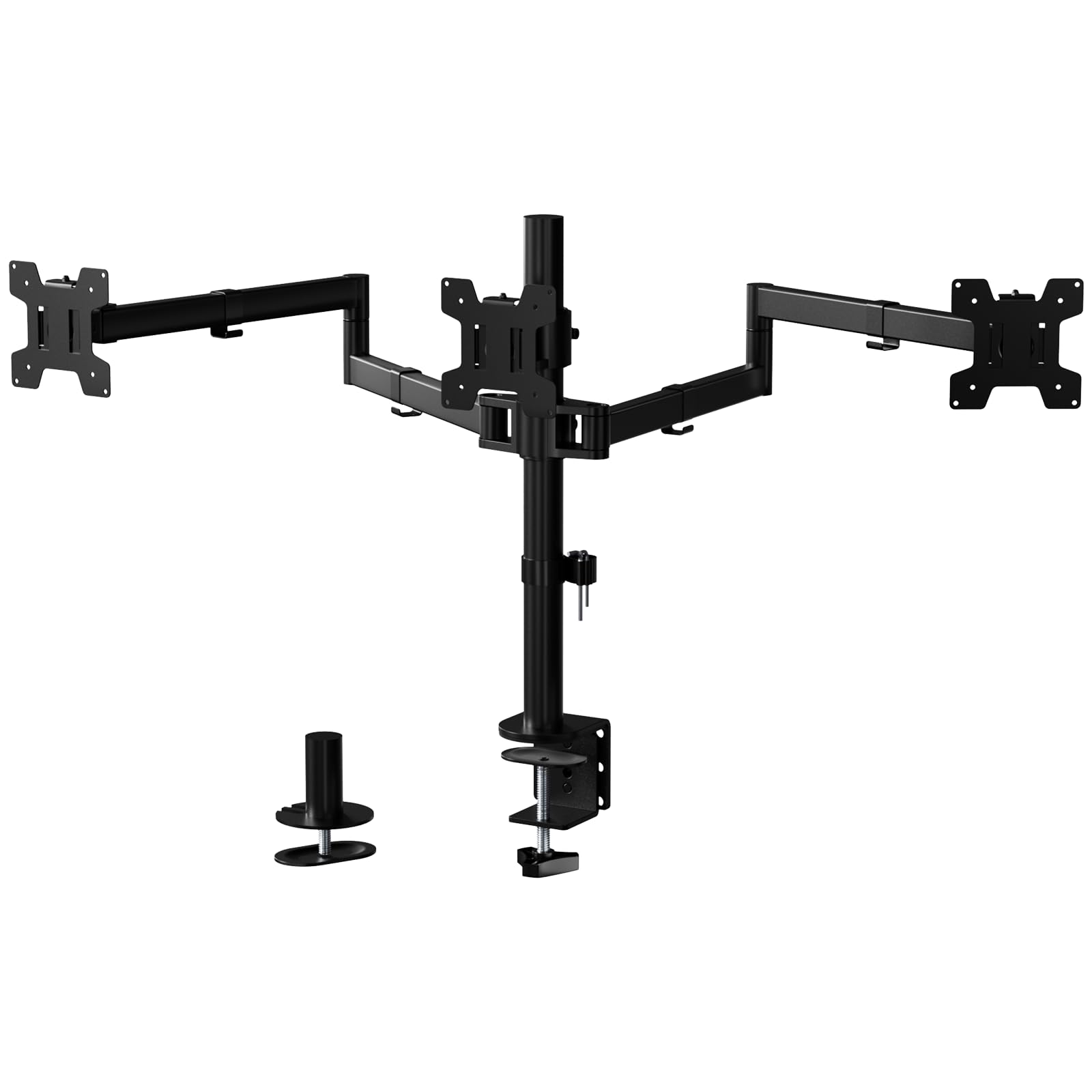
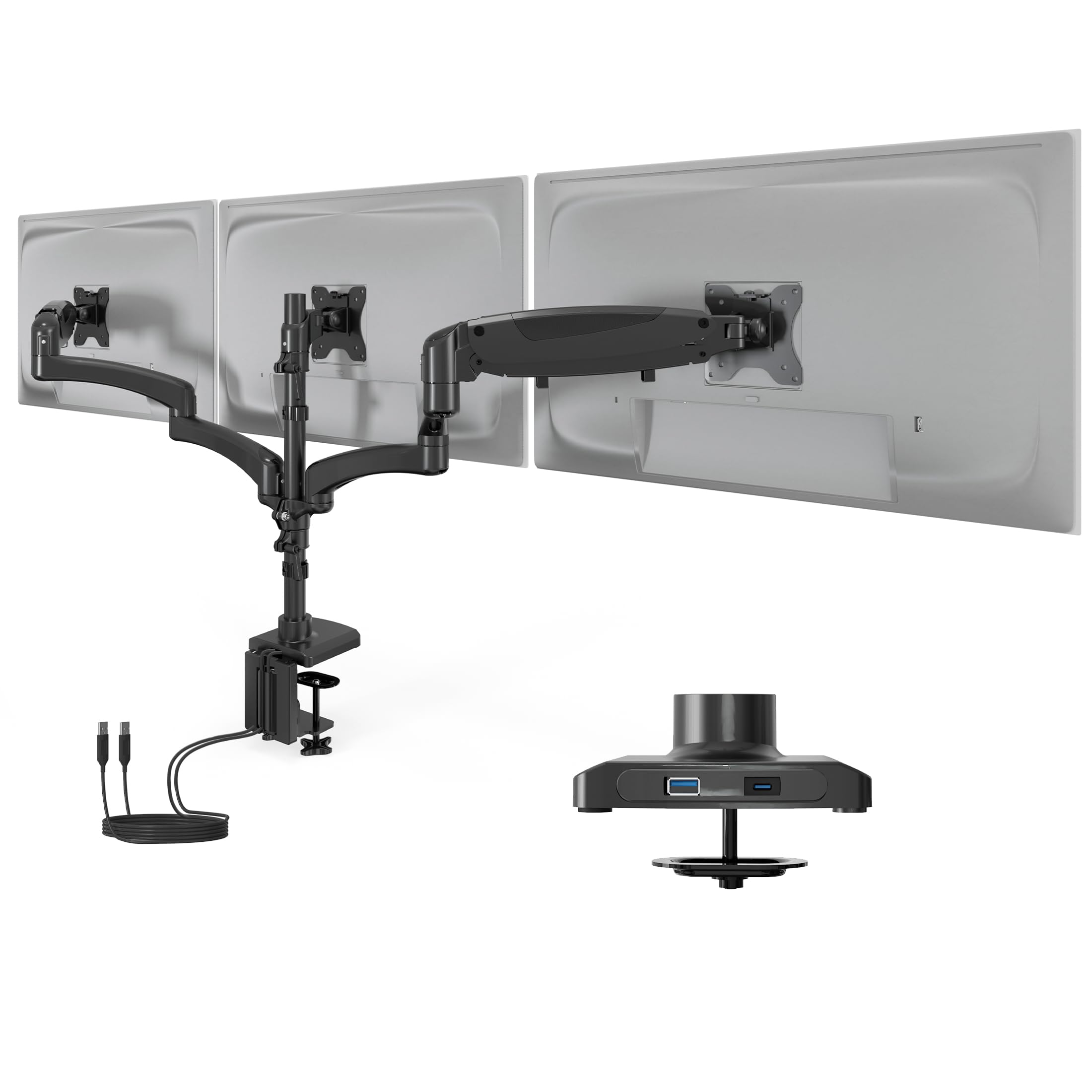
Droop is what ruins a triple monitor setup. The arms hold when the stand is new, then the outer screens tilt forward a few degrees and never quite agree on where level is. This mount gives you a way to fight back: the spring tension on each of the three arms is adjustable, so you can match the lift to the actual weight of the panel you hung on it instead of accepting whatever the factory set.
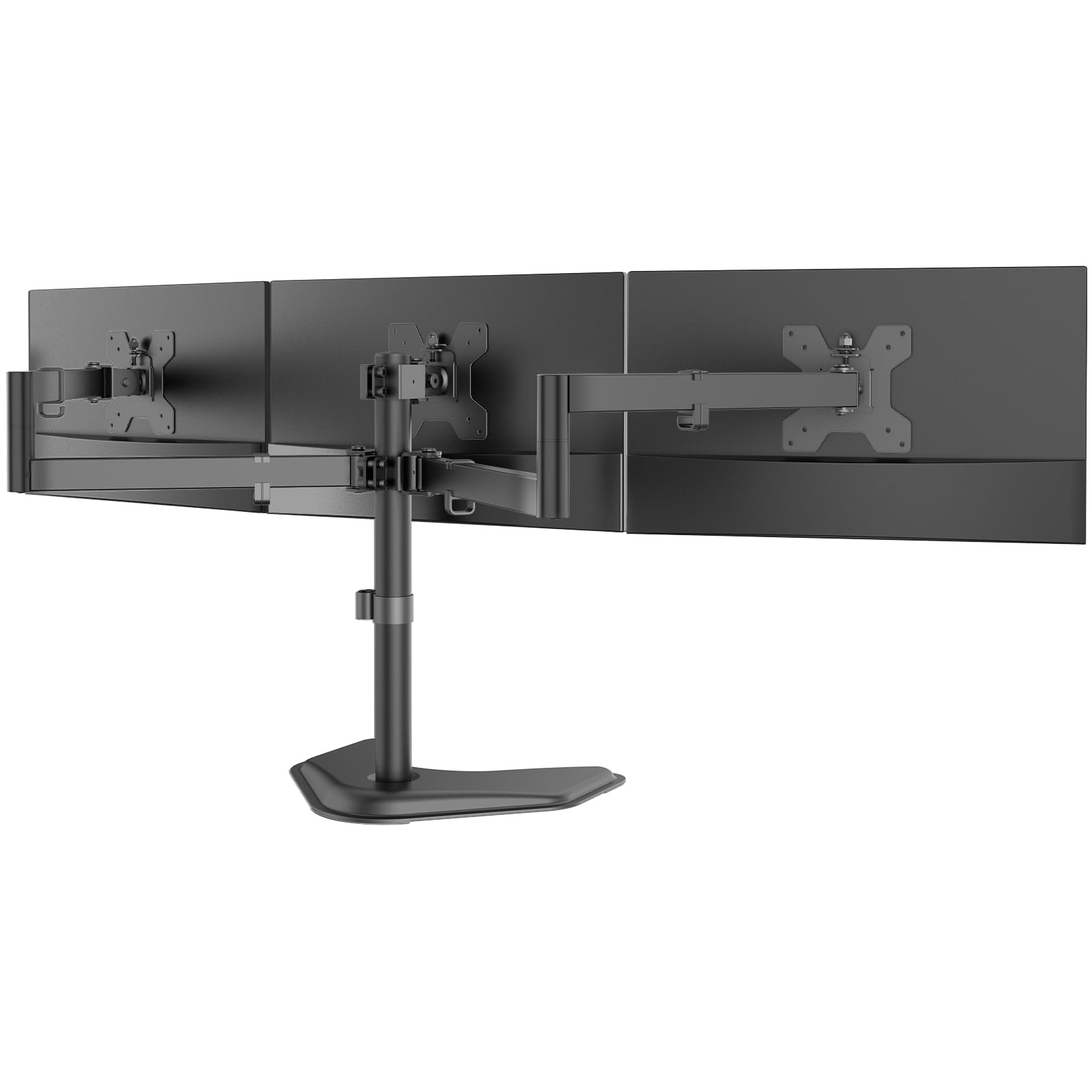
That tension screw is why we rate it the best all-around stand in this set, but the coverage matters just as much. Each arm takes 13 to 32 inches and 4.4 to 19.8 pounds, which covers a 27-inch trio or a mixed bag of hand-me-downs, and you get a C-clamp for desktops up to 3.15 inches thick or a grommet mount for a drilled top. All three arms rotate to portrait and swivel toward you, and the cable channels run down the arms rather than dangling behind the pole where you cannot reach them.
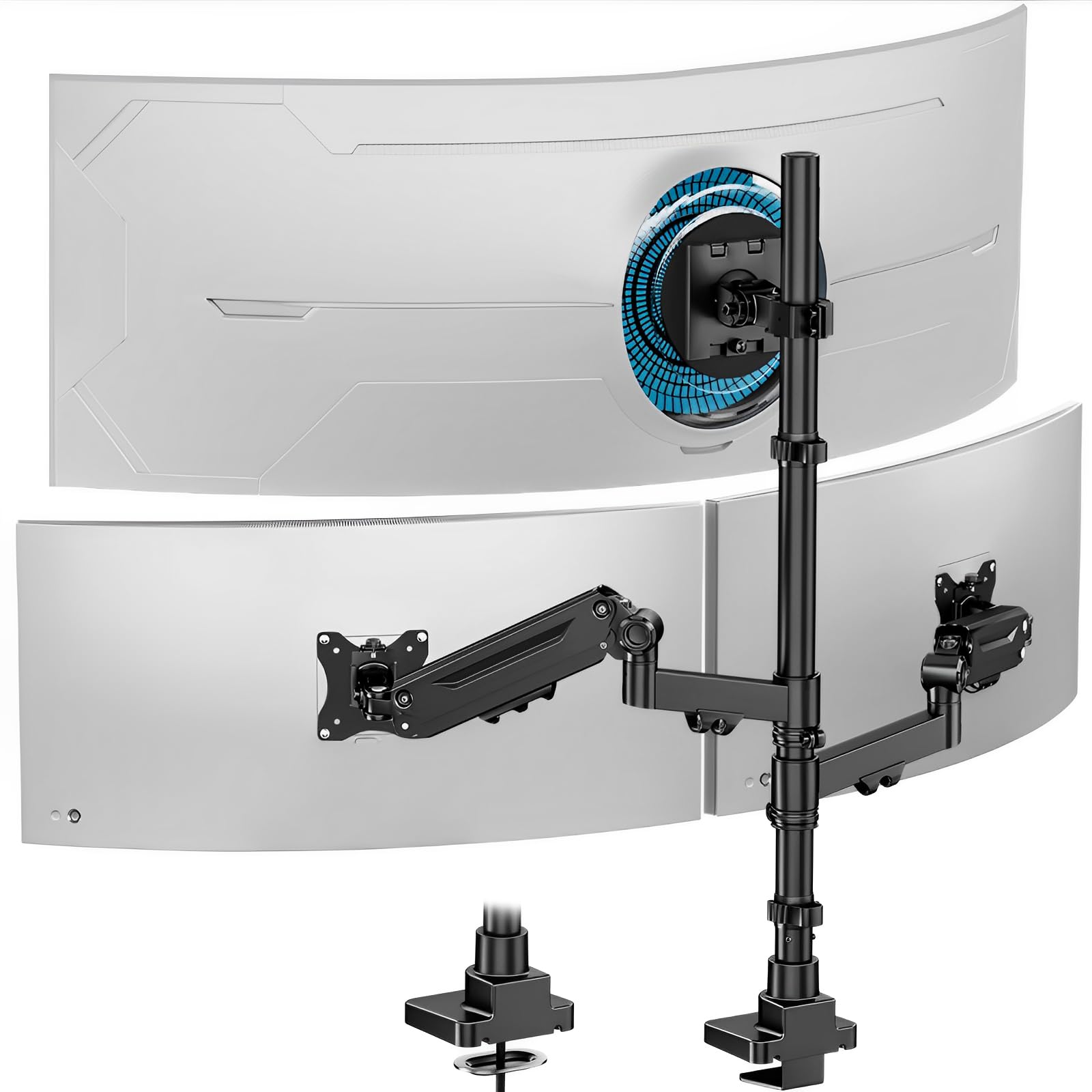
The catch sits at the top of the range. A 32-inch panel on a side arm is tight, and curved 32s are the likeliest to fight the fit, so look at the ultrawide pick below if all three of your screens are that size. Leveling takes patience too — the outer brackets want small tilt corrections before the three read as one continuous line, and the center screen's height changes with a bolt at the plate rather than a knob.
Pros
- Spring tension adjusts on every arm
- Covers 13- to 32-inch screens at 19.8 lbs
- Clamp and grommet mounting both included
- Cable channels run down the arms
Cons
- Side screens take patience to level
- Curved 32-inch panels may not fit
For most three-screen desks this is the one we point people to: it spans 13 to 32 inches and lets you dial each arm's spring tension to the weight hanging on it.