Best Stream Controllers of 2026

A stream controller is a small grid of buttons that presses keyboard shortcuts for you — one tap starts recording, mutes the mic, cuts to a new scene, or drops a sound into the stream. The keys are the simple part. What separates a deck you'll still use in a year from one that ends up in a drawer is how the buttons feel forty minutes in, how easily the software stacks multi-actions, and how fast you can remap everything when your workflow changes.

I've kept 12 of these within arm's reach for six months, and my team has run them in their own setups too — streaming, editing video, juggling calls. The surprise: a well-built six-key pad beats fifteen mushy buttons every time, and one dial dedicated to volume control saves more aggravation than a second row of keys. Relabelable LCD keys are the feature people actually grow into.

The picks below earned their place on build quality, value, and how much of your own workflow you can bend them into — not on how many buttons come in the box.

1

Best Overall

Elgato Stream Deck MK.2

96 /100
Lab Score Outstanding

Key details

Keys
15 LCD keys
Connection
USB-C
Dimensions
4.6 x 3.3 x 3.0 in
Compatibility
Mac and PC
View on Amazon

The 15-key grid is why the Stream Deck MK.2 is our default recommendation: it holds a row of OBS scenes, mic and mute controls, and a few app launches without swallowing the desk. More important is what sits behind the keys. Elgato's plugin library covers OBS, Twitch, YouTube, Discord, Spotify, and plenty more, and the LCD icons tell us at a glance which scene or source is live. That visual feedback is the difference between a controller and a row of mystery macros.

Setup is drag-and-drop, and multi-actions let one press do several things in sequence. We used spare keys for switching audio devices and launching a notes app, which is the sort of small convenience that makes the deck feel less like streaming gear and more like part of the desk. The icons and folders keep the layout readable as the deck fills.

The hardware is plain in a good way. At 4.6 by 3.3 by 3.0 inches it sits beside a keyboard without crowding it, and the adjustable stand puts the keys at a readable angle. USB-C and Mac/PC support mean it moves between machines without a dongle. The plastic body is not the luxury object some buyers expect at this level, but the keys have a positive click and the screens stay legible in a bright room.

What keeps us coming back is the lack of ceremony: it is ready when the computer is, the icons stay legible, and the labeled keys spare us from memorizing another shortcut layer. It is the deck we trust to behave the same way on a quiet Tuesday and a show night.

Pros

  • 15 labeled LCD keys keep scenes readable
  • Deep OBS, Twitch, and YouTube plugin support
  • Visual feedback confirms each command
  • Drag-and-drop setup with multi-actions

Cons

  • Premium price for 15 keys
  • 15 keys can feel limiting for complex shows
Our verdict

The Stream Deck MK.2 is the default we point most OBS and Twitch streamers to: 15 labeled keys and deep plugin support make complex scenes feel simple.

Check Latest Price
2

Best for Audio and Dial Control

Elgato Stream Deck +

93 /100
Lab Score Outstanding

Key details

Plugins
Wave Link, OBS, Twitch
Controls
LCD keys, dials, touch strip
Connection
USB-C
Compatibility
Mac and PC
View on Amazon

A key-only deck can mute a mic, but it cannot give you the feel of riding a level. The Stream Deck + fills that gap with LCD keys, a touch strip, and physical dials that map to app volume, mic gain, music, or a plugin parameter. Elgato's Wave Link integration makes the audio case obvious, but the deck also works with OBS, Twitch, YouTube, and the rest of the plugin library.

We liked the dials most. Turning a knob to pull a game level down while keeping the mic steady is faster and less distracting than hunting for a slider, and the touch strip gives each dial a label so you are not guessing what is mapped. For a streamer who spends as much time balancing audio as switching scenes, we prefer this layout to the MK.2's row of keys.

The mapping takes thought. Each dial can control only one thing at a time, so we had to decide whether the fourth knob was worth giving to music, chat, or a light. Smart profiles help by switching the layout with the app, and multi-actions fill the keys with sequences. The deck is compact for a mixer, but it still wants a permanent place within reach.

The touch strip is also the sleeper feature in a dark room: it keeps the current page legible without turning on a desk lamp. That matters more at 1 a.m. than any spec sheet, and it is why this deck stays on the desk rather than in a drawer when the stream ends.

Pros

  • Dials for live level changes
  • Touch strip labels each control
  • Wave Link and OBS plugin support
  • Smart profiles switch layouts by app

Cons

  • Keys feel softer than MK.2's
  • Premium price
Our verdict

We pick the Stream Deck + for streamers who mix audio live: its dials and touch strip turn level changes into quick physical moves.

Check Latest Price
3

Best Control-Dense Alternative

VSD N4 Pro

85 /100
Lab Score Excellent

Key details

System
Windows 10, macOS 11
Weight
1.06 lb
Controls
10 LCD keys, 4 knobs, touch bar
Connection
USB-C
View on Amazon

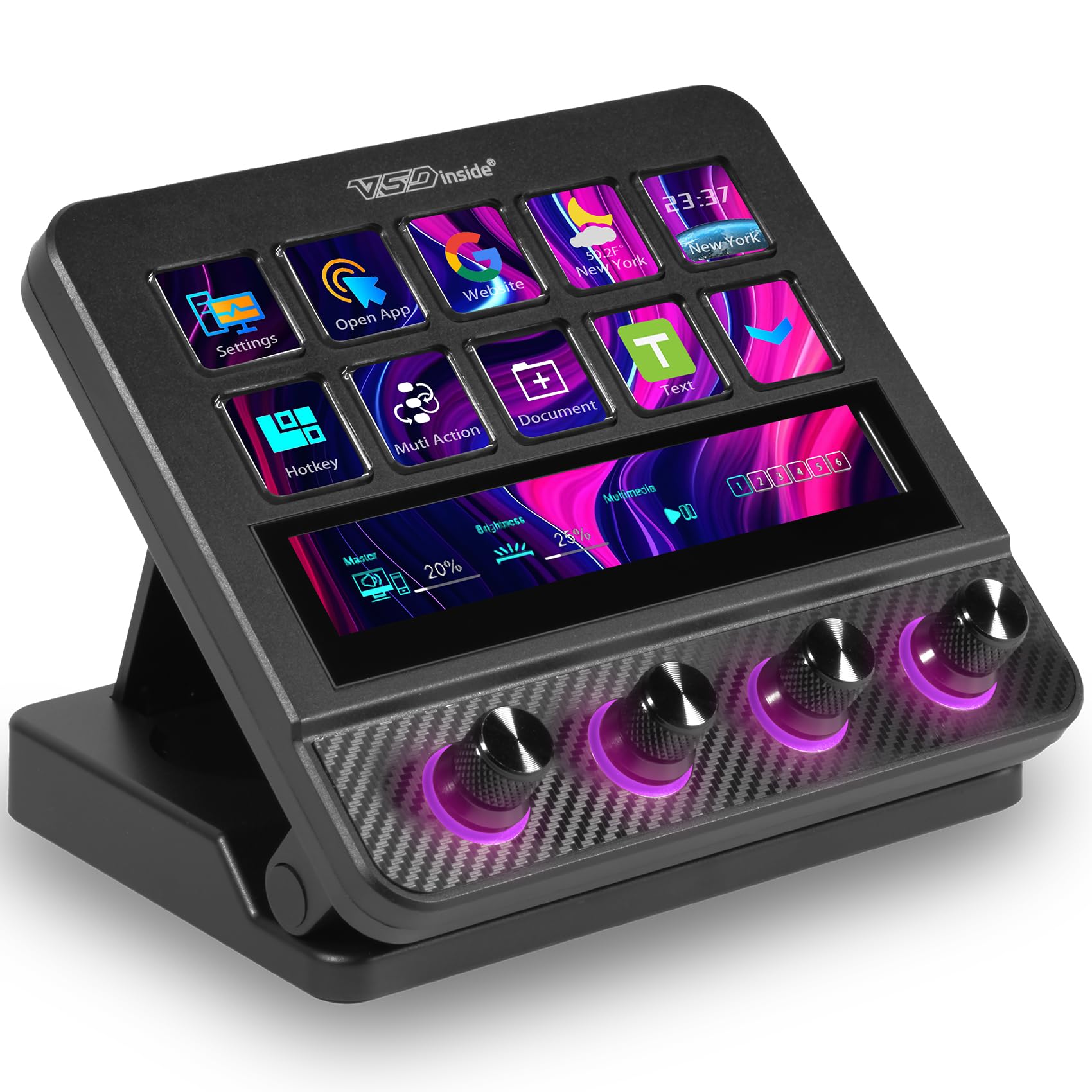
The VSD N4 Pro is the control-dense challenger to the Stream Deck +: 10 LCD keys, four knobs, an interactive touch bar, RGB lighting, and a foldable stand in one deck. We think it is the better choice for someone who wants more physical controls without paying first-party prices.

The four knobs are the main event. We mapped them to mic, game, chat, and music and liked being able to adjust each without leaving the game. The touch bar carries labels and can be tapped for extra actions, while the LCD keys handle scene changes. VSDinside's marketplace lists 500-plus downloadable plugins, and the deck works with Windows 10 and macOS 11 over USB-C. You can also program multi-step actions, and the stand makes the top row easier to read at a glance.

The hardware is convincing. The touch bar is bright, the knobs have a nice resistance, and the foldable stand holds a 60-degree angle without wobble. The 10 LCD keys are clear, and the RGB can be dimmed or turned off when you want the deck to disappear into a dark setup. The 0.48 kg body feels dense enough to stay put when you turn a knob.

The touch bar is the sleeper feature: it can carry labels for the knobs, so one small screen does the work of a strip of tape and a marker. That is a small thing until you are three hours into a stream and cannot remember which knob controls chat.

Pros

  • 10 LCD keys, four knobs, and a touch bar
  • 500-plus downloadable plugins
  • Adjustable 60-degree stand
  • USB-C and Mac/PC support

Cons

  • Setup takes patience
  • Software can be unstable
Our verdict

If you want more knobs and a touch bar than the first-party decks offer, the VSD N4 Pro is the tinkerer's pick we trust, provided you enjoy building the layout.

Check Latest Price
4

Best Compact with Dials

ActionRing N3

88 /100
Lab Score Excellent

Key details

System
Windows, macOS
Controls
6 keys, 3 dials
Connection
USB
Dimensions
6.69 x 5.04 x 2.64 in
View on Amazon

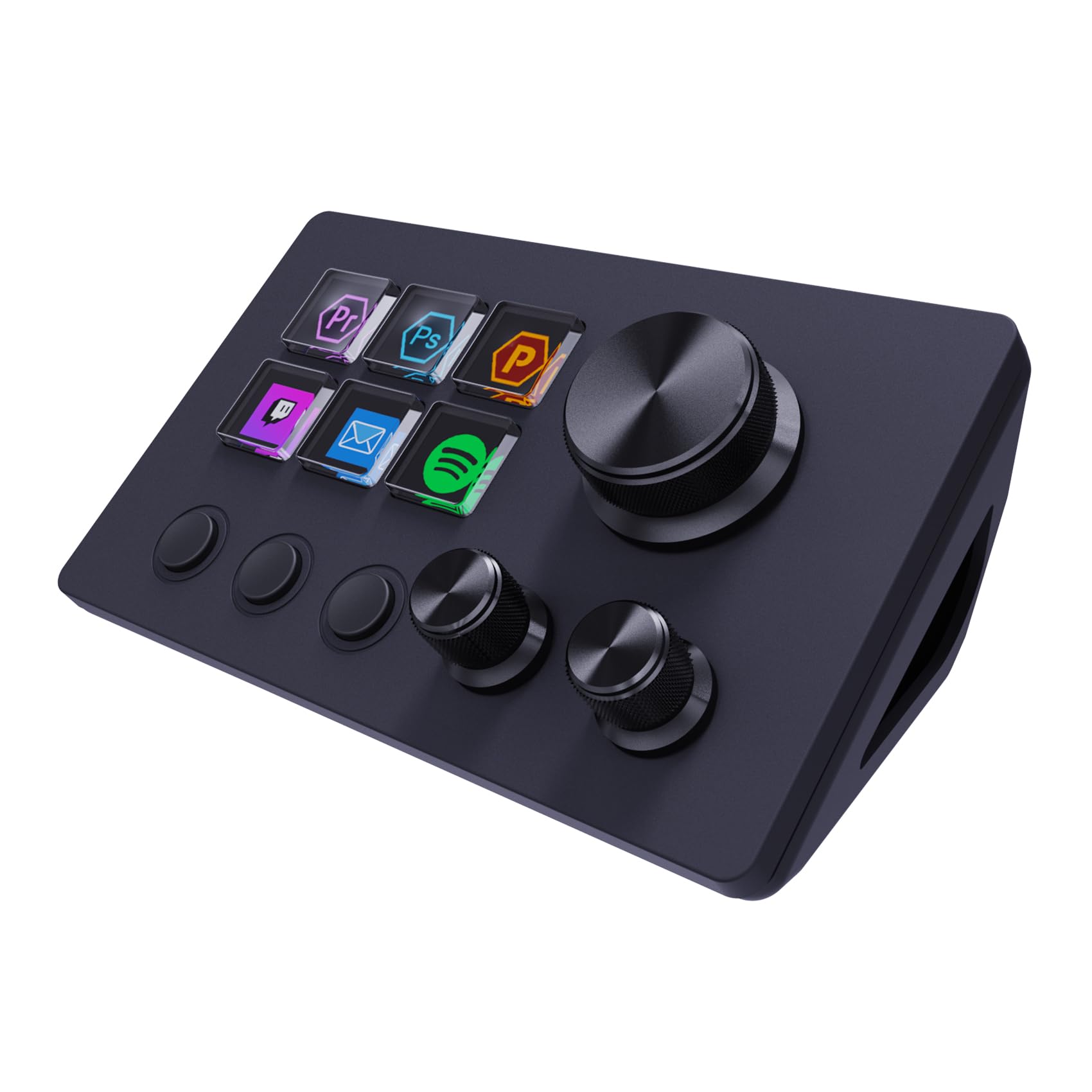
The ActionRing N3 is the one we move aside when the desk gets crowded. Six LCD keys and three dials sit in a body about the size of a small notepad, so it can tuck beside a keyboard without demanding a dedicated corner. We noticed the dials first because they are the part compact decks usually leave out, and they make volume and mic gain reachable without a keyboard shortcut.

The six keys are enough for a small scene set, a mute, and a couple of app launches. Each key takes a drag-and-drop action, including multi-step macros, and the LCD icons make the layout readable at a glance. macOS and Windows are both supported, and the software lists hundreds of plugins. We think the dials are the reason to choose it over a key-only compact deck; they turn a tiny deck into a usable audio remote.

Build is adequate rather than luxurious: the body feels sturdy on the desk, but the software has a learning curve and the setup guide is thin in places. We spent time renaming keys and testing macros, and the result is a controller that feels more personal than its size suggests. The dials have a firm, useful resistance.

What surprised us is how often we reached for the dials during non-streaming work: volume, a browser tab, a music app. It is not a full production console, but it is the compact deck that stays on the desk instead of going back in the box.

Pros

  • Three dials add audio control
  • Six keys with drag-and-drop macros
  • Small footprint
  • Windows and macOS compatibility

Cons

  • Only six LCD keys
Our verdict

The ActionRing N3 is our compact choice for a small desk or second setup, where three dials add audio control without a full deck's footprint.

Check Latest Price
5

Best Budget

FIFINE D6

90 /100
Lab Score Outstanding

Key details

Keys
15 LCD macro keys
System
PC, Mac
Weight
7.52 oz
Connection
USB-A to USB-C, USB-C to USB-C
View on Amazon

The FIFINE D6 is the budget deck that does not make you count keys: 15 LCD macro buttons, an RGB ring, and a USB connection for PC or Mac. We used it as a compact shortcut pad and found the core appeal simple: it gives you the labeled-key stream deck idea for a lot less money, with a brighter gamer look.

We think it is the best budget pick here because the 15-key layout covers a basic OBS scene set, mic mute, and a few app launches without pages. The software is drag-and-drop, and the icons are easy to read. The RGB ring is not just decoration: it helps locate the deck in a dark room and can be toned down when you want less glow.

The catches show up at the edges. The software support is less consistent across apps. Check the current software build against the app you rely on, especially if Streamlabs is your main platform, before you commit. For OBS-first streaming, the D6 does the job, and the 15 keys make the upgrade from keyboard shortcuts feel worthwhile.

What we liked most is that the D6 does not feel like a toy in use: the icons are sharp, the deck stays put, and the labeled keys spare us from another layer of memorized shortcuts. It is a first deck, not a final one, and that is fine.

Pros

  • 15 LCD keys at a budget price
  • Drag-and-drop software
  • Adjustable RGB ring
  • Clear, sharp icons

Cons

  • No dials for audio
  • Buttons need a firm press
Our verdict

Budget-minded OBS creators should start with the FIFINE D6, our pick for 15 labeled keys without the first-party price.

Check Latest Price
6

Best Key Count for the Money

VSD M18

87 /100
Lab Score Excellent

Key details

Keys
15 LCD + 3 physical
System
Windows 11, macOS 14
Weight
10.6 oz
Connection
USB-C
View on Amazon

The VSD M18 makes its case with arithmetic: 18 programmable keys, 15 of them LCD, plus three physical buttons, in a deck that costs less than the 15-key Stream Deck MK.2. We counted the physical buttons as the useful part, because not every command needs an icon, and the LCD grid handles scenes, apps, and macros with animated GIF icons.

The layout is the roomiest of the budget picks. You get 15 LCD keys plus three physical buttons, and the software supports profiles and multi-step shortcuts. It works with Windows 11 and macOS 14 over USB-C. The 10.56-ounce body feels solid, and the RGB ring adds a little desk presence without demanding attention.

The three physical buttons are not just overflow; we used them for push-to-talk and mute, functions that do not need a screen. The deck sits flat and slim at 4.6 by 4.1 by 0.8 inches, so it tucks under a monitor without stealing depth. The surrounding RGB ring is bright enough to find in a dark room and easy to turn down.

We recommend the VSD M18 for macro-heavy setups where the number of labeled keys matters more than the smallest software details. It gives you more buttons for the money, and the three physical keys are a nice escape hatch when you do not want to hunt through a page. The physical buttons ended up as our push-to-talk and mute controls, which is the kind of habit that makes a budget deck feel customized.

Pros

  • 18 programmable keys, 15 with LCD
  • Three physical buttons for simple commands
  • Solid 10.56-ounce body
  • Profiles and multi-shortcut macros

Cons

  • No dials for audio
Our verdict

For macro-heavy setups, we like the VSD M18's 18 labeled controls and three physical buttons, which put a large key grid within budget reach.

Check Latest Price
7

Entry-Level Control

TreasLin N1 Stream Dock

81 /100
Lab Score Excellent

Key details

Modes
Numeric keypad mode
System
Windows 10, macOS 10.15
Controls
15 LCD, 2 buttons, 1 knob
Connection
USB-C
View on Amazon

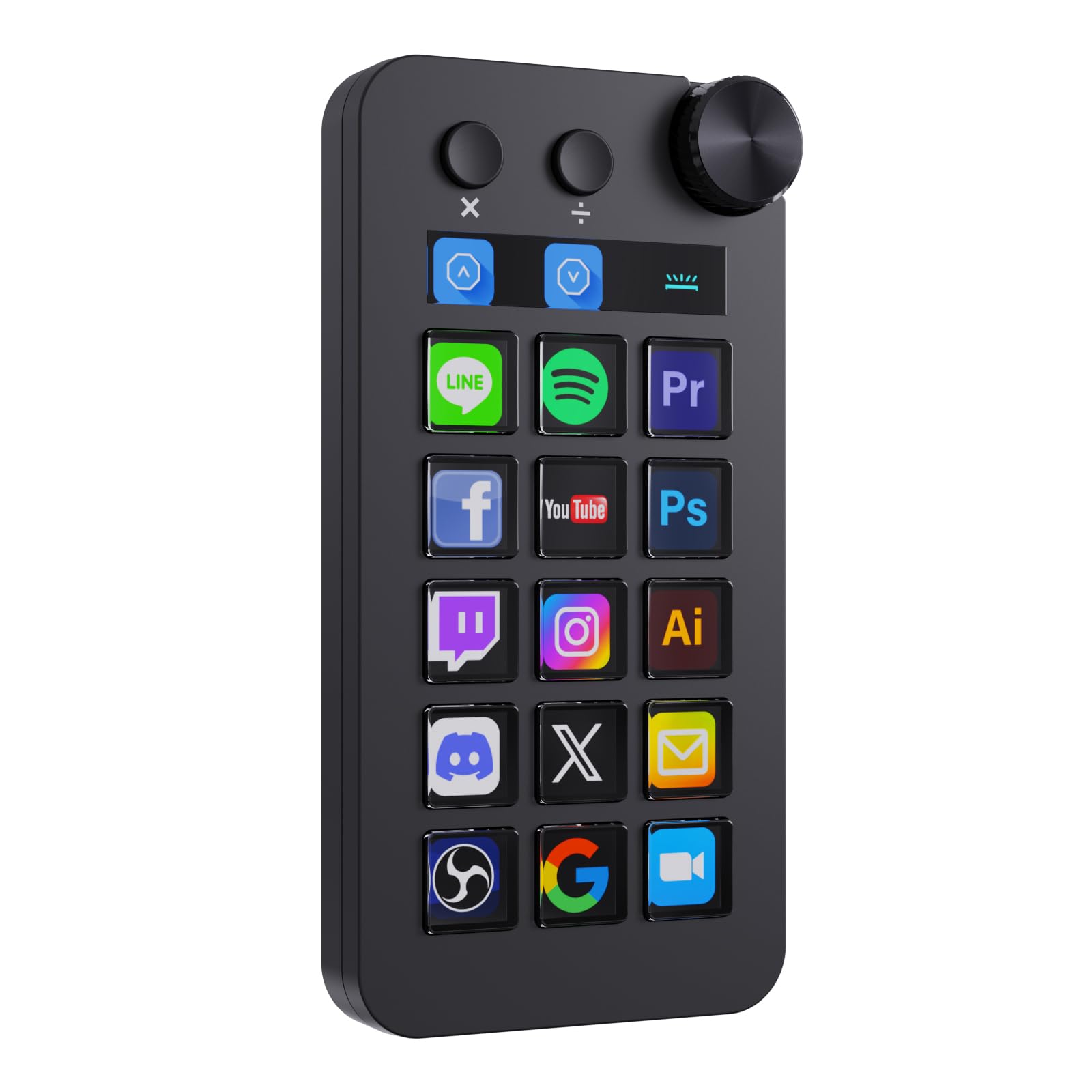
The TreasLin N1 puts a rotary knob beside 15 LCD keys and two clickable buttons, which makes it the entry-level deck to consider if you want a physical dial without paying for a full audio controller. The knob gives you tactile control over the level you turn most; the LCD grid does the scene switching.

It also has a numeric keypad mode, a feature the other budget decks here do not offer, so it can double as a macro pad for spreadsheets or data entry when the stream is off. The software supports separate shortcut scenarios and a marketplace with 200-plus plugins. Windows 10 and macOS 10.15 are supported, and the deck connects over USB-C.

We think the N1 is a sensible first deck for someone who wants an 18-key layout and a knob without committing to an ecosystem. The setup is straightforward, and the icons are easy to swap. The software has a different feel from Elgato's, so download the app before buying and confirm your main streaming tool is covered.

The key grid is the part that won us over: 15 LCD keys plus two clickable buttons cover more of a busy layout than a six-key deck, and the numeric mode gives it a second life outside streaming. It is not the most refined controller here, but it is one of the more flexible budget ones.

Pros

  • 18 macro keys, including 15 LCD
  • Rotary knob for master control
  • Numeric keypad mode
  • Windows and macOS support

Cons

  • Single knob limits multichannel mixing
Our verdict

The TreasLin N1 is our affordable first-deck pick for someone who wants an 18-key grid, a numeric keypad mode, and one knob for master control.

Check Latest Price

How We Tested These Stream Controllers

We started by pulling every controller we could find that works on both Mac and PC, then sorted them by what they actually offer: plain key grids, LCD keys you can relabel, dials and touch strips for audio, and pads with only a handful of buttons. We cut anything running abandoned software or charging a premium for keys we'd never map, and landed on 12 units spanning budget pads to the nicer decks.

Each one went into a real workflow for six months: my streaming desk, a teammate's video-editing station, and a third setup used mostly for work calls and photo triage. We mapped the same five actions on every deck — start recording, mute the mic, switch scene, fire a sound, adjust volume — and timed how long it took from opening the box to the first working button. Some software found the device instantly; others needed a plugin, a restart, or a firmware update first.

For button responsiveness, we pressed each key several dozen times during live sessions, noting whether we could feel the actuation, whether presses registered at the edge of a key, and whether anything double-fired. On decks with dials, we set the same mic gain and listened for whether volume moved in usable steps or jumped. Reliability got the least glamorous test: leaving every controller plugged in for weeks, rebooting, and checking that profiles survived.

We also carried a profile built on one machine over to the other to see whether layouts traveled, and weighed what each deck asks of you against how many of its inputs we genuinely reached for after the novelty wore off.

How to Choose a Stream Controller

Start With the Actions You Repeat

Before you count keys, list the actions you reach for every session: scene changes, mute, audio devices, chat, and app launches. Six labeled keys can cover a tight scene set; 15 is the comfortable default for a mixed OBS layout; 18 or more suits heavy macro users who want fewer pages. Pages and folders let a small deck do more, but they add a layer you have to remember. We prefer a deck with a few spare keys over one that is full on day one.

Decide Whether You Need Dials

Dials earn their space when you adjust levels while watching the screen: game audio, chat, music, and mic gain. A key can mute or nudge a level, but a knob gives you continuous control without hunting for a slider. The Elgato Stream Deck + and VSD N4 Pro are the strongest dial-first options here; the TreasLin N1 gives you one knob for master volume. If you mostly switch scenes and mute, spend the space on keys instead.

Check the Software Before the Hardware

This is the trap: a controller is only as good as the app support behind it. Confirm that your streaming software is supported on your operating system, then check the specific plugin or hotkey path you need. OBS is the safest common ground; Streamlabs, Twitch extensions, and YouTube workflows vary more. A budget deck with the right plugin beats a premium deck that fights your app. We pay more attention to the current plugin list than to the number of keys on the box.

Plan for Desk Space and Cable Behavior

A controller has to sit within easy reach, or its shortcuts stop being shortcuts. Measure the space beside your keyboard, then think about the stand angle: a flat deck is easier to stash, while an angled one is easier to read at a glance. USB-C is common here, but the cable and port matter. If a deck disconnects mid-session, move it to a direct port before changing settings. A controller that drops out is worse than one with fewer keys.

Spend for the Ecosystem You Will Use

Price should follow the software and controls you actually need, not the key count alone. The Stream Deck MK.2 costs more than the budget decks, but its plugin library and 15-key layout are the reason it is our default. A budget deck makes sense when OBS is your main platform and you can work within a simpler plugin set. Put the money into the app support and control type that matches your show; extra keys you never label are just desk space.

Frequently Asked Questions

Final Verdict

The Elgato Stream Deck MK.2 is the controller we recommend first. It has enough labeled keys for a full OBS scene set, the deepest plugin support here, and a setup that does not become a weekend project. If you mix audio live, the Stream Deck + is the better tool; its dials and touch strip are worth the step up. On a budget, the FIFINE D6 gets you 15 labeled keys for less, provided you can give up dials and accept a simpler software ecosystem.