Best Monitor for Switch 2 of 2026

Hooking a Switch 2 up to a monitor looks like a ten-second job, which is what makes the surprises so irritating: the picture arrives letterboxed, the refresh rate stays put no matter what you change, and the game plays in silence because the panel has no speakers and no headphone jack. The right monitor fixes all three at once — it fills the screen, keeps up with the console's faster modes, and gives you some way to hear what's happening.

I've been docking consoles to desktop displays for years, and over the past six months our team has run 12 monitors alongside a Switch 2, from 27-inch desk panels to slim portables that ride in a backpack. The surprise was how little the headline number mattered: refresh rate is what everyone shops by, but here it only pays off in the games that actually unlock a higher frame rate. Panel type and ports decided more of our favorites than raw hertz did.

Desk or carry case, the picks that survived testing clear the same bar — a picture that fills the panel, a signal that holds, and no re-plugging ritual every time you dock.

1

Best Overall

Dell SE2426H

92 /100
Lab Score Outstanding

Key details

Inputs
2x HDMI
Resolution
1920 x 1080
Screen Size
23.8 inches
Refresh Rate
144Hz
View on Amazon

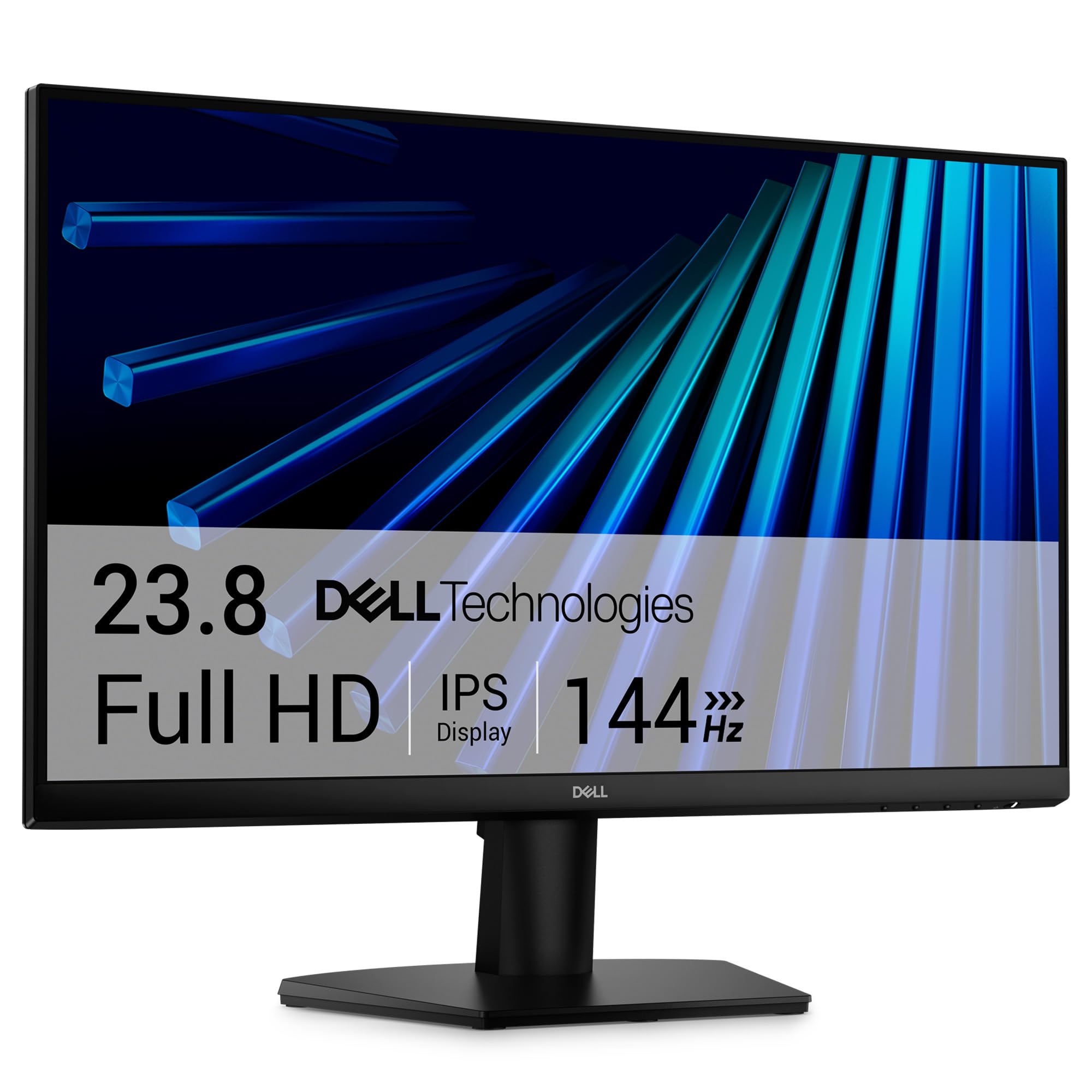
The Dell SE2426H is the desk monitor we recommend first for a Switch 2 because it gets the everyday parts right: a 23.8-inch 1080p IPS panel, a 144Hz refresh, and two HDMI inputs. One input takes the dock and leaves the other free for a laptop or a second console. We also like that the matte screen keeps a window or lamp from washing out the picture, which matters more than a flashy design on a monitor that stays put.

At 1080p, the 24-inch size keeps text and game menus crisp; the 144Hz panel gives fast motion more headroom than the 60Hz portables here. FreeSync is supported, so frame-rate dips are handled more smoothly. The 300-nit brightness is fine for a normal room, and the IPS panel holds color from an angle, which helps when two people are watching.

The SE2426H is not the biggest or the fastest screen in this set, but it is the easiest to live with. It comes with an HDMI cable and a one-year advanced-exchange warranty. If you want a larger image, the 27-inch Dell is the step up; if you need more desk flexibility, the compact 24-inch footprint leaves room for a second screen.

Pros

  • Two HDMI inputs for dock and laptop
  • 144Hz refresh with FreeSync
  • Crisp 1080p IPS panel
  • Good value for a desk monitor

Cons

  • No built-in speakers
  • Tilt-only stand
Our verdict

We recommend this Dell first for a desk-bound Switch 2 because it combines a crisp 24-inch 1080p IPS panel, 144Hz motion, and two HDMI inputs without making you pay for extras you do not need.
Check Latest Price
2

Best Portable Gaming Monitor

ARZOPA Z1FC

88 /100
Lab Score Excellent

Key details

Inputs
Mini HDMI, 2x USB-C
Resolution
1920 x 1080
Screen Size
16.1 inches
Refresh Rate
144Hz
View on Amazon

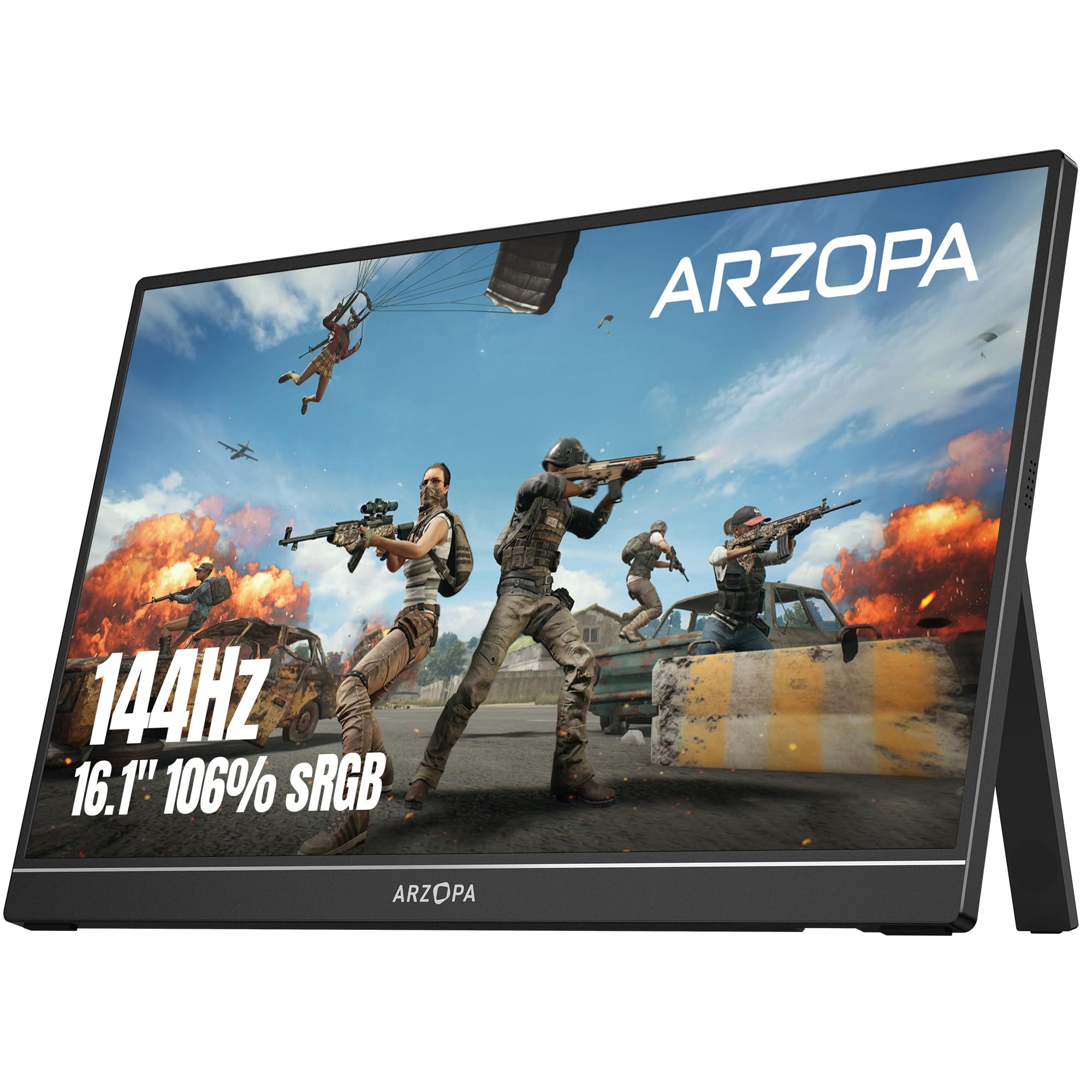
A 16.1-inch 144Hz panel with a built-in kickstand is what makes the ARZOPA Z1FC the portable gaming monitor we reach for when the Switch 2 leaves the desk. The screen is large enough for a tabletop session, and the kickstand is the detail we appreciate most: there is no cover to fold into a stand and no separate prop to pack. The matte finish also keeps overhead lights from turning into a mirror.

The 144Hz refresh and 1ms response are why this one earns its place over the 60Hz budget portables here. We noticed the difference in fast menu movement and action games, and the 106% sRGB panel gives colors more punch than the MNN or InnoView. The mini HDMI input takes the Switch 2 dock, while the two USB-C ports handle compatible laptops and accessories; a 2-year warranty adds some peace of mind.

Against the Dell 24, it trades a larger, more stable desk stand for the ability to go in a backpack. Against the MNN, it costs more but adds the smoother panel and a kickstand that feels purpose-built. The 2-year warranty is a better safety net than most budget portables offer.

Pros

  • 16.1-inch 144Hz panel
  • Built-in kickstand
  • Mini HDMI and two USB-C inputs
  • Two-year warranty

Cons

  • Thin panel needs careful packing
  • Kickstand adjusts tilt only
Our verdict

This is the portable we choose when the Switch 2 leaves the house: a 16.1-inch 144Hz panel with a built-in kickstand, mini HDMI, and enough color punch to make tabletop play feel deliberate.

Check Latest Price
3

Best Dock-Free Tabletop Monitor

HAILESI S123E

79 /100
Lab Score Very Good

Key details

Connection
Single USB-C for Switch 2
Resolution
1920 x 1280
Screen Size
12.3 inches
Refresh Rate
60Hz
View on Amazon

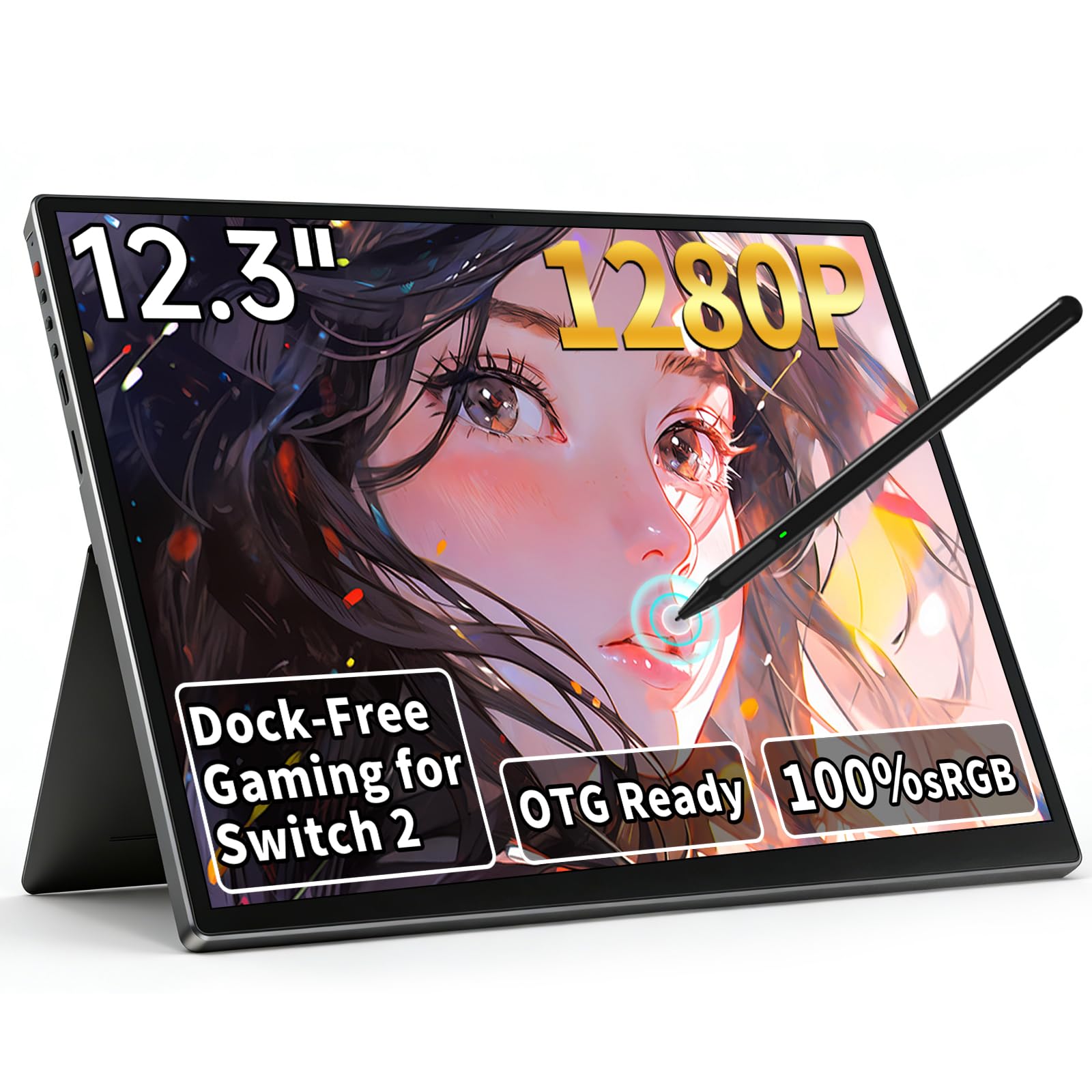
A single USB-C cable is the whole setup for the HAILESI S123E, which makes it the dock-free tabletop monitor we point to first for the Switch 2. The design uses one USB-C cable to carry the Switch 2 signal, so there is no dock on the coffee table. The 12.3-inch body weighs 1.22 pounds and has built-in speakers, which makes it a genuinely packable second screen.

The 1920 x 1280 panel is sharp and has a 3:2 shape, which is great for menus and touch-friendly games. The 10-point touchscreen is the feature we use most: tapping through a game's map or pause screen feels more direct than a controller. The 100% sRGB coverage gives colors more depth than the budget 15.6-inch screens here, and the 300-nit brightness is fine indoors.

What keeps the S123E from being a full-time desk monitor is the size and refresh rate. A 12.3-inch screen is small for two-player sessions, and the 3:2 panel letterboxes 16:9 Switch games, so the effective image is smaller than the diagonal suggests. The 60Hz refresh is also a step behind the 144Hz portables. We still like it for a hotel room or a crowded desk because the single-cable setup is the simplest here.

Pros

  • Single USB-C cable for Switch 2
  • 10-point touchscreen
  • Built-in speakers
  • 1.22-pound body

Cons

  • 3:2 panel letterboxes 16:9 games
  • 60Hz refresh limits motion
Our verdict

For a tabletop Switch 2 setup with no dock, this is the simplest screen here: one USB-C cable, a touch panel, and built-in speakers in a body light enough to carry in one hand.

Check Latest Price
4

Best Big-Screen Desktop Option

Dell SE2726HG

86 /100
Lab Score Excellent

Key details

Inputs
2x HDMI, DisplayPort
Resolution
1920 x 1080
Screen Size
27 inches
Refresh Rate
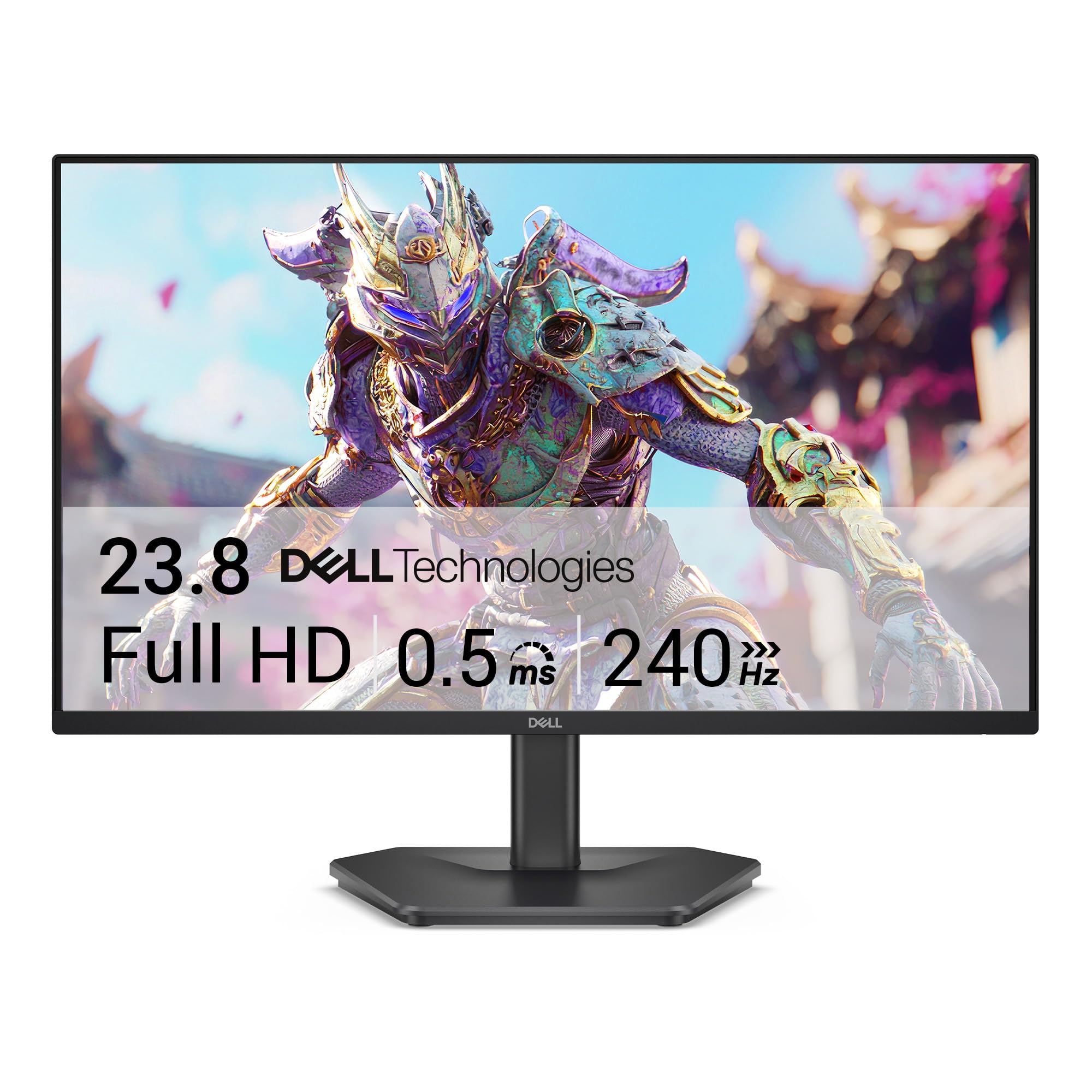
240Hz
View on Amazon

The Dell SE2726HG is the big-screen option: a 27-inch 1080p panel with a 240Hz refresh and HDMI VRR. The size is the first thing you notice; it makes docked Switch 2 games feel closer to a small TV than a desktop monitor. The 240Hz panel is faster than the console needs, but it gives fast motion plenty of headroom and keeps menu scrolling smooth.

Two HDMI 2.0 inputs and a DisplayPort 1.4 connection give you room for the dock and a PC without swapping cables. We like that FreeSync Premium and HDMI VRR are both supported, because a steady image matters more than a headline refresh number. The 99% sRGB coverage and 300-nit brightness are solid for a normal room, and the TÜV eye-comfort certification is a nice extra for long sessions.

The stand is tilt-only, so a monitor arm is the fix if you need height. The three-year warranty is the longest here, which takes some of the risk out of the purchase. At 27 inches, 1080p is the compromise to know about, though it is less noticeable in games than it is in desktop text.

For a desk that stays put, the SE2726HG is the step-up pick over the 24-inch Dell: more screen, a faster panel, and VRR. The Acer KB272 gives you a 27-inch screen for less, but it stops at 120Hz and one HDMI. We recommend the Dell 27 when the bigger image is the point and you can live with 1080p at that size.

Pros

  • 27-inch 240Hz panel
  • Two HDMI inputs plus DisplayPort
  • HDMI VRR and FreeSync Premium
  • Three-year warranty

Cons

  • 1080p pixel density at 27 inches
Our verdict

This is the big-screen Dell we recommend when the Switch 2 stays on a desk: 27 inches, 240Hz, HDMI VRR, and a three-year warranty make it the most immersive desktop option here.

Check Latest Price
5

Best Budget 27-Inch

Acer KB272 G0bi

92 /100
Lab Score Outstanding

Key details

Inputs
HDMI, VGA
Resolution
1920 x 1080
Screen Size
27 inches
Refresh Rate
120Hz
View on Amazon

The Acer KB272 G0bi is the budget big-screen pick, and the 120Hz refresh is what makes it worth considering over a 60Hz office monitor. A 27-inch 1080p IPS panel at this price is the draw; we like that it does not feel like a stripped-down 24-inch stretched to fit. For docked Switch 2 play, the size does more for the experience than the refresh rate alone.

The HDMI input takes the dock, and the VGA port is there for an older PC rather than a second console. The IPS panel has good viewing angles and 99% sRGB coverage, though 250 nits is dimmer than the 300-nit portables here. FreeSync is supported, and the 1ms response is quick enough for the price.

The stand only tilts, so a VESA arm or a riser is the fix if you need height. The three-year warranty is the strongest part of the package, and the matte screen keeps glare manageable. It is the value route to a 27-inch Switch 2 setup.

Pros

  • 27-inch 120Hz IPS panel
  • Three-year warranty
  • Good value for a big screen
  • Matte anti-glare finish

Cons

  • No built-in speakers
  • Only one HDMI input
Our verdict

This Acer is the budget route to a 27-inch Switch 2 screen: 120Hz, an IPS panel, and a three-year warranty, provided you can live without speakers and a second HDMI port.

Check Latest Price
6

Best Ultra-Budget Portable

MNN 15.6

88 /100
Lab Score Excellent

Key details

Weight
1.5 lb
Resolution
1920 x 1080
Screen Size
15.6 inches
Refresh Rate
60Hz
View on Amazon

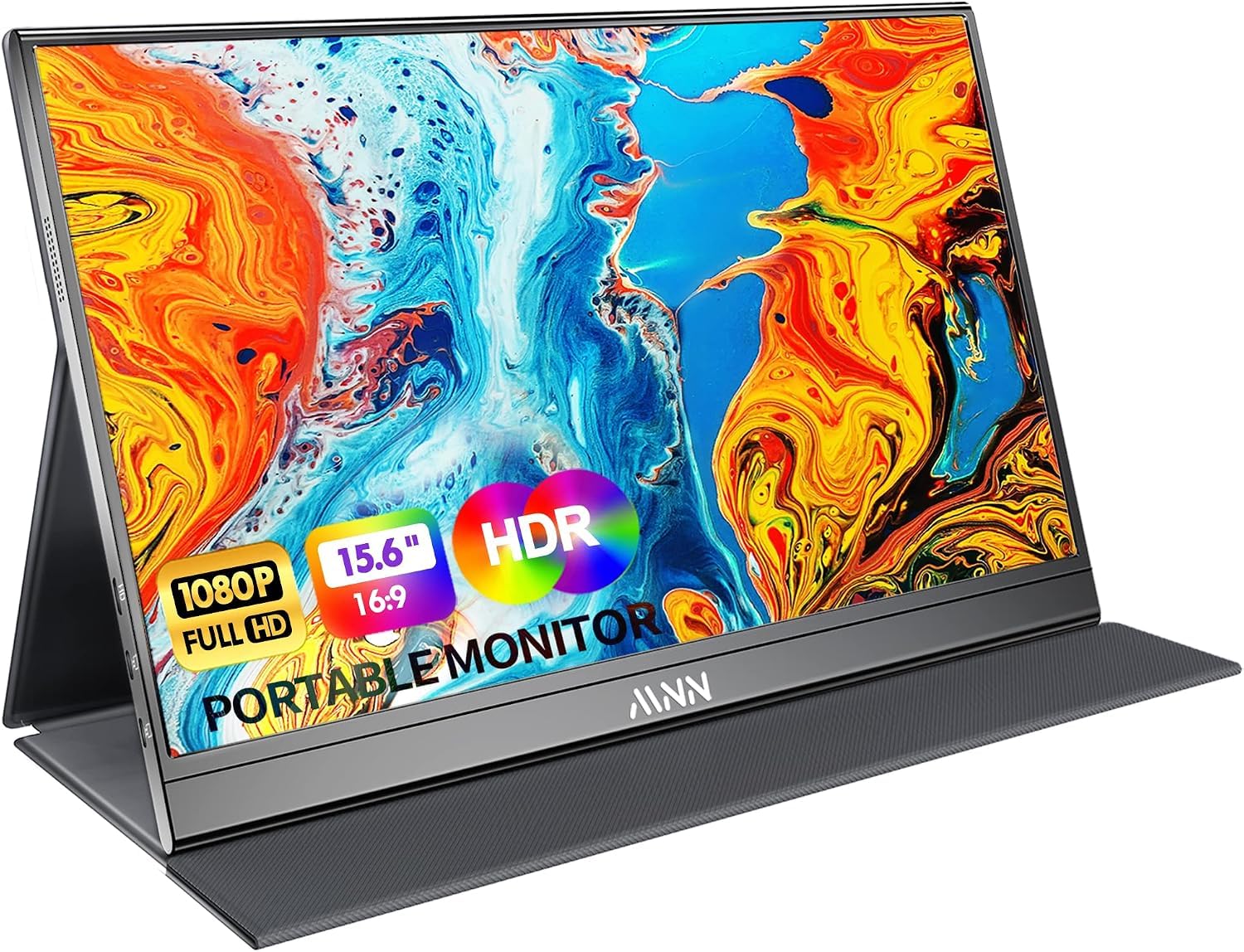
At 1.5 pounds, the MNN 15.6 is the monitor we pack when we want a bigger Switch 2 screen without noticing the weight. The 15.6-inch 1080p panel is sharp enough for games and menus, and the 300-nit matte finish is brighter than the Acer and easier to live with near a window. The smart cover folds into a stand, so there is one less accessory to remember.

The 60Hz refresh is the obvious limit. We noticed the difference next to the 144Hz ARZOPA in fast action, and FreeSync does not make up for the lower ceiling. What we like is the simplicity: two USB-C ports and a mini HDMI input, with the mini HDMI taking the dock and USB-C handling compatible laptops. The two-year warranty is generous for the price.

Against the InnoView, the MNN is lighter and brighter but uses a mini HDMI port. Against the ARZOPA, it is the budget choice for a travel bag, not the gaming choice. It is the one we keep as a spare screen for a hotel room or a second desk.

Pros

  • Only 1.5 pounds
  • 300-nit matte IPS screen
  • Two USB-C plus mini HDMI
  • Two-year warranty

Cons

  • Some units stop working or fail to power on
  • 60Hz refresh limits fast motion
Our verdict

This is the take-anywhere budget screen we recommend when weight matters most: 1.5 pounds, a 300-nit matte panel, and a cover stand, with 60Hz motion and a reliability caveat.

Check Latest Price
7

Travel with HDMI

InnoView 15.6

88 /100
Lab Score Excellent

Key details

Inputs
HDMI, 2x USB-C
Resolution
1920 x 1080
Screen Size
15.6 inches
Refresh Rate
60Hz
View on Amazon

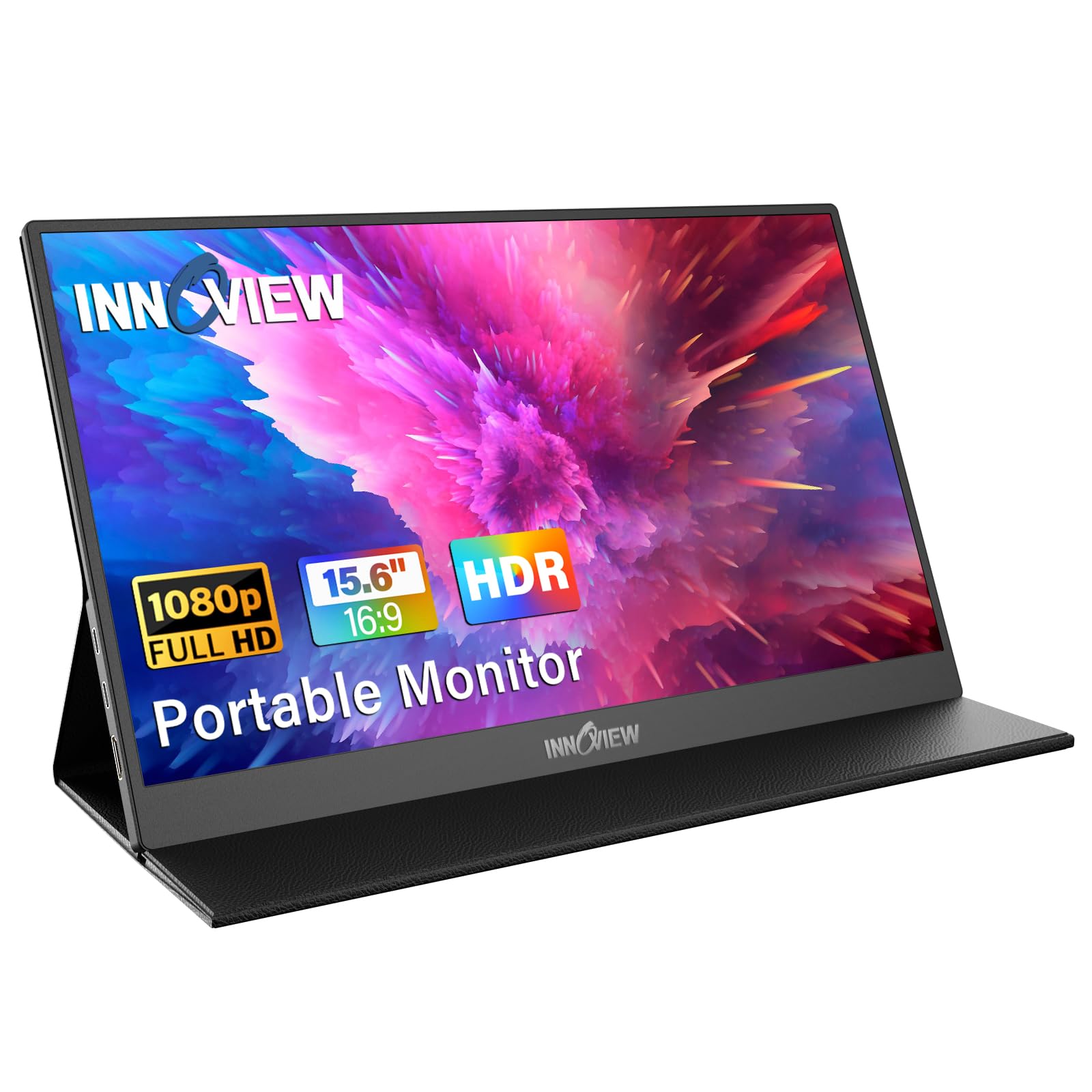
A full-size HDMI port is the detail that makes the InnoView 15.6 the easiest travel monitor to lend out: the same cable from the Switch 2 dock works without a mini-HDMI adapter. The 15.6-inch 1080p matte panel is paired with a protective cover that folds into a stand, and the built-in speakers are a useful extra for a hotel room.

The 60Hz refresh is the limit. Next to the 144Hz ARZOPA, fast motion is less clear, and the 250-nit brightness is a step behind the 300-nit MNN. What we like is the standard HDMI input and the 2.7-pound body, which is still light enough for a backpack. The 80% sRGB coverage is fine for games, though colors are not as rich as the ARZOPA's 106% panel.

We recommend the InnoView when you want a simple travel screen and do not want to keep track of a mini-HDMI cable. Against the MNN, it is heavier and dimmer but adds a full-size HDMI port. Against the ARZOPA, it gives up 144Hz and color punch but costs less and is easier to share.

Pros

  • Full-size HDMI input
  • Cover doubles as a stand
  • Built-in speakers
  • Matte 1080p panel

Cons

  • 60Hz refresh limits fast motion
  • USB-C connection can be finicky
Our verdict

This InnoView is the travel screen we recommend when you want a full-size HDMI port and a protective cover, and you can accept 60Hz motion and a heavier 2.7-pound body.

Check Latest Price

How We Tested Switch 2 Monitors

We started by gathering every monitor a Switch 2 could plausibly live with — 1080p panels from 12 to 27 inches, high-refresh gaming displays, and USB-C portables — then filtered out anything without a full-size HDMI input or anything priced above what most people would spend on a console accessory. That left 12 monitors, which we kept in rotation for six months across a desk setup, a living room shelf, and a backpack.

Every display got the same first night: dock the console, launch a game, and see what happens before touching a single setting. We noted whether the image filled the panel or arrived with bars, whether the console read the display's capabilities correctly, and whether any sound left the monitor at all — through built-in speakers, a headphone jack, or nothing. Then came the longer sessions: split-screen races with two people on the couch to judge viewing angles, dark dungeons to spot backlight bleed, and repeated power-cycles to see if the display dropped the signal.

The portables took the rougher treatment. We weighed each one and slid it into a bag next to a laptop, flexed the kickstand and frame to see how much the panel bowed, and checked the screen for scuffs afterward. On the higher-refresh models we switched on the games' performance modes and watched for stutter, then left each monitor running for hours to catch flicker or random blackouts. Value came last: what the display gave us beyond a basic picture — a spare HDMI for a laptop, a tilt stand that holds its angle, a case that doubles as a cover.

How to Choose a Monitor for Switch 2

Start With the Desk or the Bag

A 24- to 27-inch desk monitor gives you a stable stand, more inputs, and a bigger image for docked play. A 15.6- to 16.1-inch portable makes more sense if the screen travels; it will be lighter and often includes a cover or kickstand. For a desk, we start with the Dell SE2426H; for a bag, the ARZOPA Z1FC.

Match the Cable to the Switch 2

The Switch 2 dock outputs HDMI, so any monitor with an HDMI input can work. A single-cable USB-C setup is possible only when the monitor explicitly supports Switch 2 video over USB-C, as the HAILESI S123E does. Not every USB-C port carries video; some are power-only. Check the port label or the monitor's documentation before you plan on dock-free play.

If you want the simplest cable bag, a full-size HDMI input like the InnoView's avoids a mini-HDMI adapter.

Refresh Rate, Resolution, and Size

60Hz is enough for most Switch 2 games, but 120Hz or 144Hz makes motion clearer and is worth paying for if the monitor also serves a PC. At 1080p, a 24-inch panel looks sharper than a 27-inch one; the bigger screen is more immersive but less crisp for text. We prefer 24 inches for a mixed desk and 27 inches for a dedicated game screen.

Stand, Speakers, and Comfort

A built-in stand or a rigid cover matters more on a portable than a fancy desktop stand; a flimsy stand turns every button press into a wobble. Built-in speakers are convenient for two-player sessions, but a headset sounds better and costs less. If you need height adjustment, check for VESA mounting or a height-adjustable stand before you buy.

Frequently Asked Questions

Final Verdict

For most people, the Dell SE2426H is the monitor we recommend for a Switch 2. It pairs a crisp 24-inch 1080p IPS panel with a 144Hz refresh, two HDMI inputs, and a simple setup that leaves room for a laptop. It is not the biggest screen here, but it is the easiest to live with day to day.

If the Switch 2 travels, choose the ARZOPA Z1FC for its 144Hz portable panel and built-in kickstand. If you want the simplest dock-free tabletop setup, the HAILESI S123E is the one; if the screen stays on a desk and size matters more, the Dell SE2726HG is the step up.