Best Overall
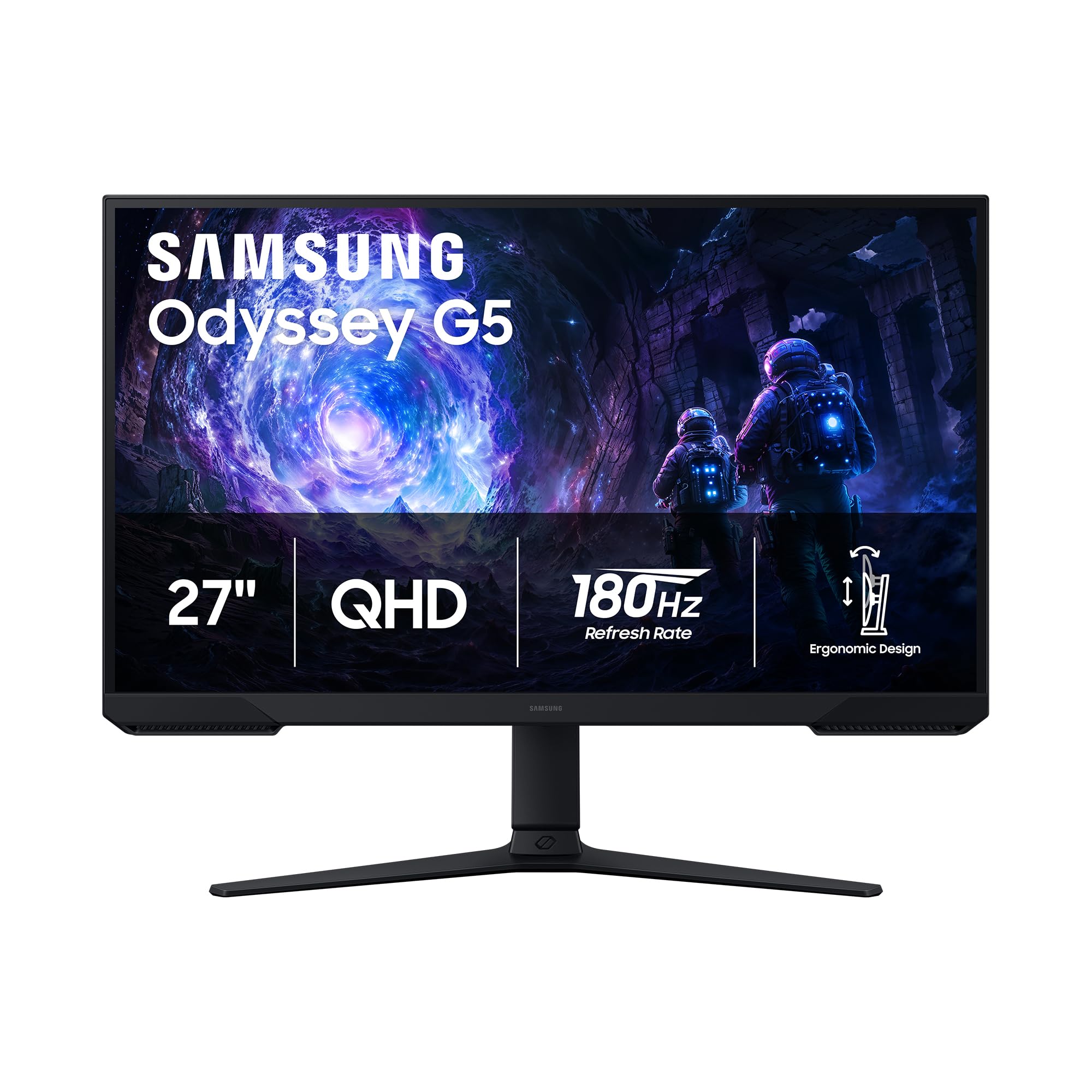
Samsung Odyssey G5 (G51F) 27"
Key details
- Panel
- VA
- Stand
- Height, tilt, pivot
- Resolution
- 2560 x 1440
- Refresh Rate
- 180 Hz
The monitor most people are actually shopping for is a 27-inch, 1440p panel fast enough for shooters and sharp enough for everything else, and the Odyssey G5 is the one we hand to that shopper. It sits in the middle of this set on price and gives up very little on resolution, refresh rate or ergonomics.
What settles the decision for us is the combination. At 27 inches, 2560 x 1440 works out to roughly 109 pixels per inch, which is where text on a spreadsheet stops looking furry and thin UI elements stop shimmering. Pair that with 180Hz and AMD FreeSync and fast pans stay smooth and tear-free. The VA panel adds 3000:1 contrast, and we found that difference obvious in shadowed corners of maps, where the 1000:1 IPS panels here flatten into gray.
The stand is what separates it from the budget picks: height, tilt and pivot, so you raise the screen to eye level instead of stacking books, then swing it vertical for a document or a chat column. Black Equalizer and Virtual Aim Point earn their place — the first lifts detail out of dark areas, the second puts a crosshair on screen for games that don't offer one. Two HDMI inputs plus DisplayPort cover a PC and a console without cable swapping.
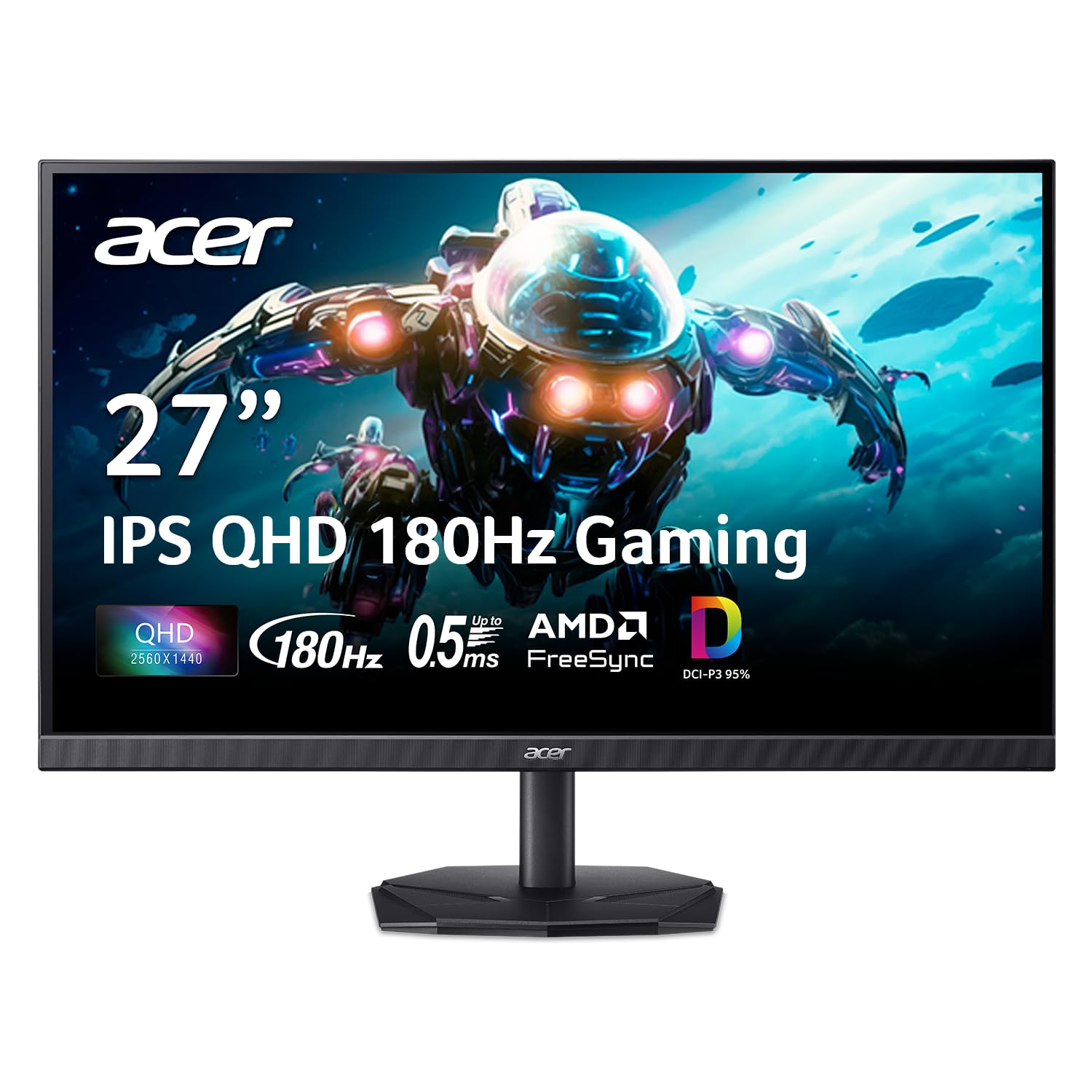
Where it gives ground is at the edges of the panel's behavior rather than in its core job: a fast pan across a bright, high-contrast edge leaves a faint trail that a good IPS panel avoids. If that motion clarity is what you care about most, the Acer Nitro and the ASUS TUF are both IPS at the same resolution and refresh rate, and the Acer costs less.
Pros
- Sharp 1440p image at 27 inches
- 180Hz with FreeSync for smooth play
- Height, tilt and pivot stand adjustment
- 3000:1 VA contrast for dark scenes
Cons
- 300 nits is dim in a sunny room
We tell most people to buy this one: 1440p and 180Hz on a stand that actually adjusts, for a desk that has to do work and games on the same panel.