Best Overall
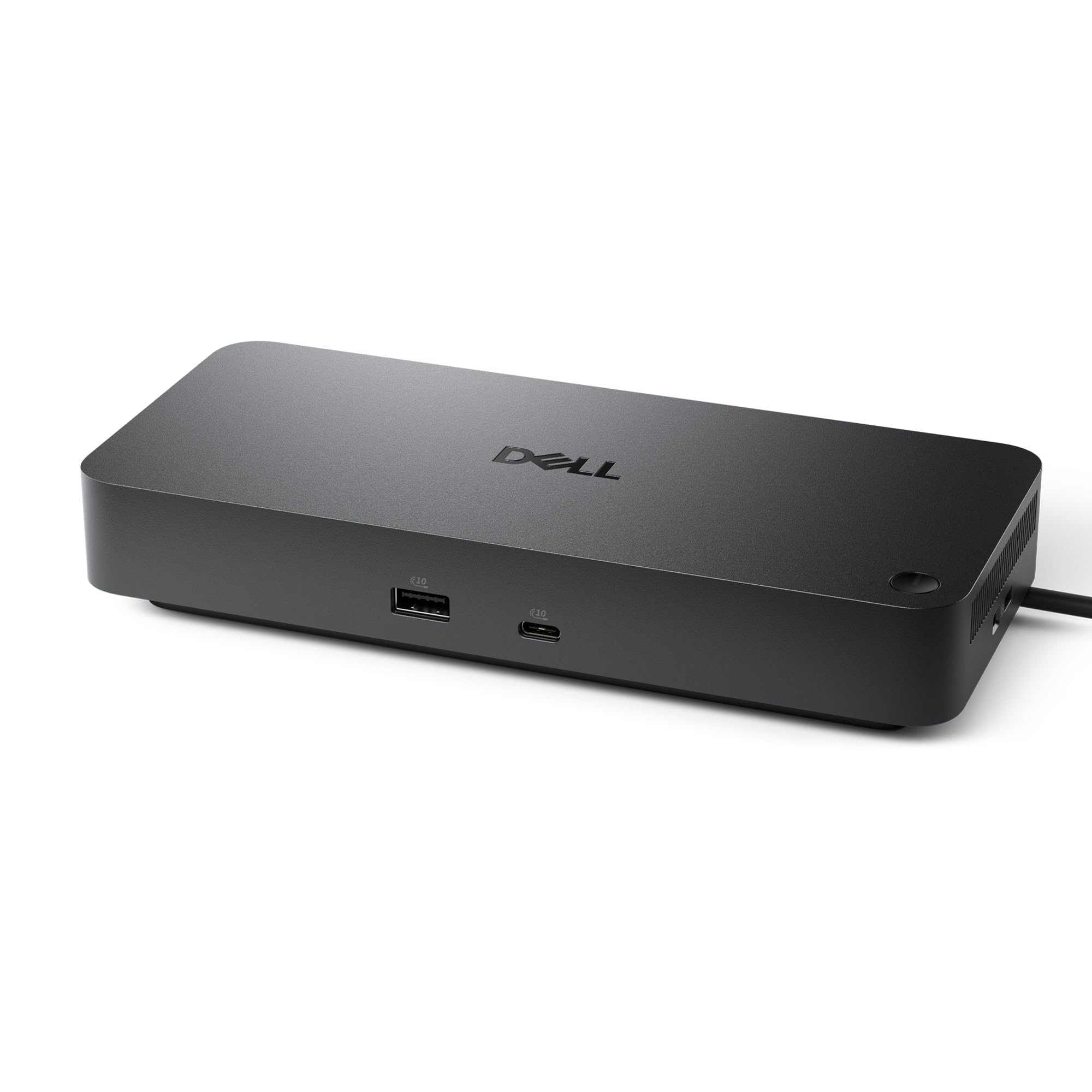
Dell Pro WD25
Key details
- Warranty
- 3 years
- USB Ports
- 6
- Laptop Charging
- 100W
- Displays Supported
- Up to 4 native
Two details separate the Dell Pro WD25 from the rest of this group, and neither of them shows up in a port count. The first is that its video is native: the dock passes your laptop's own DisplayPort signal to the screens, so there is no driver to install and nothing to reinstall after a Windows update lands the night before a deadline. The second is the host cable, which pivots so it can leave the dock to the left or the right — a small thing until your desk has a wall on one side of it.
For a Windows or Linux desk, we think that combination makes it the default. Dell rates it for up to four high-resolution displays, and it sends 100W to the laptop from a 130W supply, so a single cable covers screens, peripherals, and charging. Six USB ports inside ten total connections leave room for a keyboard, mouse, headset, and a couple of drives without adding a second hub to the chain. At 1.2 pounds it stays where you set it instead of skating around behind the monitors.
The three-year warranty with advanced exchange is the part people skip past: a replacement ships before the dead dock goes back, which is a different experience from boxing a hub up and waiting on a return. The power supply is a brick and wants its own socket on the strip, which is the one piece of desk real estate the WD25 does not give back.
Pros
- Native display outputs, no driver to install
- 100W laptop charging from a 130W supply
- Three-year advanced-exchange warranty
- Host cable routes left or right
Cons
- No macOS in the compatibility list
We recommend the WD25 for any Windows or Linux desk that wants two or more screens to simply work, with 100W charging and a three-year advanced-exchange warranty behind it.