Best Budget Gaming PCs of 2026

A budget gaming PC is the rare purchase where the price tag is the least interesting thing about it. The real question is whether saving a few hundred dollars means a machine that stutters through new releases, hides a power supply nobody should trust, or leaves no room to grow. The right one puts 1080p gaming, streaming, and everyday work on your desk in a case you can actually open.

My team and I have spent the past six months living with eight of these desktops, from plain black boxes to glass-paneled towers, and the spec sheet was the least useful guide to any of them. The same processor and graphics card pairing can feel quick or sluggish depending on the drive and memory around it. What separates the good ones is duller: a Wi-Fi card that holds a signal two rooms from the router, ports you can reach, a side panel that pops off with a magnetic latch instead of a screwdriver.

The picks below are the ones that held up on frame rates, build quality, and the value math. Each earns its spot.

1

Best Overall

ZYNEEX S5 RTX 3050

87 /100
Lab Score Excellent

Key details

Memory
16GB DDR4 3200MHz
Storage
1TB NVMe SSD
Graphics
GeForce RTX 3050 6GB
Processor
AMD Ryzen 5 5500
View on Amazon

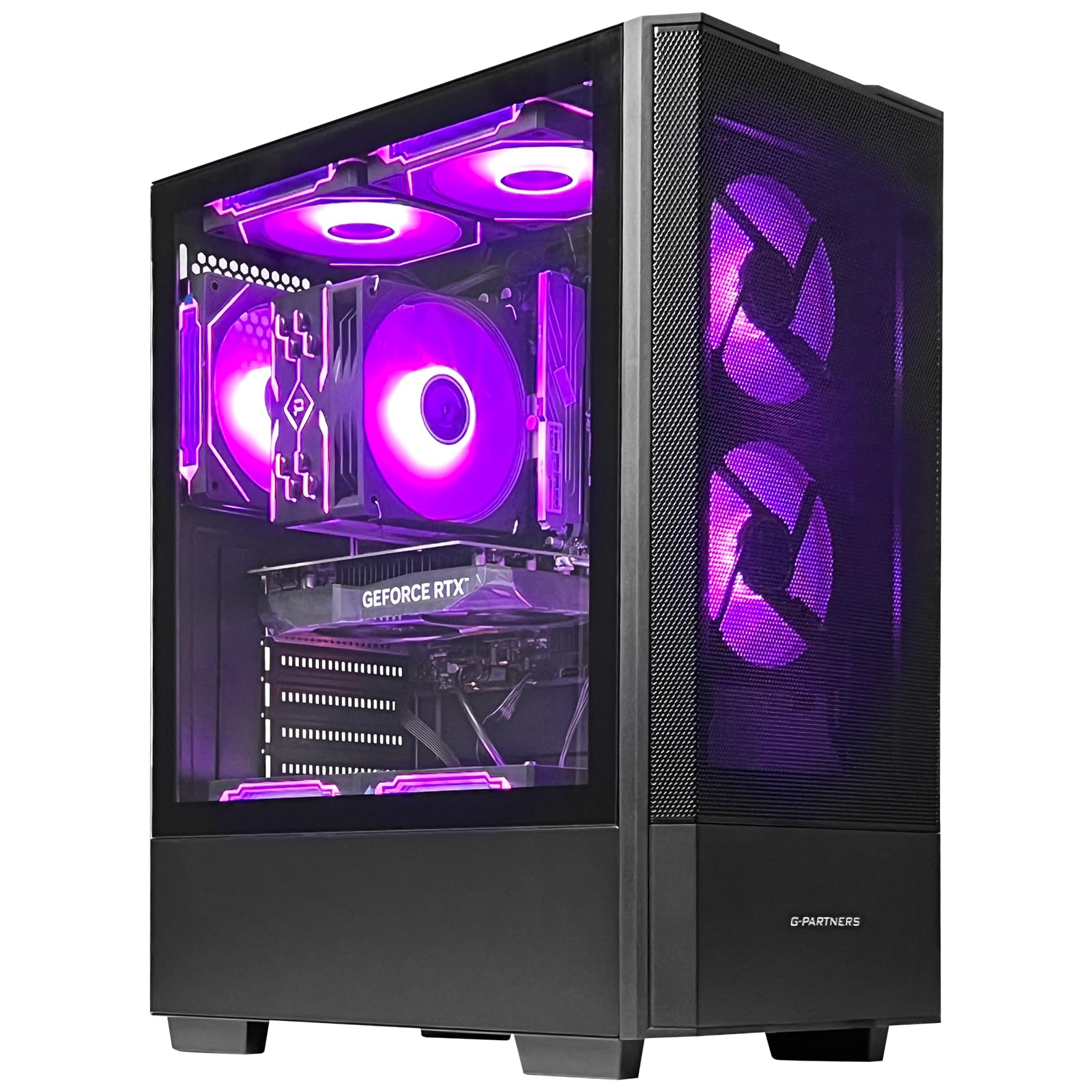
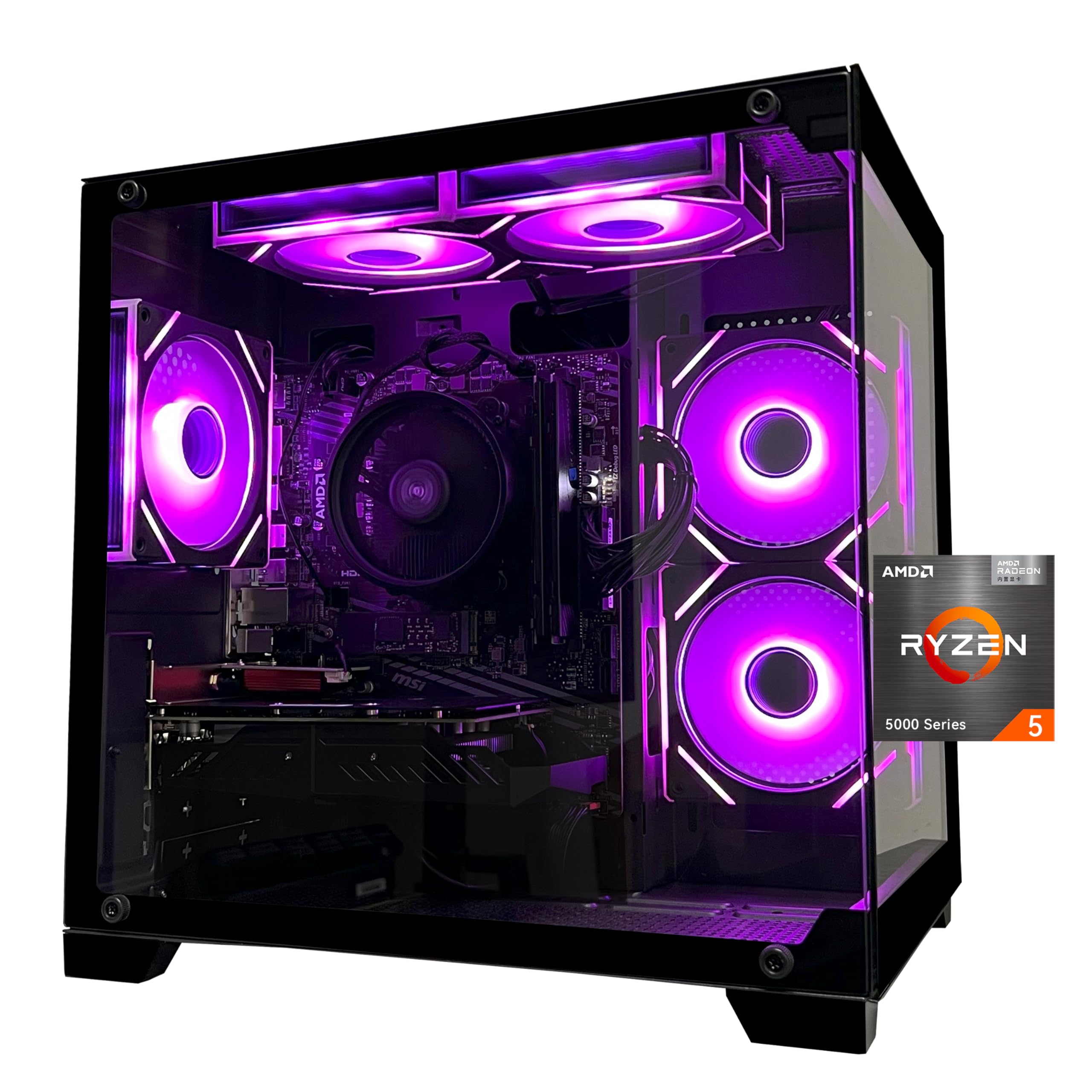
The 1TB NVMe SSD is what makes the ZYNEEX S5 feel like a finished budget build rather than a starter kit. A 500GB drive fills quickly with modern games; here you can install a couple of big titles and still leave room for Windows and updates. The 16GB of DDR4 3200MHz RAM is the other practical baseline, enough for a game, a browser, and Discord without forcing an upgrade in week one.

The RTX 3050 6GB is the sensible center of this build. It is not the fastest GPU in this group—the Olialia's RTX 3060 Ti has more headroom—but it is the one we prefer for a 1080p monitor and a mix of esports and single-player games. The Ryzen 5 5500 has six cores and enough speed to keep up, and the 1TB drive means you are not managing installs from day one.

The rest of the package is easy to live with: Wi-Fi is built in, Windows 11 Home is preinstalled, and the rear HDMI and DisplayPort outputs cover a basic monitor setup. The air-cooled case with ARGB fans is standard budget-PC styling, but it keeps the build simple.

If you need 32GB for heavy multitasking, the SKYESEV is the better fit. For most gamers, though, the ZYNEEX's balance is the easier recommendation. The 1TB drive is the part you notice every time you install a game, not just on launch day.

Pros

  • 1TB NVMe SSD leaves room for a real game library
  • 16GB DDR4 and RTX 3050 handle 1080p gaming
  • Windows 11 Home and Wi-Fi come ready
  • Air-cooled case runs quiet

Cons

  • 6GB VRAM limits max textures in demanding games
Our verdict

We recommend the ZYNEEX S5 as the best all-around pick here: an RTX 3050, 16GB of RAM, and a 1TB SSD make modern 1080p games easy to live with.
Check Latest Price
2

Best Graphics Performance

Olialia RTX 3060 Ti

86 /100
Lab Score Excellent

Key details

Memory
16GB DDR4
Storage
512GB SSD
Graphics
GeForce RTX 3060 Ti 8GB
Processor
AMD Ryzen 5 5500
View on Amazon

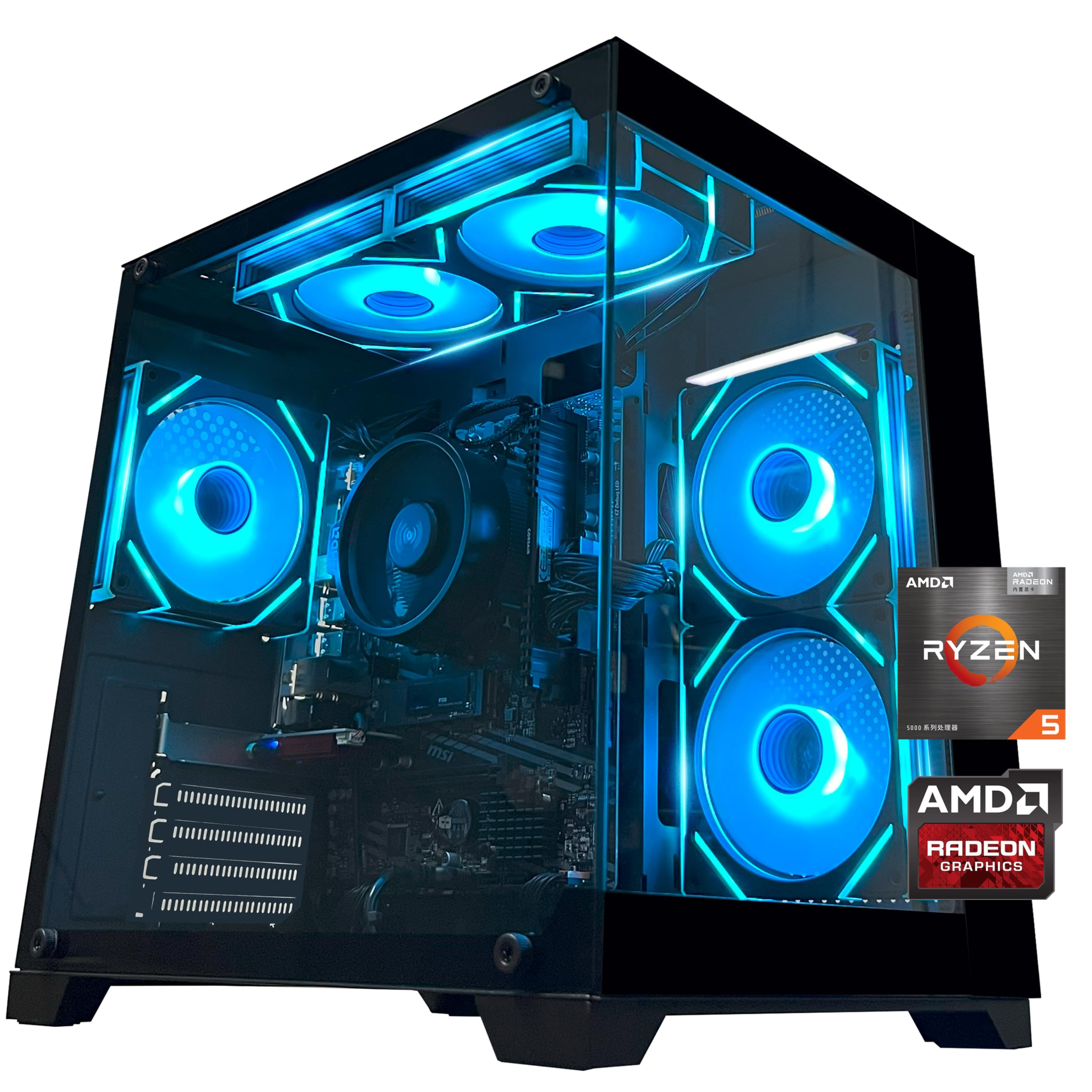
The RTX 3060 Ti is the reason to look at this Olialia tower. It is the strongest graphics card in this group, and that gap matters more than the usual budget-PC feature list. The 8GB of GDDR6 gives it enough memory for high-refresh 1080p gaming and a realistic shot at 1440p in less demanding titles, especially with DLSS.

The rest of the build is familiar: a Ryzen 5 5500 and 16GB of DDR4. That is enough memory for gaming, and the six-core CPU will not hold the GPU back in most titles. The dual-glass panoramic case and six RGB fans are there if you want the build to show off, and the 600W power supply leaves some headroom for future upgrades.

The 512GB SSD is the compromise. A couple of large installs can eat most of the drive, so we treat this as a PC to pair with an external game drive or a planned SSD upgrade. If you mostly play one or two competitive games, that trade is easy to accept. If your library is broad, the ZYNEEX's 1TB drive is the more comfortable buy.

Pros

  • RTX 3060 Ti is the fastest GPU here
  • 16GB RAM and Ryzen 5 5500 are balanced
  • 600W PSU leaves upgrade headroom
  • Dual-glass case with six RGB fans

Cons

  • 8GB VRAM limits maximum textures at 1440p
Our verdict

Choose the Olialia if frame rate matters most: the RTX 3060 Ti is the strongest GPU in this group, and it gives a budget 1080p build serious headroom.

Check Latest Price
3

Best for Multitasking

SKYESEV MX350 RTX 3050

80 /100
Lab Score Excellent

Key details

Memory
32GB DDR4 3200MHz
Storage
1TB NVMe SSD
Graphics
GeForce RTX 3050 6GB
Processor
AMD Ryzen 5 5600
View on Amazon

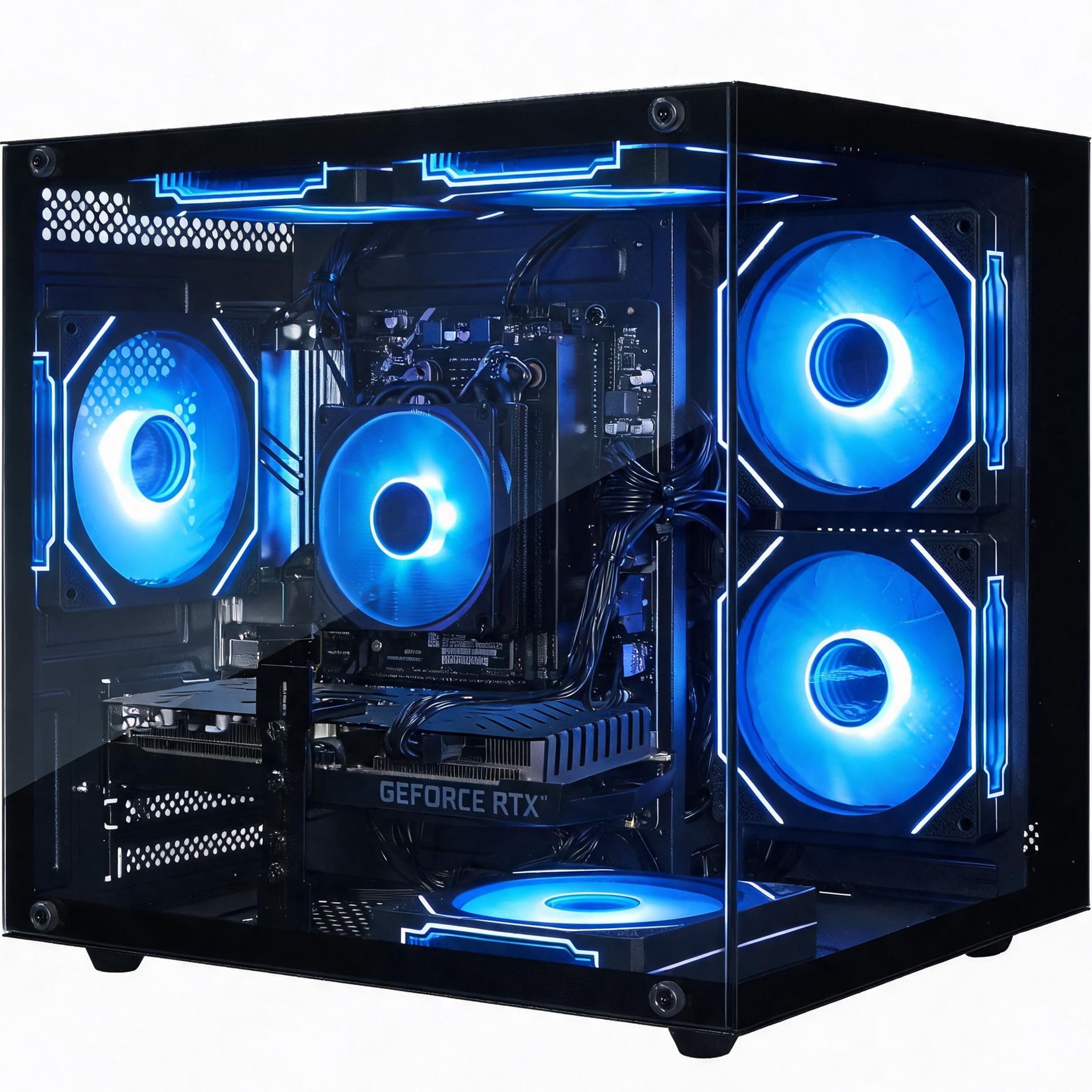
The 32GB of DDR4 is the first thing that stands out about the SKYESEV MX350. Most of the budget builds here stop at 16GB, which is fine for games but tight when you add a browser, Discord, and a capture app. Here you can leave everything open without watching memory usage. We like that pairing with the 1TB NVMe SSD because it makes the machine feel roomy from the first boot, not just after an upgrade.

The RTX 3050 6GB and Ryzen 5 5600 are the same basic gaming tier as our top pick. That means solid 1080p performance in most games, with ray tracing available but not something we lean on at this price. The 3050 will not match the Olialia's 3060 Ti for raw frame rate, but for a 1080p setup it is a sensible match.

Where this one wins is flexibility. The extra memory makes it a better fit for game capture, light editing, or a browser-heavy desk, and the 1TB drive gives those workloads room. The case is air-cooled with ARGB fans and a remote, which is a nice convenience if you like tuning the lighting without software. The lighting remote is an extra rather than the reason to buy; the core spec sheet is strong for the money. Double the RAM is the kind of upgrade that costs more later than it does here.

Pros

  • 32GB RAM handles gaming plus heavy multitasking
  • 1TB NVMe SSD leaves room for a large library
  • RTX 3050 and Ryzen 5 5600 deliver solid 1080p
  • ARGB air cooling with remote

Cons

  • 6GB VRAM limits max textures in demanding games
Our verdict

The SKYESEV MX350 is the pick for gamers who also run heavy multitasking, thanks to 32GB of RAM and a 1TB SSD.

Check Latest Price
4

Best Brand-Name Budget Pick

CyberPowerPC Gamer Master

76 /100
Lab Score Very Good

Key details

Memory
8GB DDR4
Storage
500GB PCIe 4.0 SSD
Graphics
Radeon RX 6500 XT 4GB
Processor
AMD Ryzen 5 5500
View on Amazon

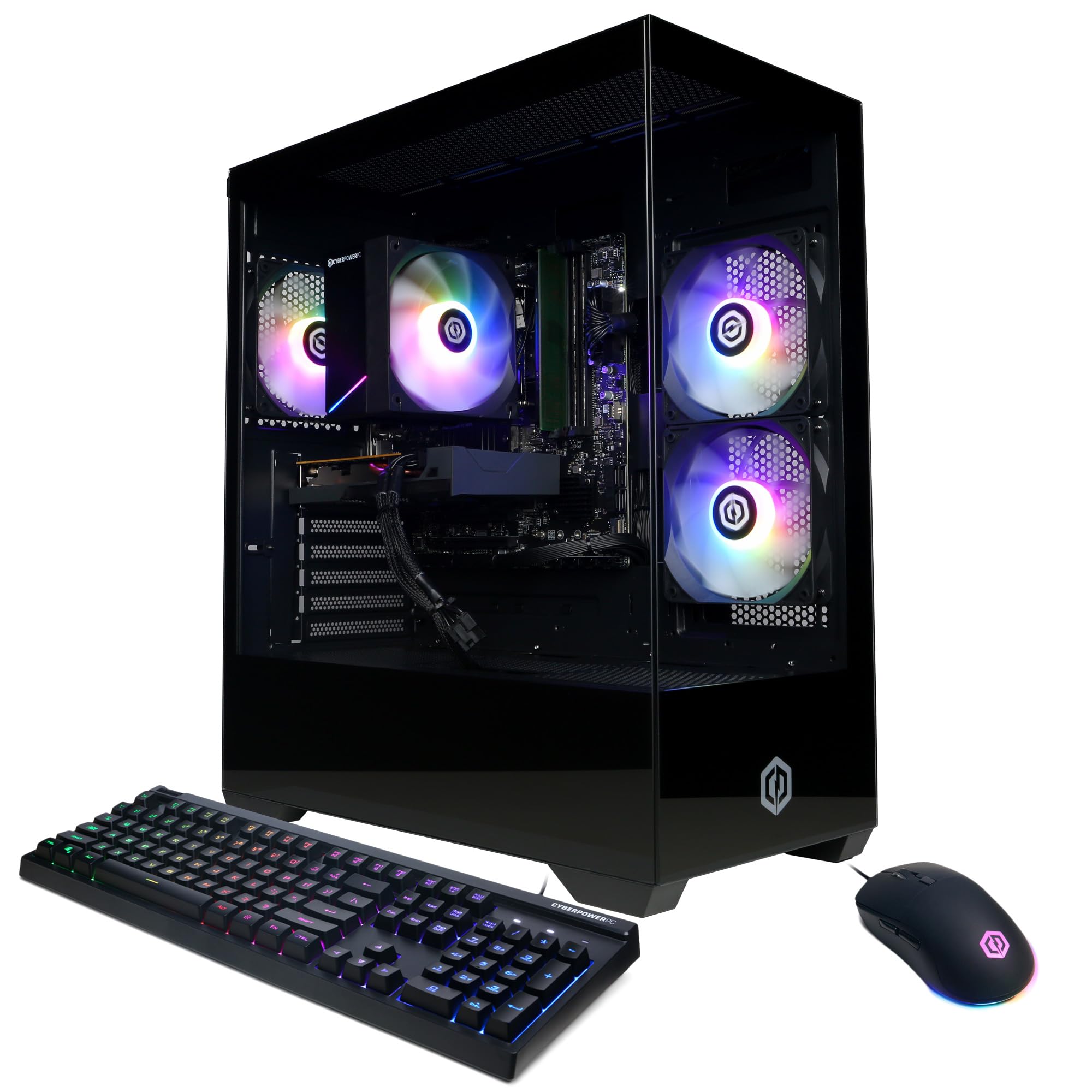
CyberPowerPC is the most familiar name in this group, and that matters when a budget prebuilt has a problem. The Gamer Master pairs a Ryzen 5 5500 with an RX 6500 XT, a combination that gets you into 1080p esports and older AAA games without paying for hardware you do not need. The tempered-glass side panel and RGB lighting make it feel more finished than the price suggests.

The 8GB of RAM is the part we notice first. Windows and a game can fit, but add a browser and Discord and you are close to the ceiling. We recommend planning a 16GB kit from the start; it is a simple upgrade that makes the rest of the machine feel current. The one-year parts and labor warranty is the practical reason to choose this over an unknown brand.

The RX 6500 XT is the other compromise. It is a real gaming GPU and a clear step up from integrated graphics, but 4GB of VRAM is thin for modern titles at high settings. For Fortnite, Minecraft, and similar games, it is fine; for the newest AAA releases, expect medium settings and some texture cuts. The B550 motherboard and standard tower layout leave room for a future graphics card, though you need to confirm the power supply has the right cables before you plan that upgrade.

Pros

  • Known builder with one-year parts and labor warranty
  • Dedicated RX 6500 XT beats integrated graphics
  • Tempered glass and RGB lighting look finished
  • B550 motherboard supports future upgrades

Cons

  • 500GB SSD fills quickly
  • Wi-Fi 5, not Wi-Fi 6
Our verdict

The CyberPowerPC Gamer Master is the brand-name budget pick for 1080p esports, with a dedicated GPU and a one-year warranty.

Check Latest Price
5

Best Cheap Starter PC

AVGPC Q-Box

81 /100
Lab Score Excellent

Key details

Memory
16GB DDR4 3200
Storage
500GB SSD
Graphics
Radeon Vega 7 integrated
Processor
AMD Ryzen 5 5600GT
View on Amazon

A liquid cooler on a budget APU sounds like misplaced priorities until you hear the Q-Box running. The 120mm cooler keeps the Ryzen 5 5600GT quiet under light gaming and everyday work, and the case stays simple. The 16GB of DDR4 is the right baseline for a first PC, and the 550W power supply leaves room for a future graphics card. We like the liquid cooler because it improves daily use, not just the spec sheet.

The 5600GT's Radeon graphics are the real limit. They are fine for Fortnite, Minecraft, Roblox, and other esports titles at 1080p with settings dialed in, but they are not a match for even an entry dedicated GPU in newer AAA games. We see this as a starter PC, not a machine for the latest big releases. The open tower and standard power supply give you a path to add a graphics card later, which is the smart way to buy it.

The Q-Box's value is in the stuff around the APU: liquid cooling, a 550W PSU, and a standard tower layout. For a first gaming PC, that is a more useful set of extras than a flashy glass panel.

Pros

  • Liquid cooling keeps the APU quiet
  • 550W PSU leaves room for a future GPU
  • 16GB RAM and 500GB SSD cover basics
  • Ryzen 5 5600GT handles esports and schoolwork

Cons

  • 500GB SSD is small for a game library
Our verdict

The AVGPC Q-Box is the budget starter we point to for esports and schoolwork, with a quiet liquid-cooled APU and a low entry price.

Check Latest Price
6

Light Gaming

YAWYORE MX240

81 /100
Lab Score Excellent

Key details

Memory
16GB DDR4 3200MHz
Storage
1TB M.2 NVMe SSD
Graphics
Radeon Vega integrated
Processor
AMD Ryzen 5 5600GT
View on Amazon

The 1TB M.2 NVMe SSD is the reason the YAWYORE MX240 stands out from the other APU builds here. A 500GB drive fills quickly with modern games, and this one gives you room to keep a library without adding storage on day one. The 16GB of DDR4 3200MHz RAM is the right amount for everyday work and light gaming, and the Ryzen 5 5600GT has six cores for multitasking.

The integrated Radeon graphics are the catch. They handle esports titles and older games at 1080p, but they can stumble on the newest big releases. We see the MX240 as a light-gaming and everyday-work desktop, not a substitute for a dedicated GPU. If your main game is a competitive shooter or Minecraft, it is a comfortable fit; if you want the latest AAA titles at high settings, spend the money on a dedicated card.

The rest of the build is sensible for the price. The 550W 80 Plus Bronze power supply is more than the APU needs, and the MSI A520M-A Pro motherboard gives you a known platform for future upgrades. Wi-Fi and Bluetooth are built in, which keeps the desk simpler. We like the 1TB drive most because it is the upgrade you will not have to make later.

Pros

  • 1TB NVMe SSD is generous at this level
  • 16GB DDR4 3200MHz RAM
  • Ryzen 5 5600GT handles everyday work
  • 550W 80 Plus Bronze PSU

Cons

  • Wi-Fi connectivity can be inconsistent
Our verdict

The YAWYORE MX240 is the roomy-storage pick for light gaming and everyday work, with a 1TB SSD and a six-core Ryzen APU.

Check Latest Price

How We Tested These Budget Gaming PCs

The shortlist started with research, not benchmarks. I rounded up about 30 prebuilt desktops sold as budget gaming machines, sorted them by graphics card class, processor, memory, storage type, and price, and noted which ones would need an adapter or a wired connection before they could get online. Eight of them made the cut and came into our homes.

Each one arrived as a bare tower and was set up the way you would set it up: monitor, keyboard, mouse, updates, then a normal week of browser tabs, video calls, and spreadsheets before anything demanding got installed. Two migrated to living rooms and ran on a TV. After that came hour-long sessions across indie titles and newer, heavier releases at 1080p, plus a few evenings of streaming and recording gameplay at the same time.

We timed cold boots with a stopwatch and moved a 20GB folder of game files to see how the storage held up. While playing, we watched frame rates in busy scenes and set a sound meter beside each tower to catch fan noise you'd notice during quiet dialogue. For Wi-Fi, we placed each PC two walls from the router, ran speed tests at the same time of day, and pulled a large game update over wireless before comparing it to a wired connection.

Build quality and appearance got physical: we lifted each tower, ran a hand along panel edges for sharp metal, checked whether cables were tidy or rattling loose, and opened the cases repeatedly to see whether the panels used a magnetic latch, thumbscrews, or a screwdriver. Reliability meant leaving machines running all week, waking them from sleep daily, restarting after updates, and logging any crash. For value, we added up what the graphics card, processor, memory, storage, and power supply would cost on their own, then asked honestly whether we'd recommend the thing to a friend with the same budget.

How to Choose a Budget Gaming Pc

Start With the Graphics Card

For modern games, a dedicated GPU is the difference between playable and frustrating. An RTX 3050 or RX 6500 XT is the entry point here, and the RTX 3060 Ti is the clear step up in raw performance. Check VRAM as well as the model name: 4GB cards need texture settings trimmed, while 6GB and 8GB cards give you more room. If you mostly play esports titles, a Ryzen 5 5600GT APU can work, but it is not a substitute for a dedicated card in demanding AAA games.

Our advice is to pick the GPU first and let it set the rest of the budget. The ZYNEEX's RTX 3050 is the balanced choice for 1080p, while the Olialia's RTX 3060 Ti is the one for higher frame rates or a 1440p monitor. An APU build like the YAWYORE makes sense only when light gaming and a lower entry price matter more than settings headroom.

Match Memory and Storage to Your Library

Sixteen gigabytes of RAM is the comfortable baseline for gaming in 2026; 8GB systems can run games but leave little room for a browser, Discord, and a capture app. Thirty-two gigabytes is worth paying for if the PC also handles editing, streaming, or a lot of open tabs. Storage matters just as much: a 500GB drive is workable for a few esports games, but a 1TB drive is the better long-term choice for modern install sizes.

The CyberPowerPC is the clearest example of a build that needs a RAM upgrade, while the SKYESEV's 32GB and 1TB are the opposite approach. If you buy an 8GB machine, price a 16GB kit before you order so the total still makes sense.

Check the Platform and Upgrade Path

A budget PC can be a dead end if the motherboard and power supply leave no room for a future graphics card. AM4 boards like the B550 and A520 are common in this group and support a range of Ryzen chips. Look for a power supply with enough wattage and, just as important, the PCIe power cables a new GPU needs. Some budget builds ship without those cables, which turns a simple upgrade into a parts hunt.

Wi-Fi is another place budget builds cut corners. Built-in Wi-Fi 6 is convenient, but a wired Ethernet connection is still the steadier choice for online play. If the listing is vague about Wi-Fi or the power supply, assume you may need to add an adapter or cables.

Set Expectations for Noise and Support

Budget gaming PCs can be quiet, but it depends on the cooler and fan curve. A liquid cooler on a low-power APU, as on the AVGPC Q-Box, is more about keeping noise down than unlocking performance. Larger air coolers and 120mm case fans generally sound smoother than small, high-speed fans. A familiar builder's warranty can be worth more than a slightly faster no-name spec sheet when something goes wrong.

Before you buy, confirm the warranty length and whether support is handled by the builder or a third party. Then check the rear ports: HDMI and DisplayPort are standard, but the number of USB ports and whether Wi-Fi is built in can change what you need to add on day one.

Frequently Asked Questions

Final Verdict

The ZYNEEX S5 is the budget gaming PC we recommend first. It does not win every spec contest—the Olialia's RTX 3060 Ti is faster, and the SKYESEV has more RAM—but the RTX 3050, 16GB of RAM, and 1TB SSD add up to the most sensible 1080p starting point. If raw frame rate is the priority, choose the Olialia and plan around its smaller SSD. If your PC also handles work and capture, the SKYESEV's 32GB is the better fit.