Best 1080P Gaming Monitors of 2026

A 1080p monitor in a 4K world sounds like a step backward, but it usually isn't. Fewer pixels means the budget goes where you actually feel it: a faster refresh rate, a panel that doesn't smear in motion, a stand that holds its angle. What a good one fixes is specific — the stutter you notice mid-match, the washed-out corner when afternoon sun hits the desk, the setup that swallows an evening because the stand needs a screwdriver and a second pair of hands.

I've gamed on a 1080p panel for years, so I'm picky about where the money goes. Over the past seven months my team and I have kept 12 monitors on desks at home and in the office, from 24-inch esports-style screens to 27-inch all-rounders, and the gaps in picture quality and value were wider than the spec sheets let on. One thing first-time buyers miss: at 1080p, 24 inches looks sharper than 27 at the same viewing distance — size and crispness pull against each other. The picks below are the ones that held up.

1

Best Overall

Dell SE2426HG 24-Inch

91 /100
Lab Score Outstanding

Key details

Panel
23.8-inch IPS, 1920 x 1080
Ports
2x HDMI, DisplayPort 1.4
Refresh Rate
240Hz
Adaptive Sync
FreeSync Premium, HDMI VRR
View on Amazon

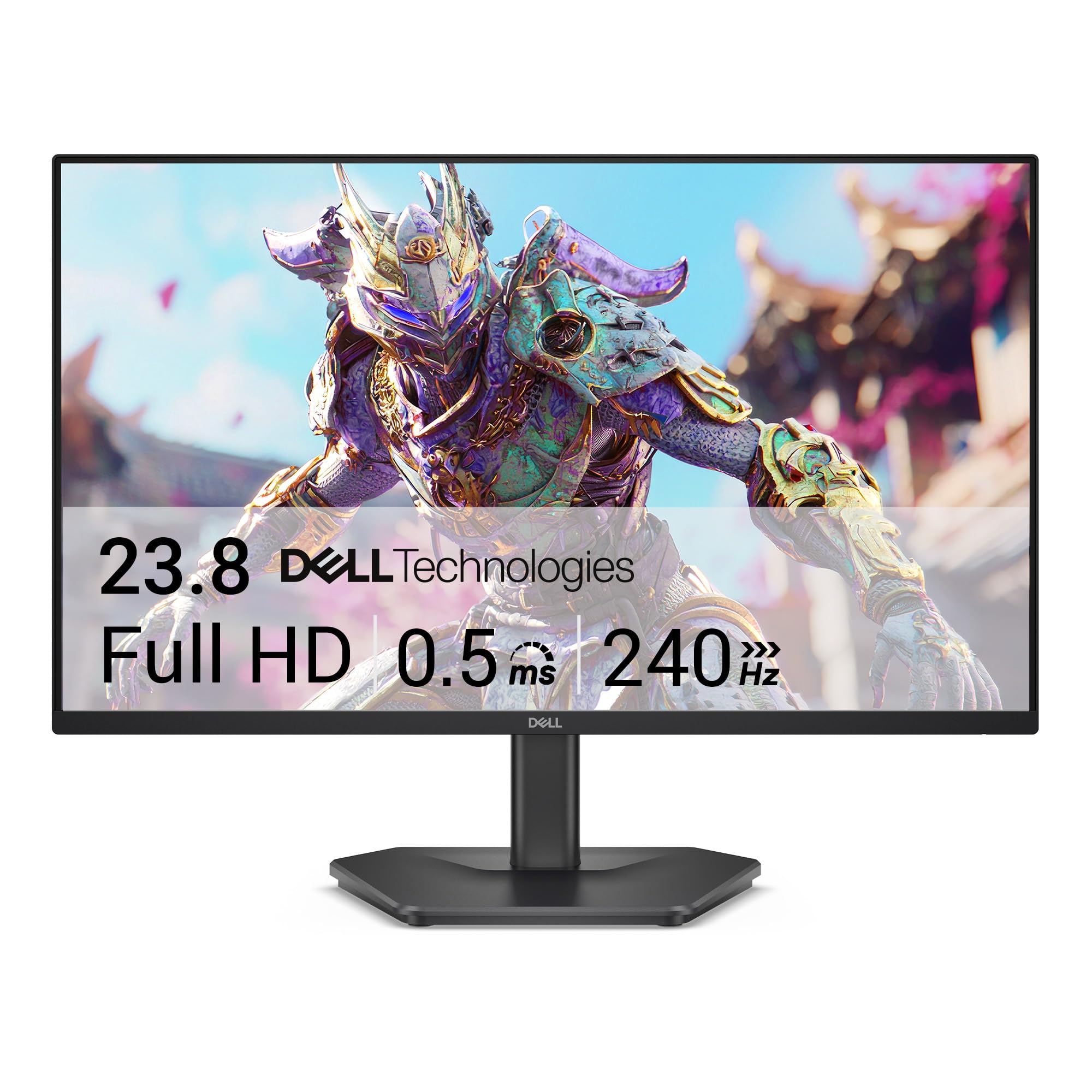
The headline is 240Hz, and it is why this one stays on the desk: at 1920 x 1080 across 23.8 inches, frames land fast enough that the pointer feels tied to your hand and a quick turn stops smearing into a grey streak. Just as important, the panel is IPS, so the picture does not fall apart when you lean back in the chair, and the 99% sRGB coverage is honest enough that photos and video look like the same monitor you game on.

Two HDMI 2.0 inputs alongside DisplayPort 1.4 is the part we did not expect at this end of the market. A PC can sit on DisplayPort with a console on HDMI, both cabled up, and switching sources beats crawling behind the desk. FreeSync Premium covers the PC, HDMI VRR covers the console, and having both means the adaptive-sync box is ticked whichever machine is running.

The 300-nit matte panel is what makes it a weekday monitor as well. Beside a window we never wanted more brightness, and the coating quietly kills the reflections that glossy screens turn into a second, worse image. There is a TÜV Rheinland 3-star low blue light mode for the hours you spend reading rather than shooting, and it does not wash the color out the way the aggressive settings tend to.

Pros

  • 240Hz IPS without giving up color
  • Two HDMI inputs plus DisplayPort
  • FreeSync Premium and HDMI VRR for console
  • Matte 300-nit panel suits bright rooms

Cons

  • Tilt-only stand that lets the panel rock
  • One-year warranty while some picks carry three
Our verdict

Our pick for most people: 240Hz on an IPS panel, two HDMI inputs plus DisplayPort, and color that holds up away from games. Buy it unless you need a height-adjustable stand.
Check Latest Price
2

Best for Competitive FPS

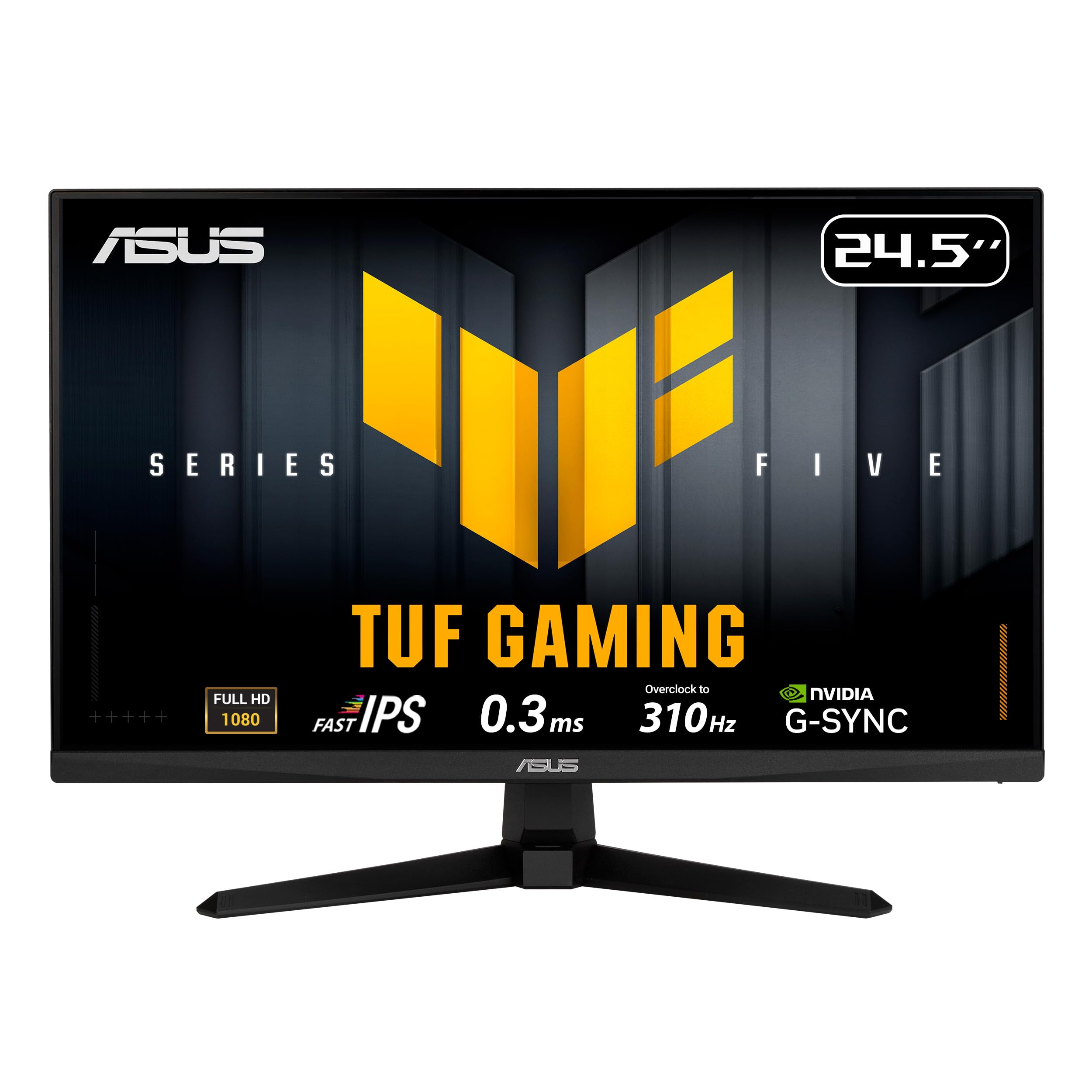
ASUS TUF VG259QMR5A 25-Inch

88 /100
Lab Score Excellent

Key details

Panel
24.5-inch Fast IPS
Refresh Rate
310Hz (overclocked)
Adaptive Sync
FreeSync Premium, G-Sync compatible
Response Time
0.3ms (GtG, min.)
View on Amazon

Three hundred and ten hertz is an odd number to print on a box, and an honest one: this is a fast IPS panel pushed into overclock, with the extra headroom reserved for people whose graphics card already renders well past 250 frames in the games they care about. If yours does not, the top of the dial is decoration. What sits under it is not.

What earns the step up is ELMB Sync. Blur reduction normally fights variable refresh — you pick one or the other — and ASUS runs both together, so a fast pan stays legible without giving up tear-free sync to get it. The 0.3ms grey-to-grey figure is a best-case number rather than a promise, but the motion we watched matched the intent behind it: a target stays readable while you track it.

Spend your first evening in DisplayWidget Center rather than stabbing at the buttons on the back of the panel; it puts the menus on your desktop and lets a mouse do the work. Then throw a full white and a full black image on the screen and look for a dead pixel while returning the thing is still simple. That check takes two minutes and saves years of noticing one dot.

Pros

  • 310Hz for high-frame-rate play
  • ELMB Sync works alongside variable refresh
  • Mouse-driven OSD through DisplayWidget
  • Three-year warranty with advanced replacement

Cons

  • Tilt-only stand with no height adjustment
  • Default picture mode needs work
Our verdict

The competitive pick: 310Hz, blur reduction that keeps working with variable refresh, and a three-year warranty. Worth the step up only if your frame rate is already high.

Check Latest Price
3

Best Budget

MSI PRO MP243L E14 24-Inch

88 /100
Lab Score Excellent

Key details

Panel
23.8-inch IPS
Ports
HDMI, VGA
Refresh Rate
144Hz
Contrast Ratio
1500:1
View on Amazon

The MSI PRO MP243L E14 costs less than every other IPS panel on this page, and the money clearly went into the screen rather than the furniture bolted around it.

The figure that surprised us is the contrast ratio. Most IPS monitors in this group list 1000:1; MSI claims 1500:1, and a dim room is where you notice the difference — shadows read as shadow instead of grey haze. The rest of the panel holds up: wide 178-degree viewing angles, a matte finish that shrugs off a desk lamp, and TÜV Rheinland certification for flicker-free backlighting and low blue light, which is more than budget monitors usually bother with.

MSI also bundles an Eye-Q Check routine that walks you through a few basic vision tests on the screen and then suggests settings — a strange little feature we have not seen on anything else here, and a decent nudge to stop squinting at spreadsheets. Add three years of warranty, matching the longest coverage in this group, and it is hard to argue with as a first build, a laptop dock or a second screen. The panel is the part you would have paid more for elsewhere.

Pros

  • 144Hz IPS at the lowest price here
  • 1500:1 contrast beats the 1000:1 norm
  • TÜV-certified flicker-free and low blue light
  • Three-year warranty

Cons

  • HDMI and VGA only, no DisplayPort
  • Basic stand with no height adjustment
Our verdict

The budget pick: 144Hz on an IPS panel with better contrast than most of this group and a three-year warranty. You give up ports, not picture quality.

Check Latest Price
4

Best 27-Inch

Acer KB272 G0bi 27-Inch

92 /100
Lab Score Outstanding

Key details

Panel
27-inch IPS
Ports
HDMI, VGA
Brightness
250 nits
Refresh Rate
120Hz
View on Amazon

Twenty-seven inches is a lot of 1080p, and the pixel grid is there in small text if you go hunting for it. What the extra inches buy is a screen you can sit back from: two documents side by side, a spreadsheet that is not a squint, and a game that fills more of your view than a 24-inch panel can. That trade is the whole decision, and for a desk that sees more work than warfare it is the right one.

The 120Hz refresh is the difference between a pointer that glides and one that stutters, and Adaptive-Sync keeps the panel and the graphics card on speaking terms through a fight. It is not the monitor for someone chasing the last few milliseconds in a ranked match — the other picks here cover that — but for everything short of it, the motion is smooth and the 250-nit brightness is fine beside a monitor-sized lamp rather than a window.

The ports are the other thing to plan around: HDMI and VGA, so a modern console and a PC both want the one HDMI. What you get back is a single joystick on the back that makes the menu genuinely quick to use, and three years of parts-and-labor coverage that outlasts most of this group.

Pros

  • 27-inch IPS with room for two windows
  • Adaptive-Sync keeps 120Hz smooth
  • Rear joystick makes the menu quick
  • Three-year parts-and-labor warranty

Cons

  • Capped at 120Hz
  • No built-in speakers
Our verdict

The 27-inch pick: 120Hz on IPS, a big calm screen for work, and a three-year warranty. Choose it for desk real estate, not for competitive shooters.

Check Latest Price
5

Best for Console and PC

LG UltraGear 24G411A-B 24-Inch

88 /100
Lab Score Excellent

Key details

Panel
23.8-inch IPS
Brightness
250 nits
Refresh Rate
120Hz native, 144Hz overclocked
Adaptive Sync
G-Sync Compatible, FreeSync
View on Amazon

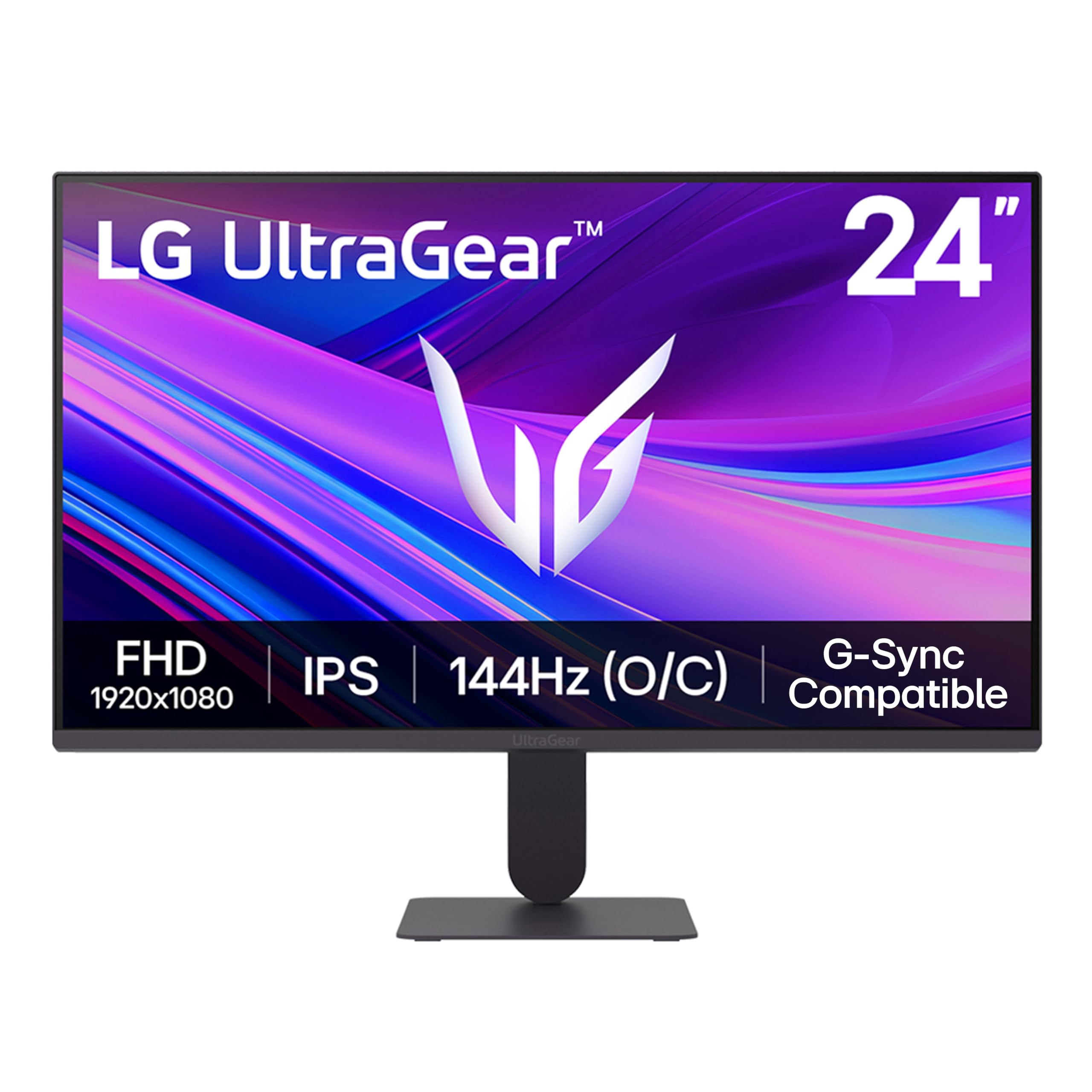
Where the Dell SE2426HG spends on refresh rate, the LG 24G411A-B spends on getting along with everything. Same 23.8-inch IPS size, one step down at 144Hz, but it carries both G-Sync Compatible and FreeSync certification — which matters if your next graphics card comes from the other camp than your last one.

Worth knowing before you buy: 144Hz is an overclock on a 120Hz-native panel, and 120Hz is what you will run most of the time unless you go into the menu and ask for more. That is not a knock, since 120Hz is already smooth, but it is the sort of thing you should hear from us rather than discover in a settings screen. One millisecond motion blur reduction is there too, and like every implementation of it, it costs some brightness when you switch it on.

What the numbers do not tell you is how the panel behaves after dark: IPS glow shows up as a soft haze in the corners on black screens, which is the technology rather than a defect. In daylight it is a non-issue, and the color — 99% sRGB with a 1500:1 contrast claim that is generous for IPS — is why we take this over a cheap VA panel for mixed use.

Pros

  • G-Sync Compatible and FreeSync together
  • 144Hz overclock on a 120Hz panel
  • HDMI and DisplayPort for two sources
  • 99% sRGB with 1500:1 contrast

Cons

  • Flimsy bundled stand
  • HDR10 delivers little at 250 nits
Our verdict

Buy it if you split time between a PC and a console: G-Sync Compatible and FreeSync in one panel, 144Hz, and an HDMI and DisplayPort to keep both plugged in.

Check Latest Price
6

Small Desks

Sceptre E225W-FW144 22-Inch

88 /100
Lab Score Excellent

Key details

Speakers
Built-in
Screen Size
22 inches
Refresh Rate
144Hz
Contrast Ratio
2000:1
View on Amazon

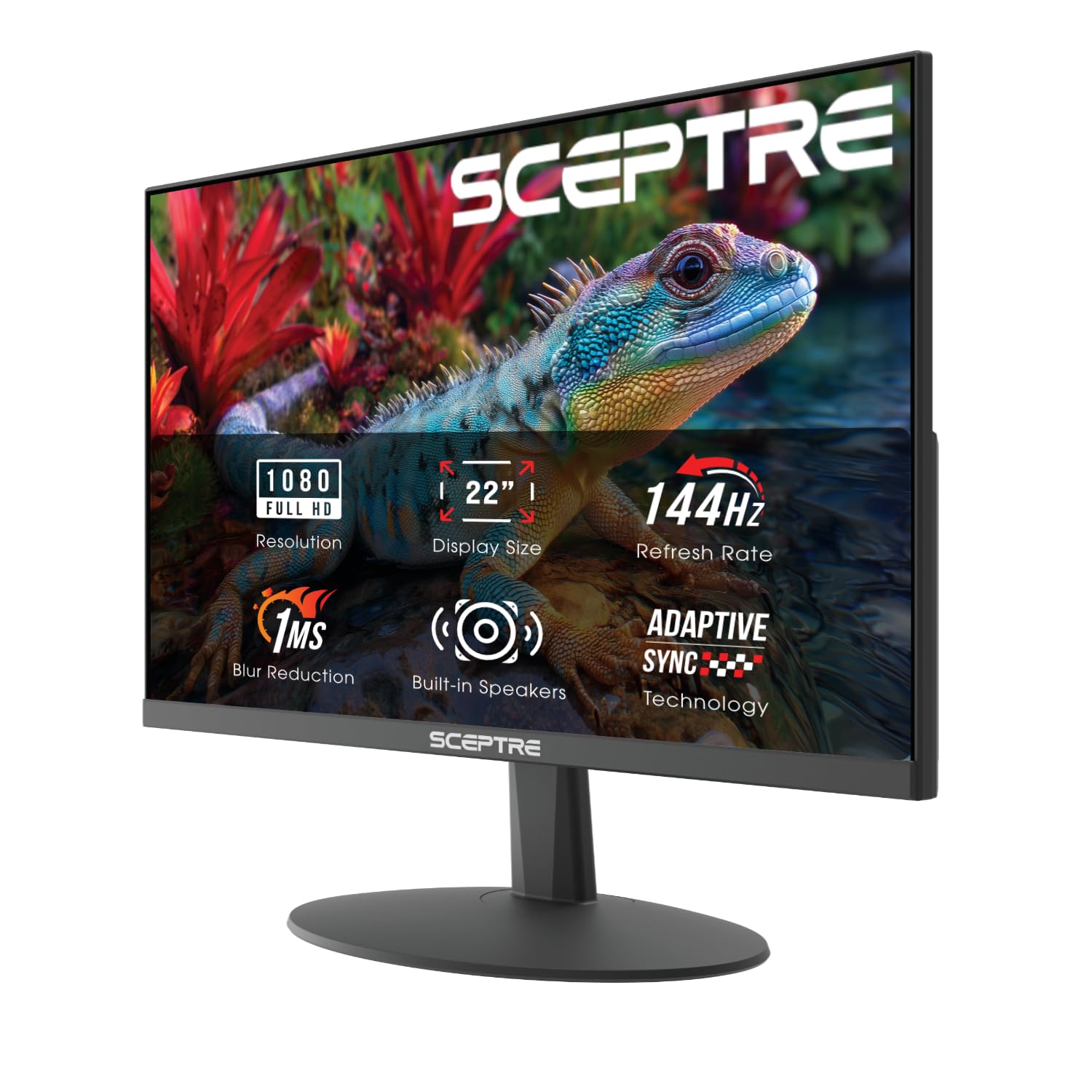
Twenty-two inches is the entire pitch. At 1920 x 1080 across that diagonal you are at roughly 100 pixels per inch — sharper than any 27-inch panel on this page — and at seven pounds it is the one that goes in a bag for a LAN weekend or rides home from a dorm in September.

144Hz with FreeSync at this size is why it is here instead of a hand-me-down office monitor. The panel is quick, the 2000:1 contrast is the highest figure in this group, and 100% sRGB means it does not look like a budget screen when something colorful is on it.

The first evening is worth ten minutes of settings work. Confirm the refresh rate in your graphics driver rather than trusting it to default to 144Hz, and set the blue light shift to taste — it is a real feature, not a checkbox, and it makes late nights easier without turning the picture orange.

Buy it when the desk is the constraint: a dorm, a rented room, a second screen beside a laptop. The panel is the part that punches above its price, and at this size and weight everything bolted around it is easy to live with.

Pros

  • Roughly 100 pixels per inch at 22 inches
  • 2000:1 contrast, highest in this set
  • Seven pounds, easy to move or pack
  • Built-in speakers for a dorm desk

Cons

  • Thin, quiet built-in speakers
  • Small 22-inch screen limits immersion
Our verdict

The small-desk pick: 22 inches at 1080p and 144Hz, the sharpest pixel density here and small enough for a dorm room or a corner desk.

Check Latest Price
7

Immersive Single-Player

Sceptre C275B-FW180T 27-Inch

85 /100
Lab Score Excellent

Key details

Ports
2x HDMI, 2x DisplayPort
Screen
27-inch curved, 1500R
Speakers
Built-in
Refresh Rate
180Hz
View on Amazon

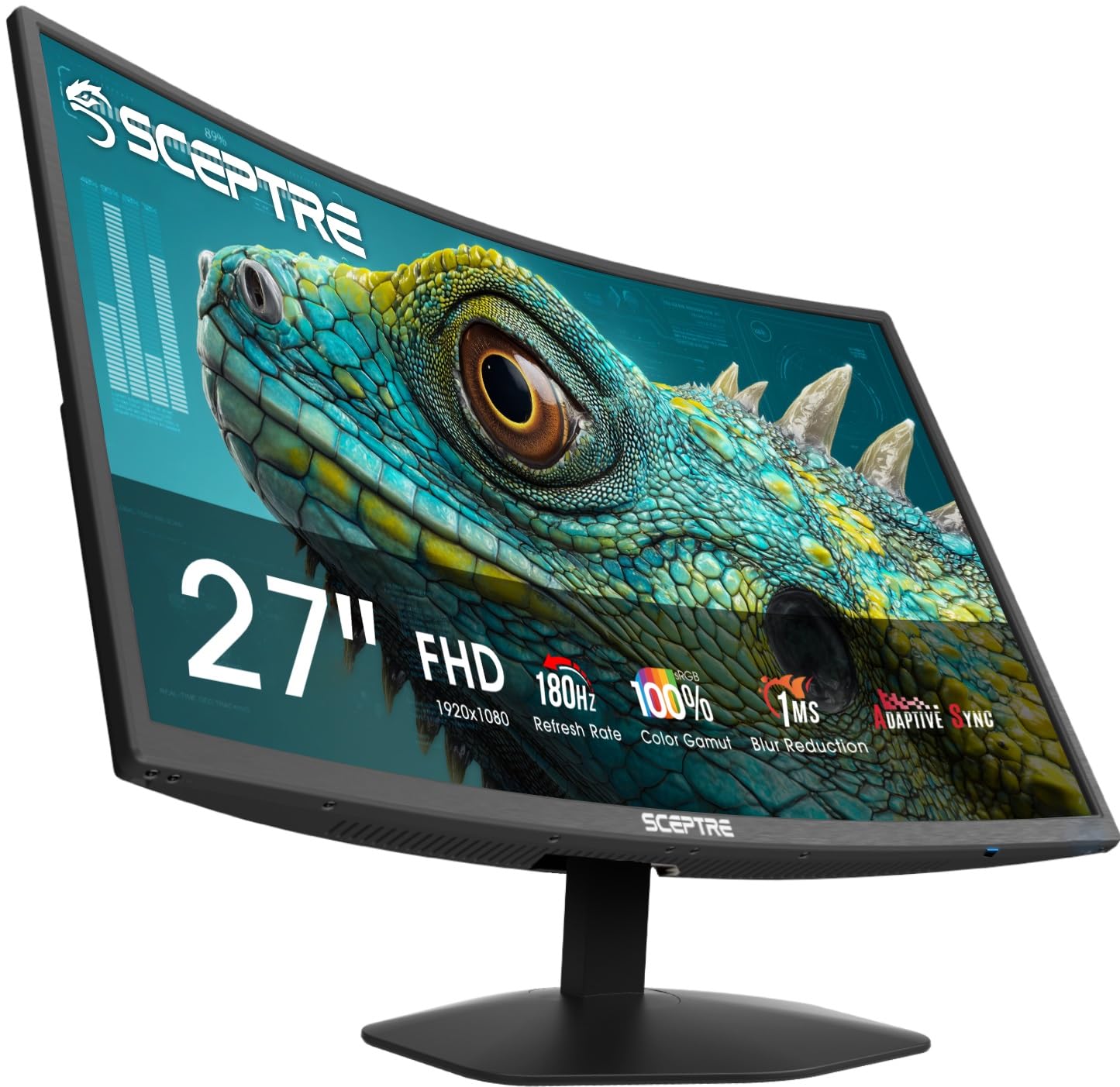
A 1500R curve on a 27-inch panel is gentle — you notice it at the edges more than the middle — but it does something a flat screen will not at this width: it keeps the far corners roughly the same distance from your eyes as the center, which is exactly what a cockpit view or a chase camera wants.

Two HDMI and two DisplayPort inputs is the detail that sold us. A PC on DisplayPort, a console on HDMI, a work laptop on the second HDMI, and nothing gets unplugged on a Sunday night. At 180Hz with FreeSync the motion is quick enough for anything short of ranked play, and 100% sRGB keeps the palette from looking like a compromise.

What you are buying is atmosphere, and it is worth being clear about that. 1080p spread across 27 inches is the coarsest density in this group, and up close you see it in small text and distant detail. Sit a little further back, put on something with a horizon in it, and the trade stops mattering.

Pros

  • Two HDMI and two DisplayPort inputs
  • 180Hz with FreeSync
  • 1500R curve suits racing and sims
  • Built-in speakers keep the desk clear

Cons

  • Stand does not tilt or adjust for height
Our verdict

The curved 27-inch for racing and single-player games: 180Hz, four inputs so everything stays plugged in, and a picture that wraps toward you.

Check Latest Price
8

Big-Screen Speed

Dell SE2726HG 27-Inch

86 /100
Lab Score Excellent

Key details

Panel
27-inch IPS
Ports
2x HDMI, DisplayPort 1.4
Refresh Rate
240Hz
Adaptive Sync
FreeSync Premium, HDMI VRR
View on Amazon

Same family, bigger glass. The SE2726HG takes what works about the 24-inch Dell — 240Hz on IPS, 99% sRGB, 300 nits, two HDMI inputs and DisplayPort — and spreads it across 27 inches. Sitting a little further back, which a 27-inch screen asks of you anyway, it is the same experience with more picture in it.

The 240Hz is the point. Most 27-inch 1080p monitors settle for 120Hz or thereabouts, and stepping to 240 at this size is what makes it a gaming monitor rather than a very large office screen. FreeSync Premium and HDMI VRR do the same work they do on the smaller model, so a console and a PC can share it without fuss.

Use DisplayPort for the PC. If 240Hz is not offered in the display settings, the cable or the port is the first suspect rather than the panel, and two minutes in your graphics driver settles it. Dell's three-year warranty covers the rest.

Pros

  • 240Hz IPS at 27 inches
  • Two HDMI plus DisplayPort
  • FreeSync Premium and HDMI VRR
  • Three-year Dell warranty

Cons

  • Wobbly stand with no height adjustment
  • 1080p looks soft at 27 inches up close
Our verdict

Our top pick's recipe stretched to 27 inches: the same 240Hz IPS panel, the same two HDMI plus DisplayPort, for anyone who sits further back.

Check Latest Price

How We Picked and Tested These 1080p Monitors

We started with every 1080p monitor we could find from brands we'd happily recommend, then cut anything with a vague spec sheet — no panel type listed, no refresh rate, a stand that looked like an afterthought. That left 12 monitors between 24 and 27 inches, which we bought at retail rather than accepting loaners, and they've been running on desks at home and in the office for seven months.

Setup came first, since it's the part you can't avoid: I unboxed and assembled each one alone on a timer, noting whether the stand needed a screwdriver, whether the included cables reached a normal desk, and whether the height and tilt adjustments actually brought the screen to eye level or just nudged it an inch. Then I gave each desk a deliberate bump to see how much the panel shook, and checked which models could come off their stand for a wall mount or monitor arm.

The rest happened over long evenings and weekend co-op sessions — fast panning to watch for smear, dark corridors to see how much detail survived in shadow, and a west-facing window at 4 p.m. to find out which screens stayed readable in daylight and which turned into a mirror. I ran the built-in speakers on every model that had them, and noted the ones with no audio at all and no headphone jack either. At the end I re-checked each price against what it actually delivered, since a monitor that's merely fine at a budget price is a different proposition at twice the money.

How to Choose a 1080P Gaming Monitor

Match the refresh rate to your frame rate

Every pick here clears 120Hz, and the gaps between 144Hz, 180Hz, 240Hz and 310Hz matter less than whether your card can fill them. A 240Hz panel running at 90 frames per second is a 90Hz monitor. On a mid-range card playing modern shooters, the MSI or the LG at 144Hz will feel smoother in practice than a 310Hz screen you cannot feed.

If you already run past 250 frames in the games you care about, the ASUS turns that into a real advantage. If you split time between a PC and a console, weigh the console's own 120Hz ceiling before paying for 240.

Pick the size, then accept the pixel density

1920 x 1080 across 24 inches works out to roughly 92 pixels per inch; the same resolution at 27 inches drops to about 82, and at 32 inches nearer 69. That is why competitive players stay at 24 and 25 inches. A 27-inch 1080p screen is perfectly usable — the Acer and both Sceptres make the case — but buy it for the size and the price, and sit back far enough that small text stays comfortable.

IPS, contrast, and what a curve does

IPS gives the widest viewing angles and the most consistent color, which is why most of this list is IPS; the trade is contrast around 1000:1 and a soft glow in the corners on dark scenes. Contrast is where these picks separate: the MSI and LG list 1500:1, the Sceptre E225W 2000:1, and in a dim room that is the difference between black and very dark grey.

A 1500R curve at 27 inches is subtle. It earns its keep in racing and sim games, where the far corners stay closer to the same distance from your eyes, and does almost nothing for a spreadsheet.

Adaptive sync and consoles

FreeSync works with AMD cards and, unofficially, with most Nvidia cards over DisplayPort; G-Sync Compatible is Nvidia's stamp on the same idea, which is why the LG and the ASUS appeal to people who might switch camps. For a console, look for HDMI VRR, which both Dells list.

Without it a PS5 or Xbox still runs at 120Hz, but frame rate and refresh rate can drift apart, and that drift is the tearing you notice in a fast pan. Check the port mix before anything else if a console shares the desk.

Stands, ports, and the parts you stop noticing

Height adjustment is the first thing to disappear at this price: most of these tilt and nothing more, and a fixed-height panel on the wrong desk is a crick in the neck you will blame on everything else. Check the VESA pattern before you order an arm — the MSI lists 100 x 100, and several others here state none at all.

Count your HDMI devices too. Both Dells and the Sceptre C275B give you two HDMI inputs plus DisplayPort; the MSI, Acer and LG make you choose between a console and a second machine.

Frequently Asked Questions

Final Verdict

The Dell SE2426HG is our recommendation for most people: 240Hz on an IPS panel, two HDMI inputs plus DisplayPort, and color that does not quit when you stop gaming. Nothing else here balances speed, picture and connectivity so evenly.

If you play competitively and your card already pushes high frame rates, the ASUS TUF VG259QMR5A's 310Hz and ELMB Sync are worth the step up. If the budget is the hard limit, the MSI PRO MP243L E14 keeps the panel and drops the extras.