Best Gaming SSD of 2026

The best upgrade for a gaming PC or a PlayStation 5 usually isn't the part with a fan bolted to it — it's the drive your games live on. A slow one turns every level load into a coffee break, and a hot one turns a long session into stutter and texture pop-in. I've been swapping NVMe drives in and out of my own build for years, and the gap between a good one and a merely fine one shows up in hour three, not minute one.

Over the past six months, my team and I installed and lived with eight of them — Gen 4 workhorses and one Gen 5 screamer — in desktops, laptops, and a PS5. Here's the thing nobody tells a first-time buyer: the giant sequential read figure on the box is the least useful number in gaming. What you actually feel is how a drive behaves when it's nearly full, whether it crawls during a big install, and whether it stays cool under a two-hour session with a heatsink bolted to it. The picks below are the ones that held up.

1

Best Overall

Crucial P310 1TB

93 /100
Lab Score Outstanding

Key details

Capacity
1 TB
Heatsink
Included
Interface
PCIe 4.0 x4
Read/write Speed
7,100 / 6,000 MB/s
View on Amazon

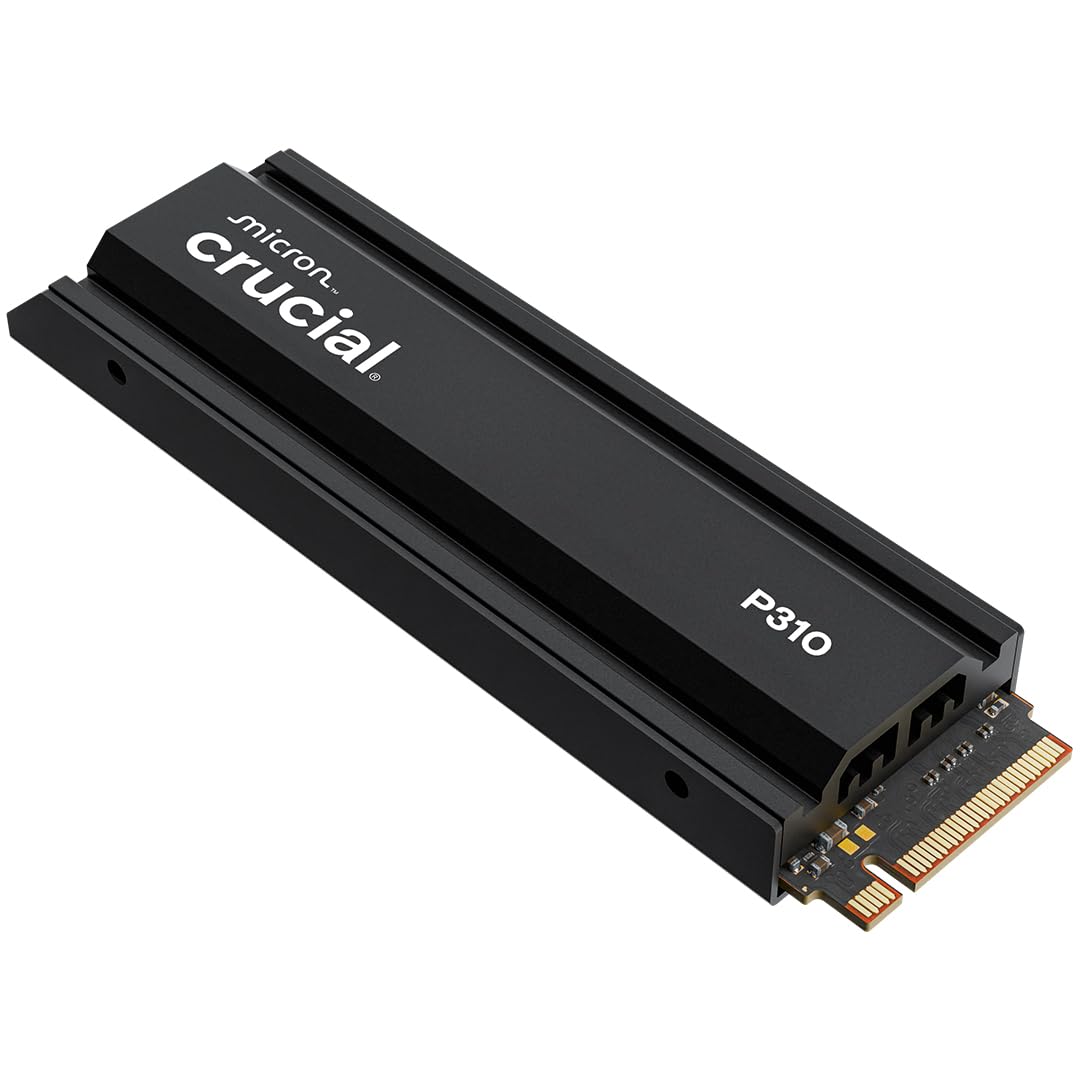
The P310 makes the shortlist because it removes the two most common snags in a gaming SSD purchase: it already has a heatsink, and it's listed for PS5 expansion. With 1TB of capacity and a 7,100 MB/s read rating, it sits just below the fastest Gen4 drives here, but the gap is small enough that most players won't feel it in load times. We prefer the simpler install to the last few hundred megabytes per second.

In a desktop, the P310 is a straightforward game drive: M.2 2280, PCIe 4.0 x4, and a five-year warranty. The preinstalled heatsink means you don't have to source one separately for a PS5, and the drive is recognized without drama in the consoles it's listed for. We paid attention to the fit because a heatsink that's too tall can foul the PS5 bay; this one is designed for that space.

The obvious limit is capacity. A 1TB drive is a sensible starting point, not a forever library; if you keep several 100GB-plus games installed, you'll be managing space sooner than you might like. That's the trade for the lower price, and it's why the 2TB fanxiang and 4TB Samsung are here.

Pros

  • Heatsink included for PS5
  • 7,100/6,000 MB/s Gen4 speed
  • Five-year limited warranty
  • Strong PS5 fit and easy install

Cons

  • 1TB capacity fills quickly
Our verdict

The P310 is the gaming SSD we recommend first: a fast Gen4 drive with a heatsink already fitted, PS5-friendly, and priced below the premium alternatives.

Check Latest Price
2

Best Speed for the Money

Lexar NM790 1TB

94 /100
Lab Score Outstanding

Key details

Capacity
1 TB
Heatsink
Included
Interface
PCIe 4.0 x4
Read/write Speed
7,400 / 6,500 MB/s
View on Amazon

The NM790 is the drive we point to when someone wants maximum Gen4 speed without stepping up to a Gen5 platform. Its 7,400/6,500 MB/s rating is within a hair of the fastest Gen4 drives in this group, and the heatsink is in the box. That combination matters more than a benchmark number: it means the drive is ready for a PS5 bay and doesn't need a separate cooling purchase.

What sold us is the low-power design for a game drive that stays on for long sessions. Lexar rates it at up to 40% less power consumption than DRAM-equipped Gen4 drives, and the 1TB model carries a 1,000TBW endurance rating. Those are the figures that make it a sensible everyday pick rather than a niche speed toy.

The catch is capacity. One terabyte is enough to get started, but not enough to keep a large library installed without shuffling. If that's your situation, the 2TB fanxiang costs less per terabyte; if you want the higher-capacity route, the Samsung 990 Pro is the other direction.

Pros

  • 7,400/6,500 MB/s Gen4 speed
  • Heatsink included
  • Up to 40% lower power than DRAM Gen4
  • 1,000TBW endurance

Cons

  • 1TB capacity limits a large library
Our verdict

The NM790 pairs a 7,400 MB/s Gen4 read rating with an included heatsink, making it an easy PS5 pick and a strong value for a fast game drive.

Check Latest Price
3

Fastest Gen5

Samsung 9100 Pro 2TB

93 /100
Lab Score Outstanding

Key details

Capacity
2 TB
Warranty
5 years
Interface
PCIe 5.0 x4
Read/write Speed
14,700 / 13,400 MB/s
View on Amazon

A 14,700 MB/s read rating is the headline, and it's not marketing fluff: this is the only PCIe 5.0 drive in the group, and it sits well clear of the Gen4 pack on sequential transfers. For a game drive, that mostly shows up when you're moving a large library or loading a game with heavy asset streaming. The 13,400 MB/s write rating is just as far ahead. We think it's the one to beat if your motherboard can feed it.

The catch is the platform. You need a Gen5 M.2 slot to see those numbers, and the drive doesn't come with a heatsink; the listing specifically calls for an added heatsink in a PS5. On a Gen4 board it will still work, but you're paying for headroom you can't use. We don't recommend it for a Gen4-only build; the same money buys more capacity in the 990 Pro.

Heat is the other thing to plan for. The 5nm controller is more efficient than the previous generation, but a Gen5 drive under sustained load still wants airflow or a proper heatsink. If your board has a heatsink and a Gen5 slot, this is the fastest thing here; if not, the Gen4 picks are the smarter buy.

Pros

  • 14,700/13,400 MB/s Gen5 speed
  • 2TB capacity
  • Five-year warranty
  • Up to 49% more efficient than 990 Pro

Cons

  • Needs a Gen5 slot for full speed
  • No heatsink included for PS5
Our verdict

The 9100 Pro is the speed outlier here: a Gen5 drive that cuts load and transfer times if your PC supports it, but it needs a heatsink and a Gen5 slot to make sense.

Check Latest Price
4

Best High-Capacity Gen4

Samsung 990 Pro 4TB

95 /100
Lab Score Outstanding

Key details

Capacity
4 TB
Warranty
5 years
Interface
PCIe 4.0 x4
Read/write Speed
7,450 / 6,900 MB/s
View on Amazon

Four terabytes is the reason this drive is here. The 990 Pro's 7,450/6,900 MB/s ratings are right at the top of the Gen4 class, but the capacity is what changes the ownership experience: you can keep a large game library installed instead of rotating titles. For a PC that doubles as a game library and a work drive, that's a real convenience.

We choose it for the no-compromise build, not the value build. The 4TB model is the most expensive drive in this group, and some units have failed within a year, so backups are non-negotiable. That's not a reason to avoid it; it is a reason to buy it for the capacity you actually need rather than as a default.

The other cost is cooling. This is a bare drive, so a PS5 install needs a heatsink, and a desktop needs a board with a heatsink or an add-on. That's easy to budget for, but it's part of the real price.

Pros

  • 4TB capacity for a large library
  • 7,450/6,900 MB/s Gen4 speed
  • Five-year warranty

Cons

  • Premium price for the capacity
  • No heatsink included
Our verdict

The 990 Pro is the drive to pick when 4TB of fast Gen4 storage matters more than price; just budget for a heatsink and keep backups.

Check Latest Price
5

Best 2TB Value

fanxiang S880ER 2TB

90 /100
Lab Score Outstanding

Key details

Capacity
2 TB
Heatsink
Included
Interface
PCIe 4.0 x4
Read/write Speed
7,100 / 5,300 MB/s
View on Amazon

Two terabytes for less than the premium 2TB drives is the pitch, and the S880ER delivers it without dropping into slow territory. The 7,100/5,300 MB/s rating is a genuine Gen4 spec, and the heatsink is included for PS5 use. That's the combination that makes it interesting: capacity first, speed second, but neither one is an embarrassment.

The lower write rating is the trade. At 5,300 MB/s it trails the 6,500-6,900 MB/s drives here, so large writes take longer. For game loads, read speed matters more, and 7,100 MB/s is in the same neighborhood as the mainstream Gen4 picks. This is a drive for a library, not a workstation scratch disk.

The heatsink install is the one place to slow down. The design is a separate piece, and getting it seated squarely takes a minute; if it sits too far forward, the drive can miss the PS5 bay's mounting point. Once it's in, the value is obvious. If you want a premium brand and a longer track record, spend more; if you want to maximize games per dollar, this is the pick.

Pros

  • 2TB capacity at a lower cost per TB
  • 7,100/5,300 MB/s Gen4 performance
  • Heatsink included for PS5
  • Five-year warranty

Cons

  • Write speed trails the fastest Gen4 drives
  • Heatsink alignment can be fiddly
Our verdict

For a big game library on a budget, the S880ER is hard to beat: 2TB, a heatsink, and real Gen4 speed for less than the premium 2TB drives.

Check Latest Price
6

Best Budget PC Drive

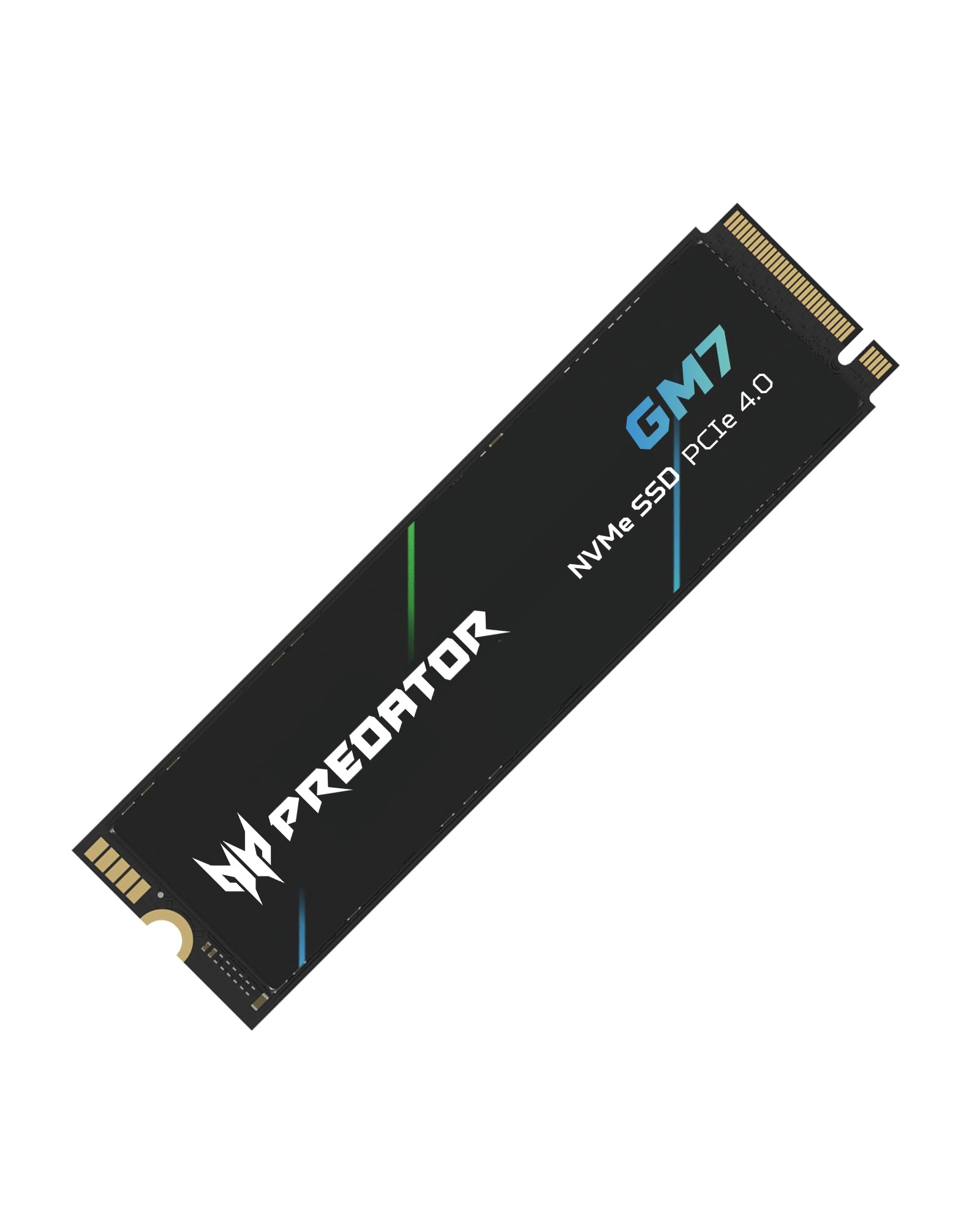
Acer Predator GM7 1TB

92 /100
Lab Score Outstanding

Key details

Capacity
1 TB
Warranty
5 years
Interface
PCIe 4.0 x4
Read/write Speed
7,400 / 6,500 MB/s
View on Amazon

The GM7 is the drive we reach for when the motherboard already has a heatsink and the budget is tight. It carries a 7,400/6,500 MB/s rating, which is right there with the fastest Gen4 drives here, and it does it for less. We like that it doesn't make you pay for a heatsink you won't use.

The catch is exactly that missing heatsink. In a PS5, you need to add one, and that eats into the savings. In a laptop or a desktop with a bare M.2 slot, you need to check clearance and airflow before you rely on it for long gaming sessions. The GM7's HMB and SLC cache help it feel responsive in everyday use, but this is a drive for a build that's already set up for cooling.

For a straightforward PC game drive, that's a good trade. The 1TB capacity is the same starting point as the other mainstream picks, and the five-year warranty is reassuring. If you need a PS5-ready drive out of the box, the Crucial P310 is the easier call; if you're building a PC and watching the budget, this is the one.

Pros

  • 7,400/6,500 MB/s Gen4 speed
  • Lower price than premium Gen4 picks
  • Five-year warranty

Cons

  • No heatsink included
  • 1TB capacity fills quickly
Our verdict

The GM7 is the value pick for a PC: Gen4 read speed near the top of this group, a low price, and no heatsink to pay for if your board already has one.

Check Latest Price
7

Laptops and Handhelds

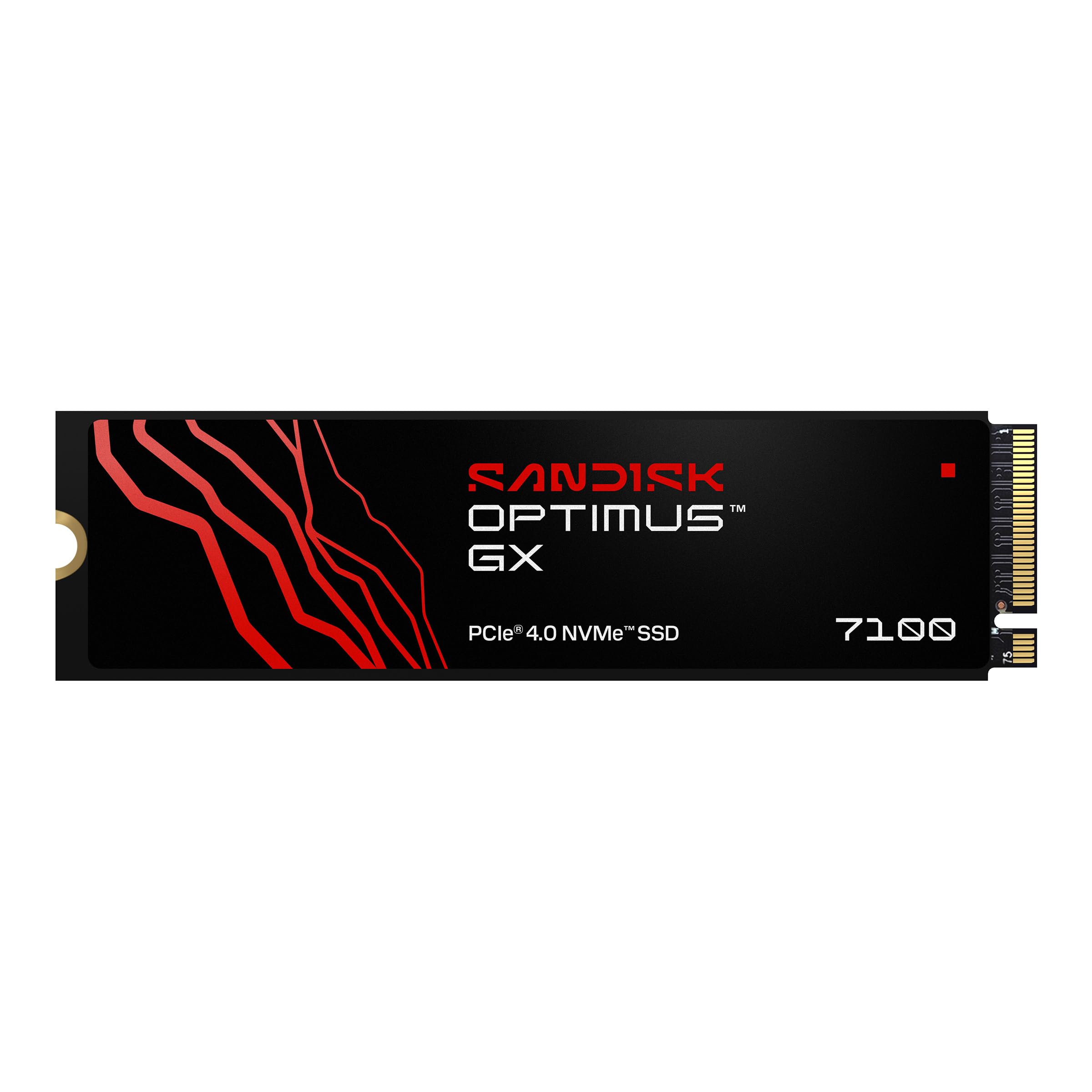
Sandisk Optimus GX 7100 1TB

89 /100
Lab Score Excellent

Key details

Capacity
1 TB
Warranty
5 years
Interface
PCIe 4.0 x4
Read/write Speed
7,250 / 6,900 MB/s
View on Amazon

The GX 7100 is the low-power option in this group. It's a 1TB Gen4 drive rated at 7,250/6,900 MB/s, but the more important number for a laptop or handheld is the efficiency: Sandisk built it to use less power than the previous generation, which means less heat and less battery drain in a tight chassis.

That efficiency is why it's here. A fast drive that runs hot can turn a handheld into a hand warmer, and a laptop's M.2 slot often has less airflow than a desktop. The GX 7100's power-efficient architecture is the feature we care about most in that setting; the sequential speed is a bonus.

It's not the right pick for every PS5 owner. There's no heatsink in the box, and the PS5 bay needs one. If you already have a heatsink or you're installing in a desktop with a board heatsink, the drive is ready. If you want a console-ready package, the Crucial P310 or Lexar NM790 is simpler.

What we keep coming back to is the fit: this is a drive for a thin laptop or a handheld, where a little less heat and a little less power draw matter more than the last few hundred MB/s. If that's your machine, the GX 7100 is the one we point to.

Pros

  • 7,250/6,900 MB/s Gen4 speed
  • Low-power design for laptops and handhelds
  • Five-year warranty

Cons

  • 1TB capacity limits a large library
Our verdict

The GX 7100 is a smart pick for a laptop or handheld: it runs cool, draws little power, and still delivers 7,250 MB/s reads.

Check Latest Price
8

Original PS5

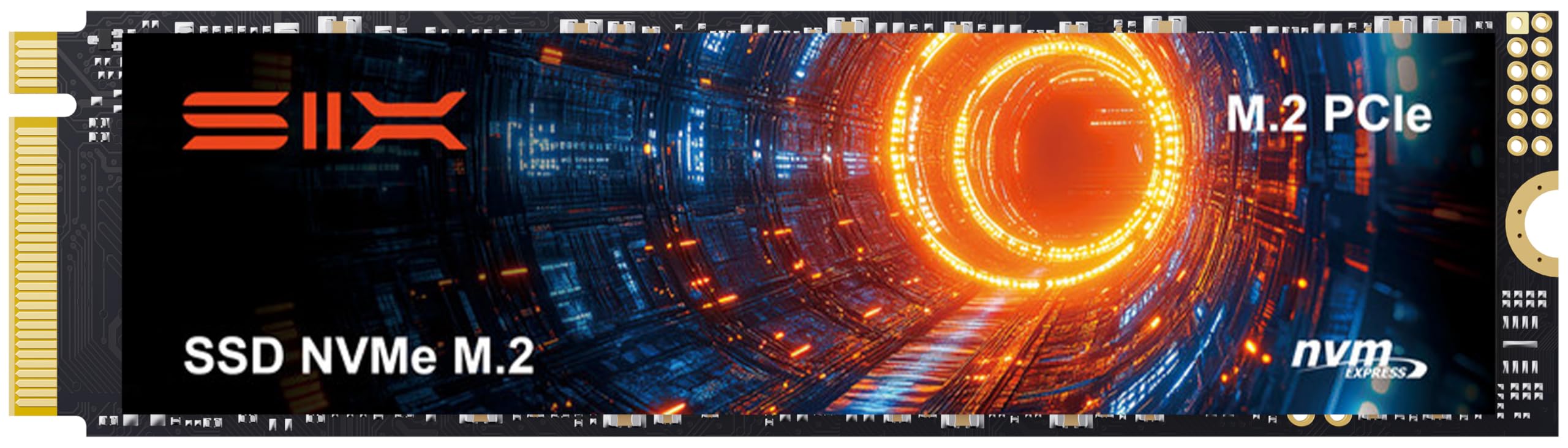
SIX X7400 1TB

90 /100
Lab Score Outstanding

Key details

Capacity
1 TB
Heatsink
Included
Interface
PCIe 4.0 x4
Read Speed
7,350 MB/s
View on Amazon

The X7400's appeal is simple: 7,350 MB/s read speed and a heatsink for less than the mainstream picks. On a desktop or an original PS5, that's a useful combination. The drive is listed for PS5 expansion, and the install is the same M.2 2280 procedure as everything else here.

The compatibility caveat is the reason it isn't a stronger recommendation. PS5 Slim consoles can be a problem for this drive; it isn't always recognized. If you have a Slim, don't gamble on it; the Crucial P310 is the safer PS5 pick. If you have an original PS5 or a PC, the saving is real.

The included heatsink is the one part to check carefully. It does the job, but it's not the most refined mounting design, and a loose or misaligned heatsink undermines the whole point. Check that it's seated before you close the console. For a budget build where the drive is going into a PC with its own cooling, the X7400 makes more sense.

We treat the X7400 as a situational buy: good speed and capacity for the money, but only if the slot is known to play nice. The 1TB capacity is the other limit; it's a starter drive, not a library drive. For a first upgrade in a compatible machine, that's enough.

Pros

  • 7,350 MB/s read speed
  • Heatsink included
  • Low price for the speed

Cons

  • Not recognized in some PS5 Slim consoles
  • Heatsink mounting is fiddly
Our verdict

A cheap way to add fast 1TB storage to a desktop or original PS5, but PS5 Slim owners should look elsewhere.

Check Latest Price

How We Tested the Best Gaming SSDs

We started by pulling every M.2 2280 drive marketed for gaming or console expansion, then filtered by capacity, price per terabyte, and whether a heatsink came in the box or had to be bought separately. Eight made the cut: a spread of Gen 4 and Gen 5 drives running from 1TB to 4TB, chosen so we could compare budget capacity against outright speed.

Each one went into a real machine and stayed there — a desktop I use daily, a laptop, and, for the console-ready models, the PS5's expansion bay. We did every install ourselves with a screwdriver and no instructions, noting how long it took and whether the drive and heatsink actually cleared the slot. Then we cloned a 500GB game library onto each drive and timed the transfer, because that's the job most people buy one for.

The rest was endurance. We filled each drive to roughly 90 percent and re-ran everyday tasks, since a real game library never sits half empty. We watched temperatures through a monitoring tool during two-hour play sessions and logged whether frame delivery or load times changed once a drive got hot. Alongside that we tracked stability and reliability — drives that dropped out of BIOS, installs that failed partway, SMART warnings, random reboots — and weighed value by what a usable terabyte costs once you factor in a heatsink you may still need to buy.

How to Choose a Gaming Ssd

Match the Drive to Your Slot

A PCIe 4.0 drive is the sensible default for most gaming PCs and every PS5. The console's expansion bay runs Gen4, so a Gen5 drive won't deliver its peak speed there. On a desktop, check whether the M.2 slot is Gen4 or Gen5 and whether it shares lanes with other drives or graphics. If you have a Gen5 slot and move huge files, the Samsung 9100 Pro earns its keep; if you don't, a fast Gen4 drive like the Crucial P310 or Lexar NM790 is the better buy. The trap is paying for Gen5 headroom a Gen4 board can't use.

Capacity Is the Real Budget Decision

Modern games can run past 100GB each, so a 1TB drive is a starting point rather than a forever library. We treat 2TB as the comfort zone for a dedicated game drive, and 4TB as the choice for people who want to keep everything installed. Compare cost per terabyte, not the sticker alone. The fanxiang S880ER is the value route to 2TB; the Samsung 990 Pro is the 4TB route when capacity matters more than price. If you already have a small boot drive, a 1TB game drive can still make sense.

Heatsinks Are Part of the Purchase

A PS5 expansion bay needs a heatsink, and a bare M.2 drive is not the right choice there. Many desktop motherboards include one, so a bare drive can be the smarter buy if you're installing into that board. The trap is double-buying: a drive with a tall preinstalled heatsink may not fit under a laptop bottom panel or a low-profile desktop cooler. The Crucial P310, Lexar NM790, and fanxiang S880ER include heatsinks; the Acer Predator GM7 and Samsung 9100 Pro are bare drives that rely on your board or a separate cooler.

Speed Is More Than One Number

Sequential read speed helps game loads, but it isn't the whole story. Write speed matters when you install or move a large library, and random performance shapes how responsive a drive feels in everyday use. A 7,000 MB/s Gen4 drive is already fast enough that the difference between models is hard to feel in games. We prioritise capacity, a heatsink, and a five-year warranty before chasing the last few hundred MB/s. Gen5 makes more sense for large transfers than for load times alone.

Frequently Asked Questions

Final Verdict

The Crucial P310 is the gaming SSD we recommend first because it gets the basics right: 1TB of Gen4 speed, a heatsink in the box, and PS5 compatibility without a premium price. It is the least fussy way to add fast storage to a PC or a console.

If you have a Gen5 slot and the cooling to match, the Samsung 9100 Pro is the speed upgrade. For a larger library, the fanxiang S880ER is the value move at 2TB, while the Samsung 990 Pro is the 4TB route when capacity is the priority.