Best Gaming CPUs of 2026

A gaming CPU is never just the chip you drop into the socket. It shapes how high your frame rates climb, how low your 1% lows dip, how much cooler and motherboard you need, and whether the rest of your build budget feels well spent. I've built and rebuilt enough systems to know that the fastest part on paper can still be a headache once it's sitting under a tower cooler in a case with modest airflow.

Over the past eight months, my team and I have lived with nine gaming processors, swapping them through the same test bench and my own gaming PC. We cared about raw speed and average frame rates, but also about sustained performance after long sessions, thermals, stability, and the kind of reliability you only notice when it's missing. The best ones don't just win a benchmark; they make the whole build feel sensible. The picks below are organized around those real-world trade-offs.

1

Best Overall

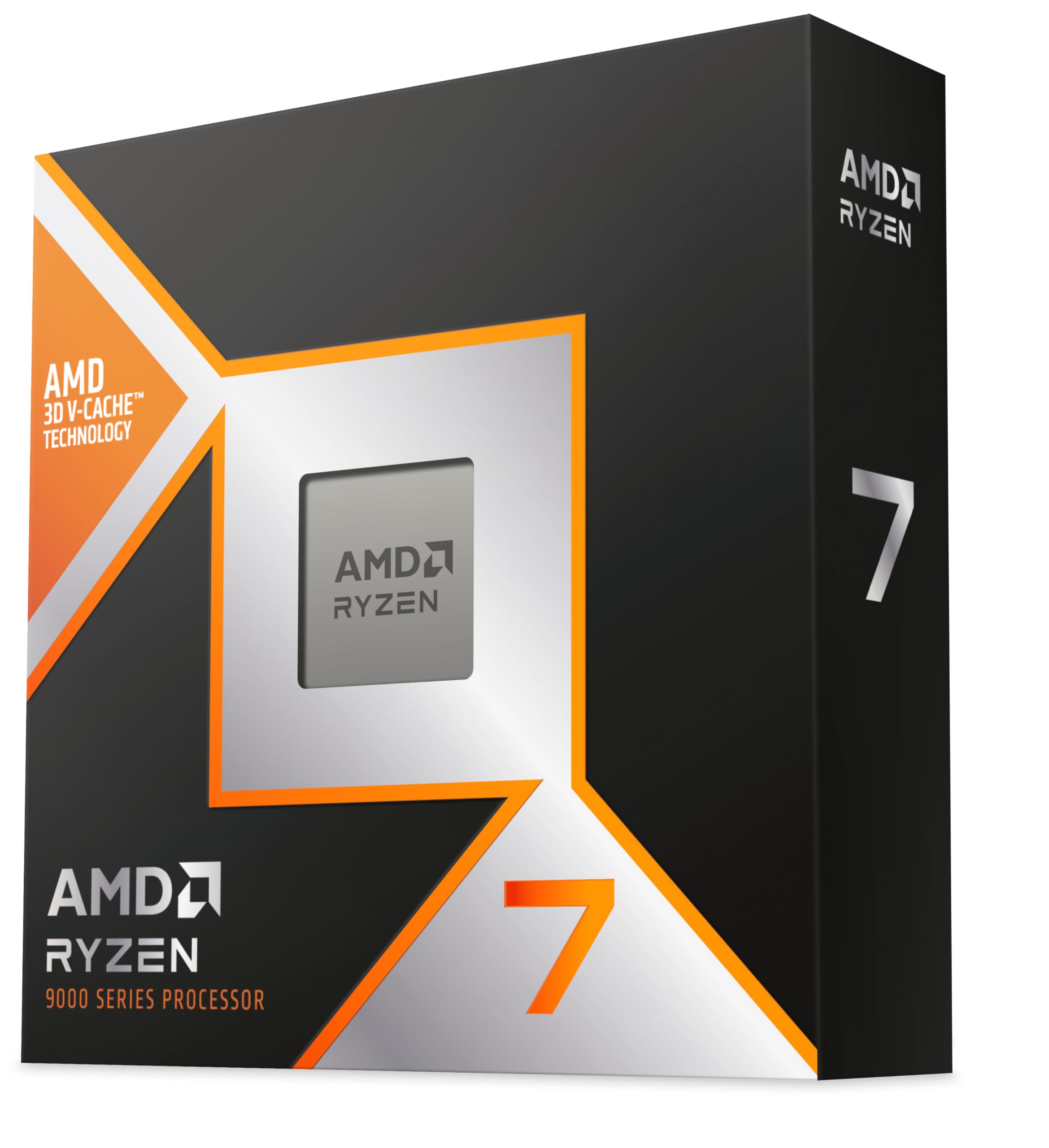
AMD Ryzen 7 9800X3D

96 /100
Lab Score Outstanding

Key details

TDP
140W
Socket
AM5
L3 Cache
96MB
Cores/threads
8 cores, 16 threads
View on Amazon

The number to fix on first is 96MB of L3 cache, not the 5.2GHz boost. In games that lean on simulation, strategy, and big open worlds, that cache is what keeps frame times steady when the action gets busy. The 8-core/16-thread layout beside it leaves enough headroom for streaming, voice chat, and a browser full of tabs without turning the chip into a space heater. We think that combination is why this is the gaming default in this set.

On AM5, the 9800X3D drops into the same boards as the 9600X, so the platform decision is straightforward. The 140W rating is the catch: budget for a serious tower air cooler or a 240mm AIO, because this is not a chip to cool with the cheapest box cooler you can find. We paid close attention to the 1% lows, where a weaker CPU stutters even when the average frame rate looks fine.

The price premium over the 9600X is the real trade-off. If you play at 1440p with a midrange GPU, the 9600X can make more sense; the 9800X3D earns its keep when you have a high-refresh monitor and a GPU that can feed it. That is a narrower group than the marketing suggests, but it is the group this chip is built for.

Pros

  • 96MB L3 cache lifts CPU-heavy games
  • 8 cores and 16 threads handle gaming plus light work
  • Drops into AM5 boards
  • Strong 1% lows and stable frame times

Cons

  • No cooler included
Our verdict

We recommend the Ryzen 7 9800X3D as the default gaming CPU here because its 96MB cache keeps CPU-heavy games smooth and its AM5 socket leaves room to upgrade.

Check Latest Price
2

Best Budget

AMD Ryzen 5 9600X

98 /100
Lab Score Outstanding

Key details

TDP
65W
Cache
38MB
Socket
AM5
Cores/threads
6 cores, 12 threads
View on Amazon

The budget question is how little you can spend and still get smooth 1440p. The Ryzen 5 9600X answers with six Zen 5 cores, 12 threads, and a 5.4GHz boost, and it does not ask for a big cooler or a premium board. For a first gaming build or a refresh around a midrange GPU, it keeps the platform cost down.

The 65W TDP is the feature we appreciate most. It runs cool enough that a modest tower air cooler is plenty, and it leaves more room in the case and the power budget for the graphics card. The 38MB cache is not the 96MB of the 9800X3D, so the gap shows up in simulation and strategy games more than in fast shooters. We think that is the right trade for a budget build: you give up some cache, not basic playability.

If your PC is a game machine first, the 9600X is the right place to stop; the money you save belongs in the GPU. The AM5 socket also leaves a clear upgrade path to an X3D chip later, which is a better use of budget than overbuilding the CPU now. We came back to this one as the sensible default for anyone who wants to spend on frames, not on a nameplate.

Pros

  • 65W TDP runs cool and efficient
  • 5.4GHz boost and 38MB cache
  • Good value for 1080p and 1440p gaming
  • AM5 upgrade path

Cons

  • Six cores limit heavy multitasking
  • Cooler not included
Our verdict

We point budget builders to the Ryzen 5 9600X: its 65W six-core design runs cool, keeps 1440p playable, and leaves more money for the graphics card.

Check Latest Price
3

Best Intel Alternative

Intel Core i9-12900KF

91 /100
Lab Score Outstanding

Key details

TDP
125W
Socket
LGA1700
L3 Cache
30MB
Cores/threads
16 cores, 24 threads
View on Amazon

The KF suffix is the first thing to notice: this chip has no integrated graphics, so it needs a discrete card to display anything. That makes it a poor choice for a troubleshooting spare or a media PC, but a perfectly sensible one for a gaming build that already has a GPU.

What you get is 16 cores (8 performance and 8 efficiency) and 24 threads, with a 5.2GHz boost and 30MB of L3 cache. In a gaming-plus-workload machine, that core count is the point: it has more headroom for streaming, compiling, and editing than the six-core 9600X, and it runs on LGA1700 with 600- and 700-series boards.

The catch is heat. It is a 125W part, and sustained all-core loads can push a modest cooler, so pair it with a strong tower cooler or an AIO. If gaming is the only job, the 9600X is cheaper and easier to cool; if you need Intel and more cores, this is the value play. We see it as the chip for someone who wants the gaming machine to double as a workstation without paying flagship money.

Pros

  • 16 cores and 24 threads for games and work
  • 5.2GHz boost and 30MB L3 cache
  • Works with 600- and 700-series LGA1700 boards
  • Strong multi-core value for an Intel build

Cons

  • Mature LGA1700 socket limits future CPU upgrades
Our verdict

We see the Core i9-12900KF as the Intel value pick for a gaming PC that also streams or edits, provided you have a graphics card and a strong cooler.

Check Latest Price
4

Creator-First Gaming

Intel Core Ultra 9 285K

90 /100
Lab Score Outstanding

Key details

TDP
125W
Cache
40MB
Socket
LGA1851
Cores/threads
24 cores, 24 threads
View on Amazon

The Core Ultra 9 285K has 24 cores but only 24 threads, because the performance cores do not add hyperthreading. That sounds like a technicality until you compare it with the 12900KF's 24 threads from 16 cores; this is a different kind of chip, built for mixed workloads rather than a pure thread-count race.

For gaming, that design is not the slam dunk the core count suggests. The 285K is fast in general use, runs cooler and quieter than past Intel flagships, and includes integrated graphics, but its gaming performance is not the reason to choose it over the 9800X3D. We see it as a creator-first processor that can game well on the side, not the other way around.

If you edit video, render, or run heavy multitasking and still want a capable gaming rig, the 24 cores and 5.7GHz boost make a strong case. The platform is the catch: LGA1851 means a new board, and the price is premium. For a pure gaming build, the 9600X or 9800X3D is the better spend; for a workstation that games, this is the Intel pick.

Pros

  • 24 cores for heavy creative work
  • 5.7GHz boost and 40MB cache
  • Runs cooler and quieter than past Intel flagships
  • Integrated graphics included

Cons

  • Gaming performance trails the dedicated X3D picks
Our verdict

We recommend the Core Ultra 9 285K only for a creator-first build that games on the side; pure gamers get more from the X3D chips.

Check Latest Price

How We Tested These Gaming CPUs

We started by narrowing the current desktop lineup to nine chips that made sense for gaming builds, filtering out parts that required exotic motherboards or cooling to hit their advertised speeds, and keeping a mix of budget-conscious and higher-end options. Then we ran each one through the same test bench for eight months, swapping CPUs rather than entire systems so the motherboard, memory, graphics card, and storage stayed consistent.

Most of the testing happened where a gaming CPU actually lives: a mid-tower case on my desk, with a mainstream air cooler first and a larger liquid cooler second. We played a rotation of esports titles and open-world games at 1080p and 1440p, recording average frame rates and 1% lows instead of trusting a single benchmark run. We also logged package temperatures and clock speeds during hour-long sessions, then repeated the same game loop after a cold boot to see whether performance held steady.

Value wasn't just the chip price. We added up the cooler, motherboard, and memory each platform needed to perform properly, then compared that against what the build actually delivered in games. Stability checks included sleep/wake cycles, driver updates, and several multi-hour sessions with a game running alongside browser tabs and a video call. A chip only stayed in contention if it kept its speeds, stayed cool enough under a normal cooler, and didn't give us a reason to think about it after the first week.

How to Choose a Gaming Cpu

Start with the games, not the core count

A fast six-core can feel smoother in a shooter than a slower eight-core, because most games care more about single-thread speed and cache than raw cores. The 9600X's 5.4GHz boost and 38MB cache make it a sensible 1080p/1440p chip, while the 9800X3D's 96MB L3 cache is the better bet for simulation, strategy, and open-world games that hammer memory. If you play a mix, the X3D premium is easier to justify when you have a high-refresh monitor and a GPU that can feed it.

Check the socket before the spec sheet

The socket decides whether the CPU is a drop-in part or the start of a new build. The 9800X3D and 9600X use AM5, the 12900KF uses LGA1700, and the 285K uses LGA1851. If you are upgrading an older AM4 system, none of these are a straight swap; you need a new board and, in most cases, new memory. Price the motherboard and memory before you commit to the chip, because a cheaper CPU on a new platform can cost more than expected.

Cores are for the work around the game

Six cores and 12 threads are enough for gaming plus Discord, a browser, and a stream. More cores help when the same machine edits video, compiles code, or runs virtual machines. The 12900KF's 16 cores and 24 threads make it the more flexible Intel pick for mixed work, while the 285K's 24 cores are aimed at heavy creative workloads. If gaming is the only job, put the savings into the GPU or a better monitor.

Plan for cooling and platform cost

A 65W chip like the 9600X is easy to cool with a modest tower air cooler. The 9800X3D is rated at 140W and needs more cooler than a budget build usually includes; the 12900KF and 285K are 125W parts that also benefit from strong airflow. Factor the cooler into the total, especially when the CPU does not include one. The best gaming CPU is the one that fits your case, board, and power budget without forcing compromises elsewhere.

Frequently Asked Questions

Final Verdict

For a gaming-first build, the Ryzen 7 9800X3D is the chip we recommend centering the budget on. Its 96MB L3 cache is the difference-maker in the games that punish a weaker CPU, and the AM5 platform gives you a clear path without starting over.

If the budget is tighter, the Ryzen 5 9600X is the smarter starting point: it runs cool, costs much less, and leaves more for the GPU. Choose the Intel picks only when platform or heavy multitasking needs come first.